
iOS 實作側滑欄效果
編輯:iOS 開發綜合
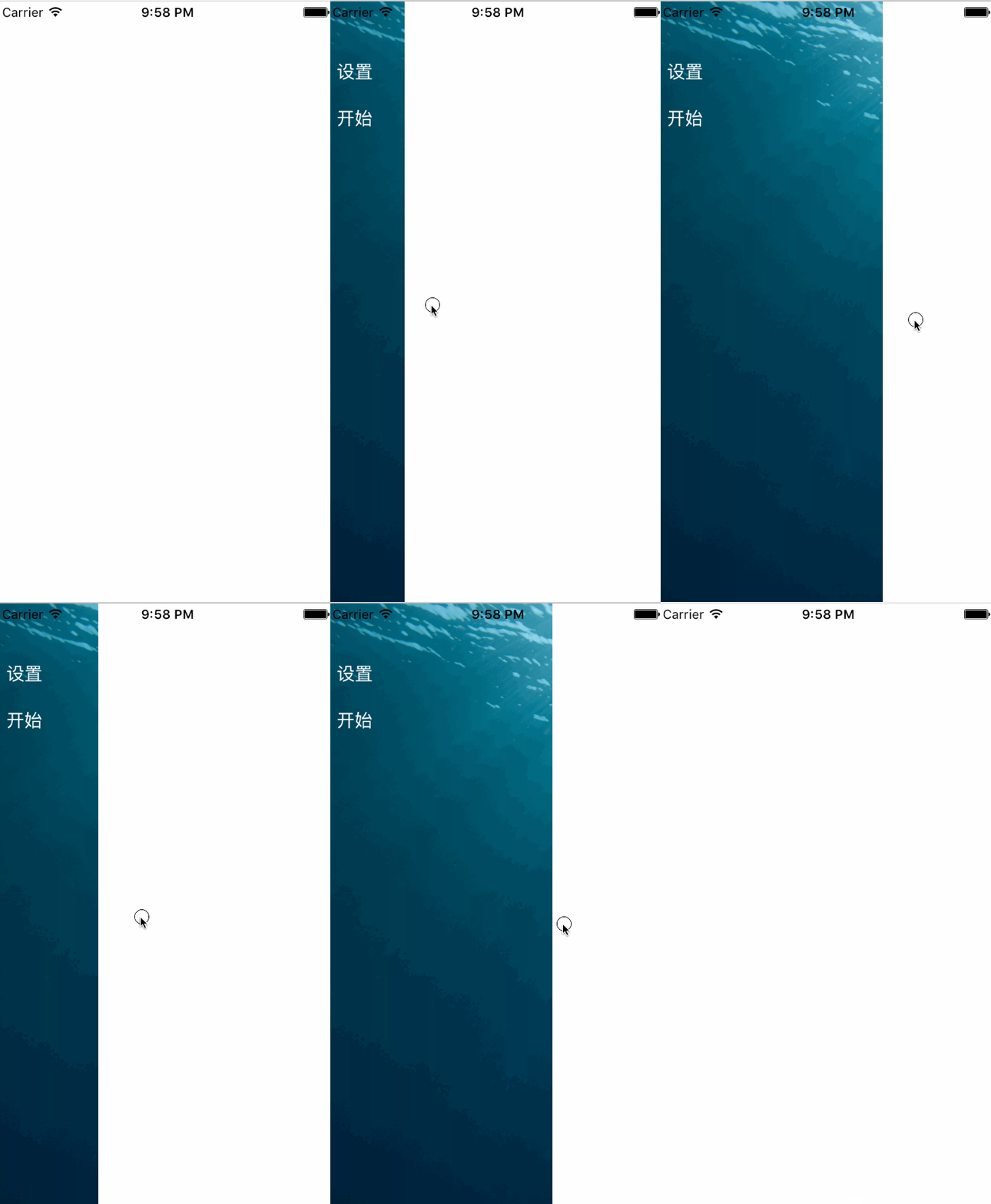
效果
核心程式碼
側滑欄的核心是把左側選單與主畫面疊放,並以 UIPanGestureRecognizer 監聽拖曳手勢,依手勢位移即時移動主畫面,放開時再依臨界位置吸附到展開或收合狀態:
@interface ViewController () {
    CGFloat _screenWidth;
}
@property (nonatomic, strong) UIPanGestureRecognizer *panGesture;
@property (nonatomic) CGPoint panBeginPoint;
@property (nonatomic, strong) LeftViewController *leftViewController;
@property (nonatomic, strong) UIView *leftView;
@property (nonatomic, strong) MainViewController *mainViewController;
@property (nonatomic, strong) UIView *mainView;
@end

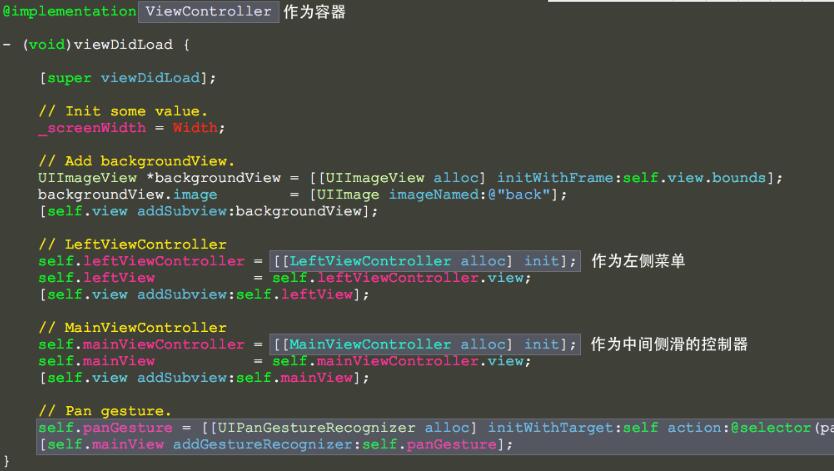
- (void)viewDidLoad {
    [super viewDidLoad];
    _screenWidth = Width;
    // 背景
    UIImageView *backgroundView = [[UIImageView alloc] initWithFrame:self.view.bounds];
    backgroundView.image = [UIImage imageNamed:@"back"];
    [self.view addSubview:backgroundView];
    // 左側選單
    self.leftViewController = [[LeftViewController alloc] init];
    self.leftView = self.leftViewController.view;
    [self.view addSubview:self.leftView];
    // 主畫面
    self.mainViewController = [[MainViewController alloc] init];
    self.mainView = self.mainViewController.view;
    [self.view addSubview:self.mainView];
    // 拖曳手勢
    self.panGesture = [[UIPanGestureRecognizer alloc] initWithTarget:self action:@selector(panGestureEvent:)];
    [self.mainView addGestureRecognizer:self.panGesture];
}

- (void)panGestureEvent:(UIPanGestureRecognizer *)gesture {
    CGPoint translation = [gesture translationInView:gesture.view];
    CGPoint velocity = [gesture velocityInView:gesture.view];
    CGFloat gap = _screenWidth / 3.f * 2;
    CGFloat sensitivePosition = _screenWidth / 2.f;
    if (velocity.x < 0 && _mainView.x <= 0) {
        // 過濾掉向左側滑過頭的情形
        _mainView.x = 0.f;
    } else {
        if (gesture.state == UIGestureRecognizerStateBegan) {
            _panBeginPoint = translation;
            if (_mainView.x >= sensitivePosition) {
                _panBeginPoint.x -= gap;
            }
        } else if (gesture.state == UIGestureRecognizerStateChanged) {
            _mainView.x = translation.x - _panBeginPoint.x;
            if (_mainView.x <= 0) {
                _mainView.x = 0.f;
            }
        } else if (gesture.state == UIGestureRecognizerStateEnded) {
            [UIView animateWithDuration:0.20f animations:^{
                _mainView.x >= sensitivePosition ? (_mainView.x = gap) : (_mainView.x = 0);
            }];
        }
    }
}
小結
以上就是 iOS 實作側滑欄效果的完整內容,透過平移手勢即時更新主畫面位置,並以臨界值決定展開或收合,希望對你的學習有所幫助。
- 上一篇文章: iOS 實作水平方向的瀑布流
- 下一篇文章: 封裝可複用的 iOS 二維碼掃描控件