
iOS 開發實戰:UIProgressView 進度條控件用法
編輯:iOS 開發綜合
UIProgressView 是一個用來呈現任務進度的進度條控件,經常用於下載、上傳或耗時操作的視覺回饋。本文用一個最簡單的範例,帶大家快速掌握它的基本用法。
一、程式碼實作
ZYViewController.h:
#import <UIKit/UIKit.h>

@interface ZYViewController : UIViewController

@property(nonatomic,strong) UIProgressView *progressView;

@end
ZYViewController.m:
@synthesize progressView;

- (void)viewDidLoad
{
    [super viewDidLoad];
    self.view.backgroundColor = [UIColor whiteColor];
    self.progressView = [[UIProgressView alloc] initWithProgressViewStyle:UIProgressViewStyleBar];//初始化條狀進度條
    self.progressView.center = self.view.center;
    self.progressView.progress = 0.5f;//把進度設為 50%
    [self.view addSubview:self.progressView];
}
關鍵在於 progress 屬性,它接受一個 0.0 到 1.0 之間的浮點數,代表進度的百分比。只要在不斷更新的時機重新賦值,進度條就會隨之推進。
二、運行結果
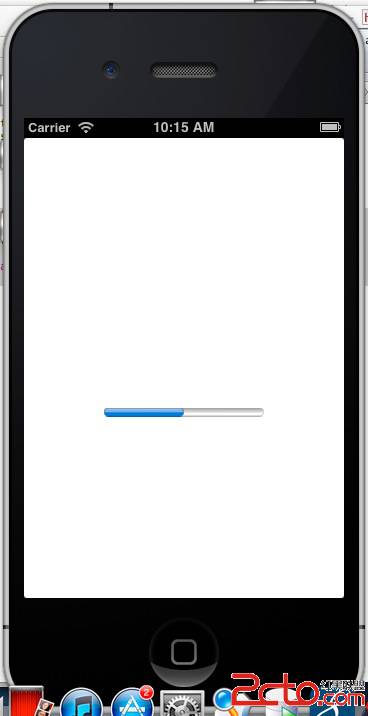
如上圖所示,進度條顯示在中間位置,並填滿了約一半的長度。