
iOS 實作:攔截使用者輸入,禁止表情符號進入文字欄位
編輯:iOS 開發綜合
有些欄位在送出到伺服器後會出問題,常見原因就是使用者貼進了表情符號。與其等後端報錯,不如在輸入階段就攔下來。做法不複雜,核心是一段 Unicode 範圍比對的正則表達式。
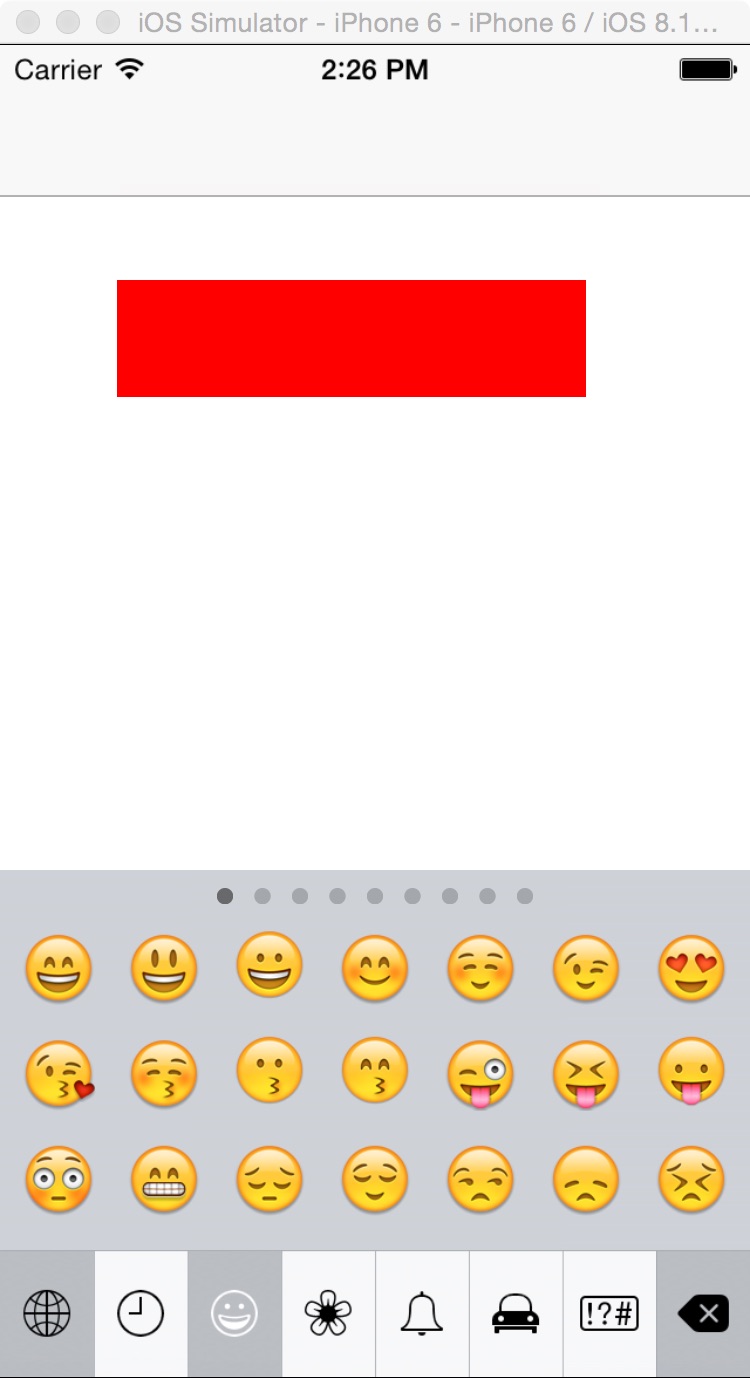
一、先看成果
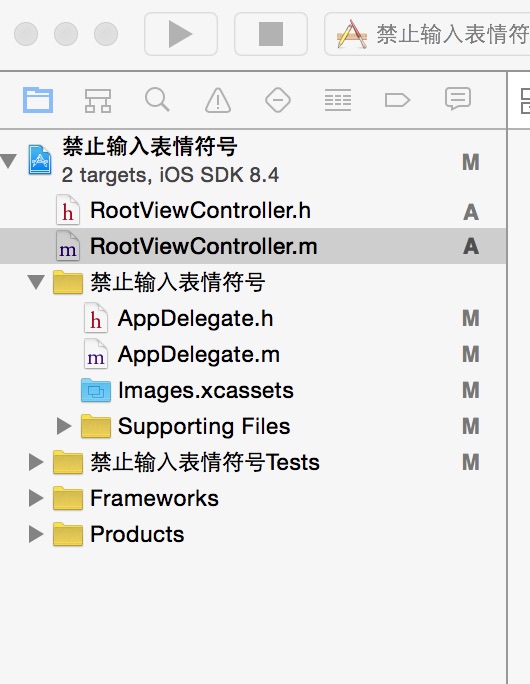
二、工程結構
三、程式碼
做法是在 UITextView 的代理方法 textViewDidChange: 中攔截,把不允許的字元濾掉之後重新寫回。這裡有個關鍵細節:寫回之前先記住游標位置,寫回之後再還原,否則每打一個字游標就會跳到最前面,體驗很差。
RootViewController.h
#import <UIKit/UIKit.h>

@interface RootViewController : UIViewController <UITextViewDelegate>
@end
RootViewController.m
- (void)viewDidLoad {
    [super viewDidLoad];
    // 初始化介面
    [self addView];
}

#pragma mark - functions
- (void)addView {
    UITextView *textView = [[UITextView alloc] initWithFrame:CGRectMake(50, 100, 200, 50)];
    textView.backgroundColor = [UIColor redColor];
    textView.delegate = self;
    [self.view addSubview:textView];
}

#pragma mark - UITextViewDelegate
- (void)textViewDidChange:(UITextView *)textView {
    // 先記住游標位置
    NSRange textRange = [textView selectedRange];
    // 過濾掉不允許的字元
    [textView setText:[self disable_emoji:[textView text]]];
    // 還原游標位置
    [textView setSelectedRange:textRange];
}

// 禁止輸入表情符號
- (NSString *)disable_emoji:(NSString *)text {
    NSRegularExpression *regex = [NSRegularExpression regularExpressionWithPattern:@"[^\\u0020-\\u007E\\u00A0-\\u00BE\\u2E80-\\uA4CF\\uF900-\\uFAFF\\uFE30-\\uFE4F\\uFF00-\\uFFEF\\u0080-\\u009F\\u2000-\\u201f\r\n]" options:NSRegularExpressionCaseInsensitive error:nil];
    NSString *modifiedString = [regex stringByReplacingMatchesInString:text options:0 range:NSMakeRange(0, [text length]) withTemplate:@""];
    return modifiedString;
}
這段正則在做什麼
中括號裡的 ^ 代表「不屬於以下範圍」的字元都要被移除。仔細看保留下來的白名單,其實涵蓋了:
- 基本英文與半形符號(0020–007E)
- 部分拉丁字元延伸(00A0–00BE)
- 中日韓文字與相關區段(2E80–A4CF)
- CJK 相容漢字、CJK 相容表意文字(F900–FAFF、FE30–FE4F)
- 全形字元(FF00–FFEF)
- 常用標點與特殊符號(2000–201F)
- 換行與 Enter
換句話說,一般中文、英文、數字、標點都能正常輸入,被擋掉的正是落在這些區段之外的字元——表情符號就屬於其中之一。
實務上的提醒
直接靜默刪除字元,使用者可能一頭霧水。比較友善的做法是搭配一個提示,例如「不支援表情符號」,讓對方知道發生了什麼事。另外,如果欄位是 UITextField 而非 UITextView,只要把同樣的邏輯掛到 shouldChangeCharactersInRange 上,並回傳過濾後的結果即可,思路完全一致。