
22 個 iOS 開發實用技巧整理
本文整理 iOS 開發中常見的實用技巧,涵蓋表格視圖、手勢、鍵盤、導覽列、圖片拉伸、動畫與下拉刷新等主題。
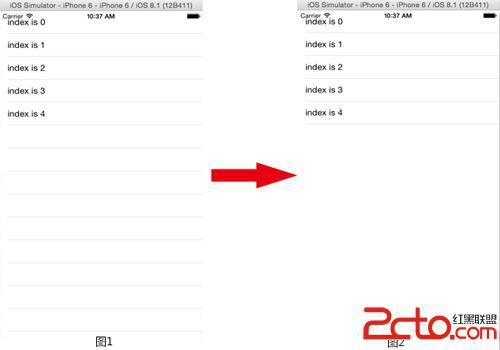
1. TableView 不顯示空白 Cell
可將表格的 tableFooterView 設為空白檢視:
self.tableView.tableFooterView = [[UIView alloc] init];
2. 自訂左返回鍵後滑動返回失效
可將 interactivePopGestureRecognizer 的 delegate 設為自己,並在需要時處理手勢。
3. ScrollView 無法滑到頂端
可嘗試關閉自動調整內縮:
self.automaticallyAdjustsScrollViewInsets = NO;
4. 鍵盤處理麻煩
可使用 IQKeyboardManager 自動處理鍵盤遮擋與收合。
5. App 不流暢
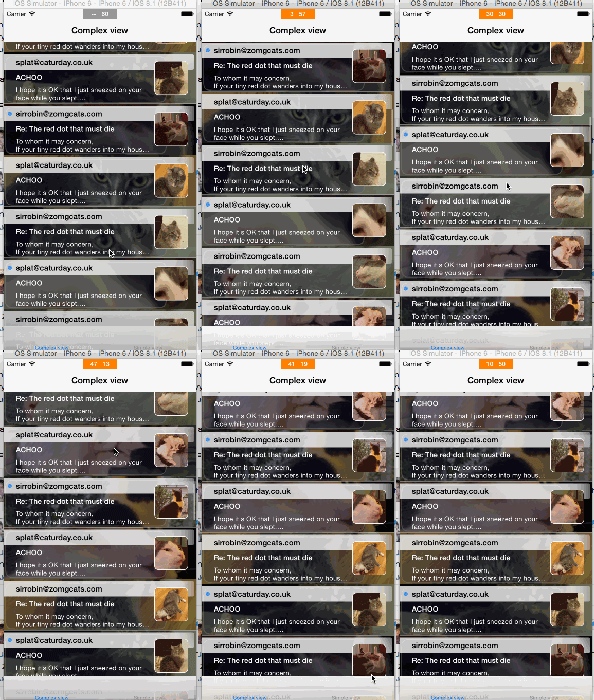
可使用 KMCGeigerCounter 監控 FPS,找出效能瓶頸。
6. 調整分隔線位置
可使用:
_myTableView.separatorInset = UIEdgeInsetsMake(0, 100, 0, 0);
7. 點擊畫面收起鍵盤
可在 touchesBegan 中呼叫:
[self.view endEditing:YES];
8. 為每個頁面設定背景圖
可建立基底控制器,在檢視載入時設定背景。
9. 在程式碼中修改 XIB 約束
可將控制項拖曳到程式碼中建立 IBOutlet,再修改約束。
10. 滑動時隱藏導覽列
可使用:
navigationController.hidesBarsOnSwipe = YES;
11. 隱藏返回鍵標題
可使用:
[[UIBarButtonItem appearance] setBackButtonTitlePositionAdjustment:UIOffsetMake(0, -60) forBarMetrics:UIBarMetricsDefault];


12. Core Data 語法繁瑣
可使用 MagicalRecord 簡化操作。
13. CollectionView 懸停 Header
可使用 CSStickyHeaderFlowLayout。
14. 用 Pan 手勢判斷方向
可根據 velocityInView: 的 x 與 y 分量判斷上下左右。
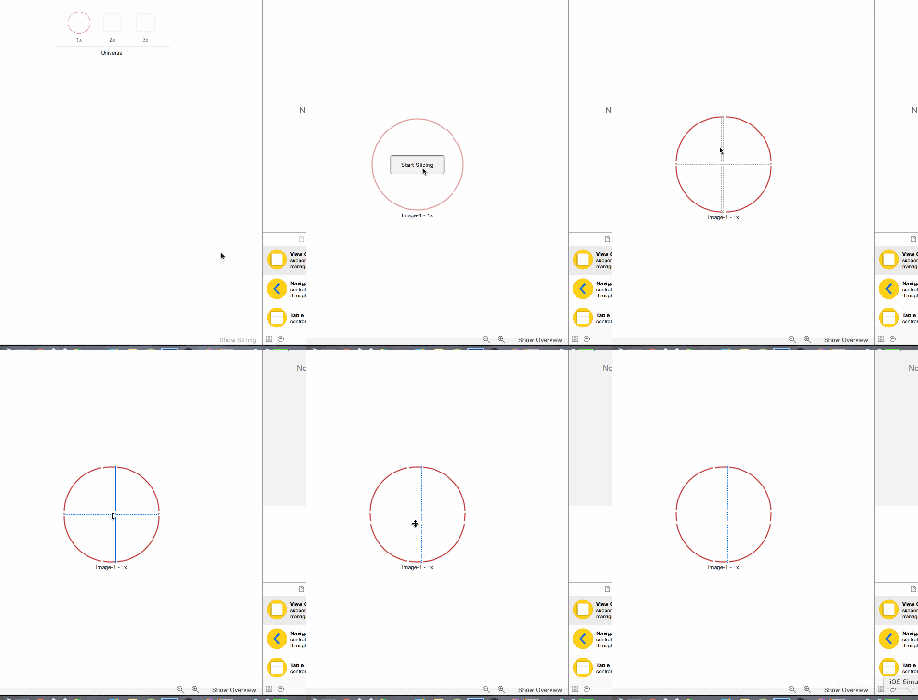
15. 圖片拉伸變形
可使用:
stretchableImageWithLeftCapWidth:topCapHeight:
或改用較新的 resizableImageWithCapInsets:。
16. GIF 播放卡頓
可使用 FLAnimatedImage。
17. 快速加入下拉刷新
可使用 SVPullToRefresh。
18. 修改 Cell 小勾選顏色
可設定表格的 tintColor。

19. 使用相機後狀態列變色
可在 navigationController:willShowViewController:animated: 中重設狀態列樣式。
20. 導覽列透明化
可將背景圖與陰影圖設為空白,並開啟 translucent。
21. 修改 UITextField 提示文字樣式
可繼承 UITextField 並重寫 drawPlaceholderInRect:。
22. 如何學到更多技巧
可持續閱讀 Stack Overflow、官方文件與社群範例,累積實戰經驗。
- 上一篇文章: iOS 沙盒進階:建立目錄、讀取檔名與混合資料寫入
- 下一篇文章: 適合新手的 iOS 官方範例 Demo 推薦