
百度地圖 iOS SDK 接入流程與常見坑整理
百度地圖接入常遇到金鑰、Bundle Identifier、ATS、framework、地圖與定位等問題。以下整理手動配置流程,方便逐步檢查。
下載 SDK
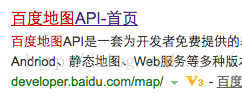
搜尋百度地圖 API,進入開發平台,選擇 iOS 地圖 SDK。
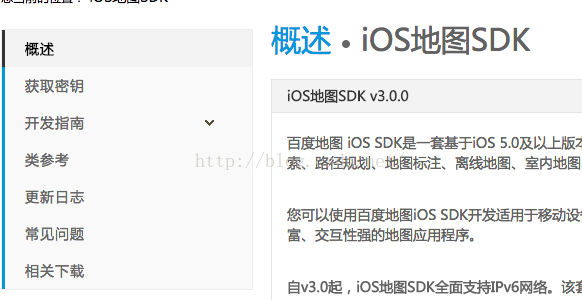
進入相關下載頁面。
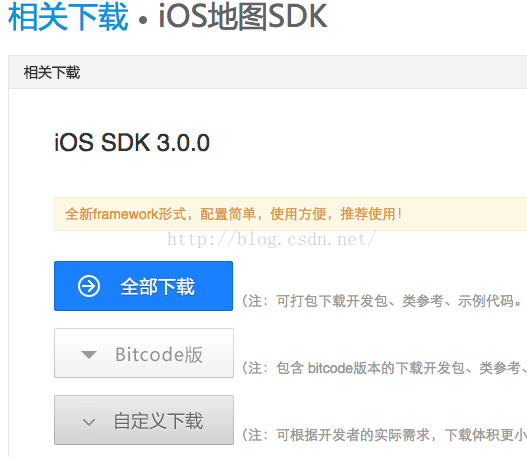
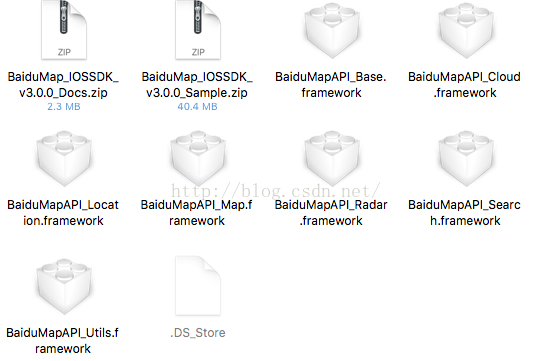
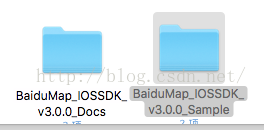
點選全部下載,完成後解壓縮。
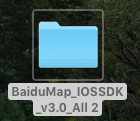
解壓縮後可看到地圖與定位相關檔案。
.DS_Store 檔案可忽略。
建立應用並取得金鑰
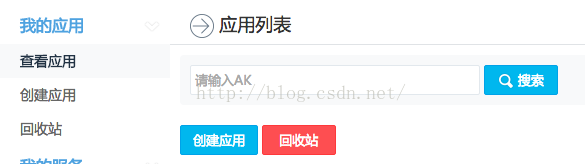
回到概述,點選獲取密鑰,建立應用。
應用名稱建議與專案中文名一致,類型選 iOS SDK,安全碼填寫專案 Bundle Identifier。
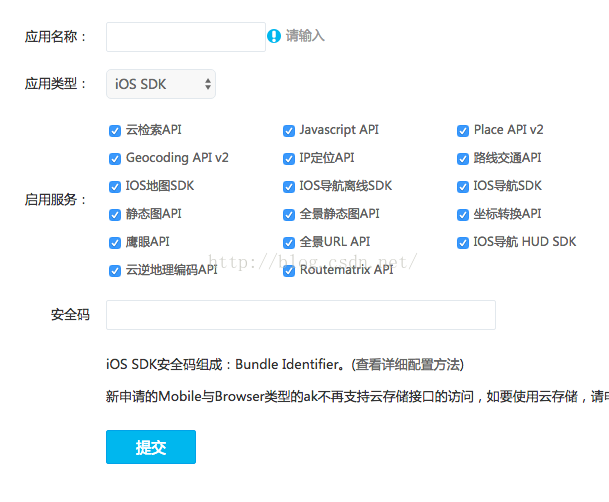
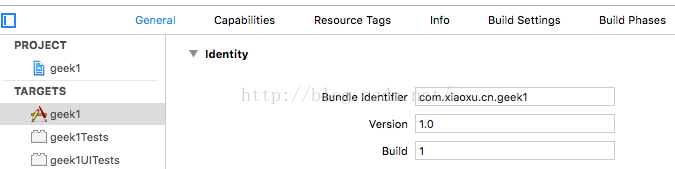
建立後會產生一串 API key,請妥善保存。

注意事項與 ATS 設定
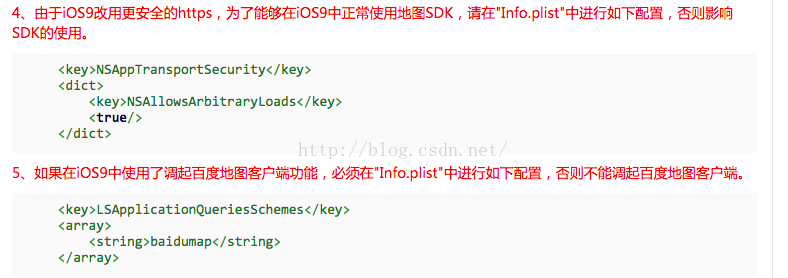
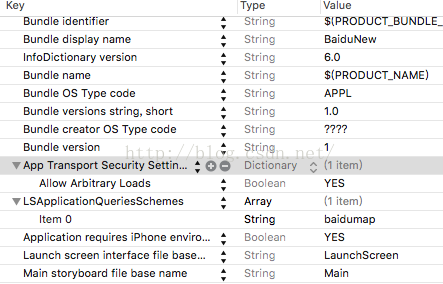
在開發指南的注意事項中,重點處理 NSAppTransportSecurity 與 LSApplicationQueriesSchemes。

手動配置開發環境
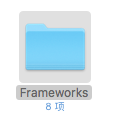
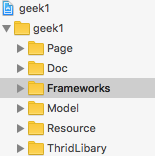
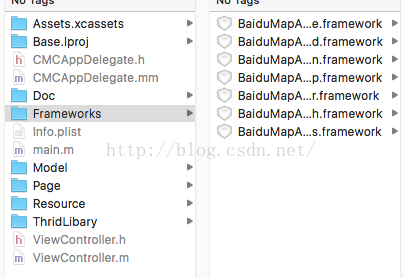
建議手動配置。先在專案資料夾建立 Frameworks 資料夾,用來放置 framework。
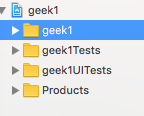
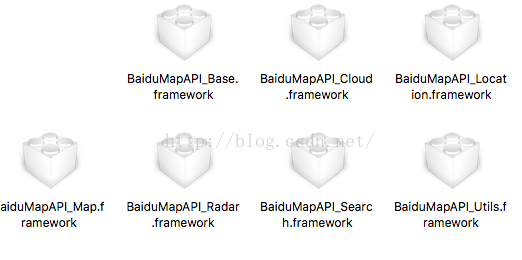
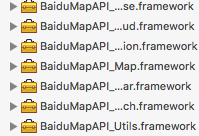
將百度地圖相關 framework 拖入。
加入系統庫
需要加入 CoreLocation、QuartzCore、OpenGLES、SystemConfiguration、CoreGraphics、Security、libsqlite3.0.tbd、CoreTelephony、libstdc++.6.0.9.tbd 等。
設定 Other Linker Flags
在 Build Settings 的 Other Linker Flags 加入 -ObjC。
加入 mapapi.bundle
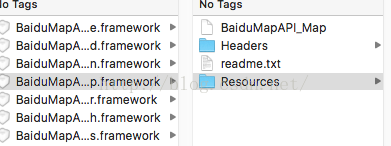
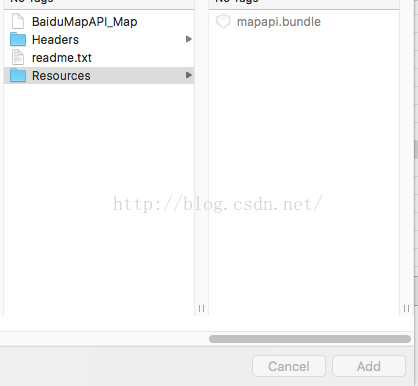
使用 Add File 加入含 Resources 的 framework,取得 mapapi.bundle。
導入頭文件與初始化
導入 base、map、search、cloud、location、utils、radar 等頭文件。若 Xcode 找不到,可手動輸入。
在 AppDelegate.h 加入 BMKMapManager 屬性與代理。
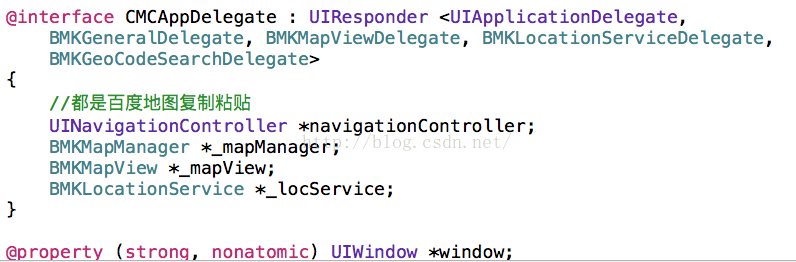
AppDelegate.m 可改名為 AppDelegate.mm,並在啟動時建立 BMKMapManager,呼叫 start 傳入授權 Key。
若需地圖,建立 BMKMapView,並在 viewWillAppear、viewWillDisappear 設定 delegate。
定位功能
若要啟動定位,建立 BMKLocationService,設定 delegate,呼叫 startUserLocationService,並處理位置更新。
若未呼叫定位,仍需在 Info.plist 加入 NSLocationAlwaysUsageDescription 與 NSLocationWhenInUseUsageDescription。

完成後即可測試地圖與定位。