源碼推薦(01.25):微博 Cell 自適應佈局、三行接入 LGSettingView
編輯:iOS 開發基礎
微博 Cell 自動佈局(上傳者:yying)
用 AutoLayout 對微博風格的 cell 做自動佈局,讓高度依內容自適應。

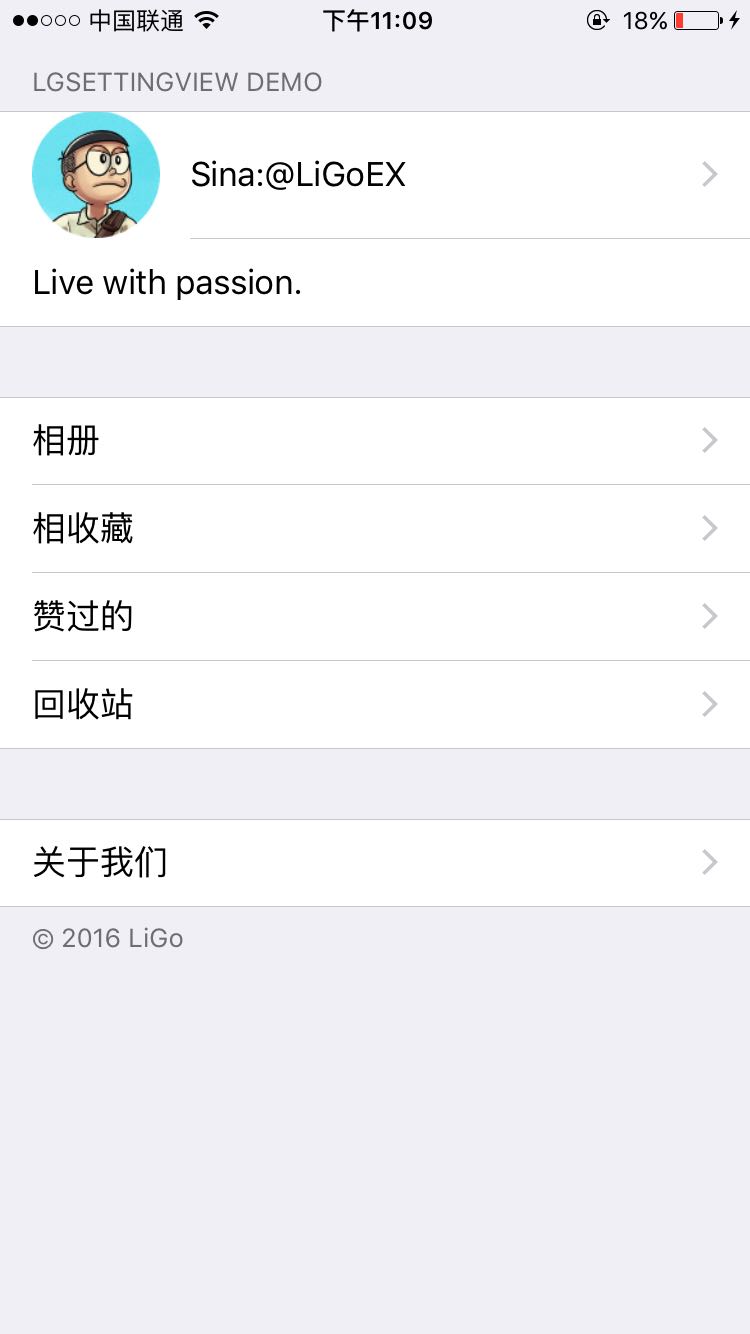
三行程式碼集成設置頁 LGSettingView(上傳者:liuligao)
只要三句話就能組出一整個設定頁,省掉每次開新專案都要重刻一遍的麻煩。
// 1. 建立第一組
LGSettingSection *section = [LGSettingSection initWithHeaderTitle:[NSString] footerTitle: [NSString]];

// 2. 添加行
LGSettingItem *item = [LGSettingItem initWithtitle:[NSString]];
item.image = [UIImage];
item.type = [UITableViewCellAccessoryType];
[section addItem:item];

// 3. 存進 sections 陣列
[self.sections addObject:section];
專案地址:https://github.com/LiGoEX/LGSettingView
在 iOS_CYX 的基礎上進一步封裝並擴充了功能。
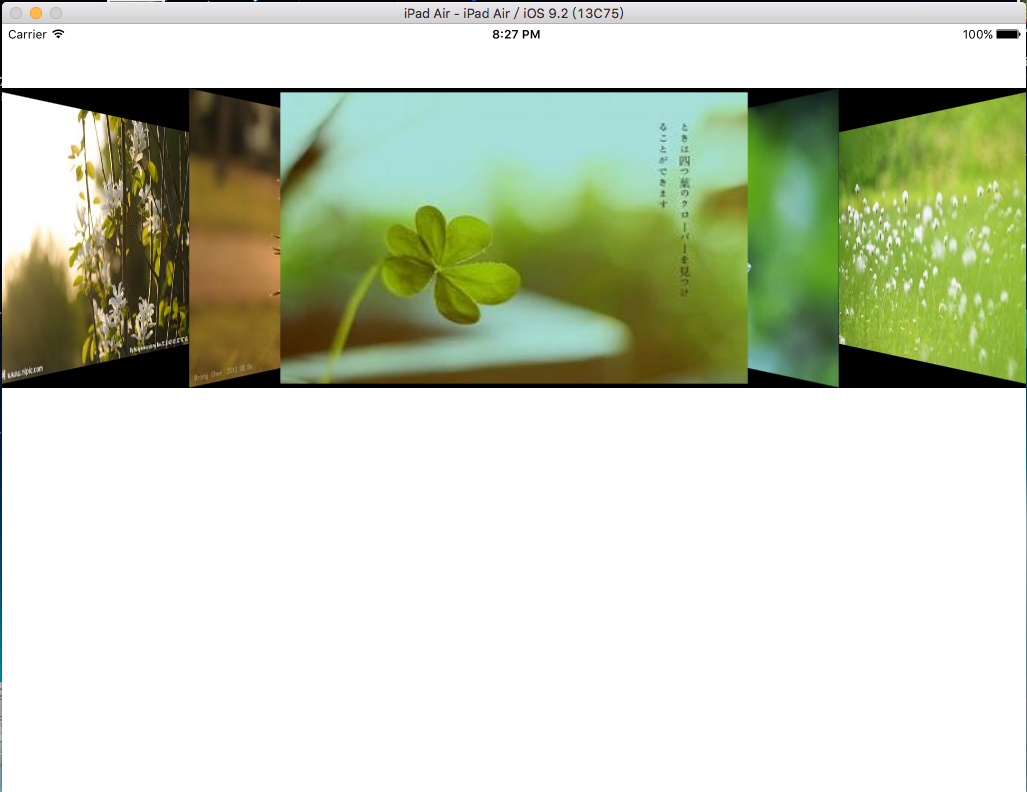
仿澎湃新聞頭部視圖(上傳者:堪笑古今)
仿照澎湃新聞 iPad 版的頭部視圖,效果還差一點,希望有大神指教。