
一種更改 iPhone 語言顯示的方法
編輯:iOS 相關教學
在 hackintosh 看到的一篇帖子,內容大概如下:
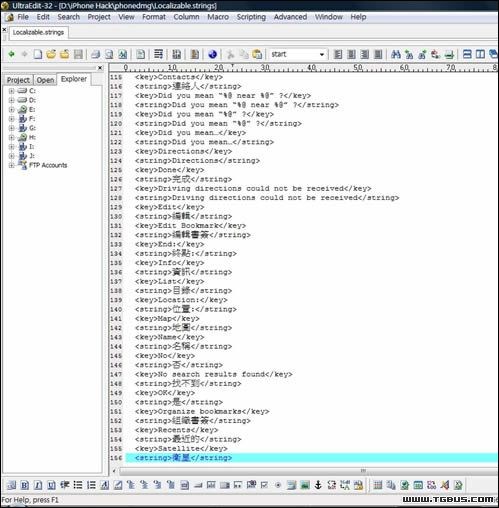
透過編輯 Localizable.strings 檔案,可以更改 iPhone 的語言顯示。文章作者舉的例子是更改 Google Map 的選單:/Applications/Maps.app/English.lproj/Localizable.strings
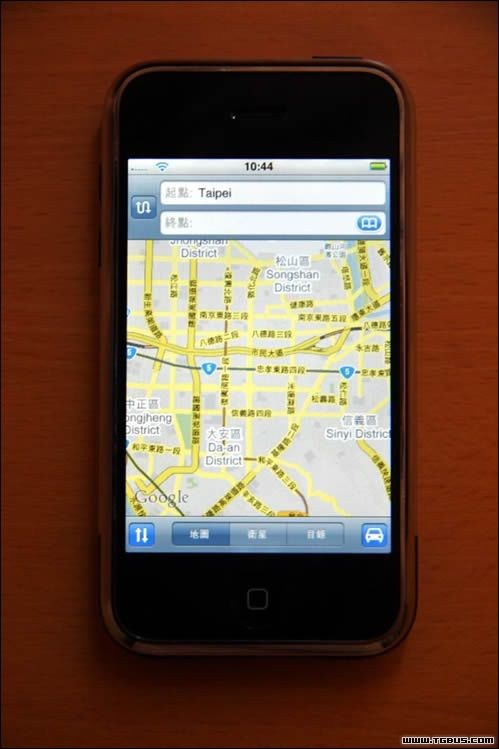
更改檔案中 <string>xxxxxx</string> 的部分,保留 <key>xxxxx</key> 的部分。
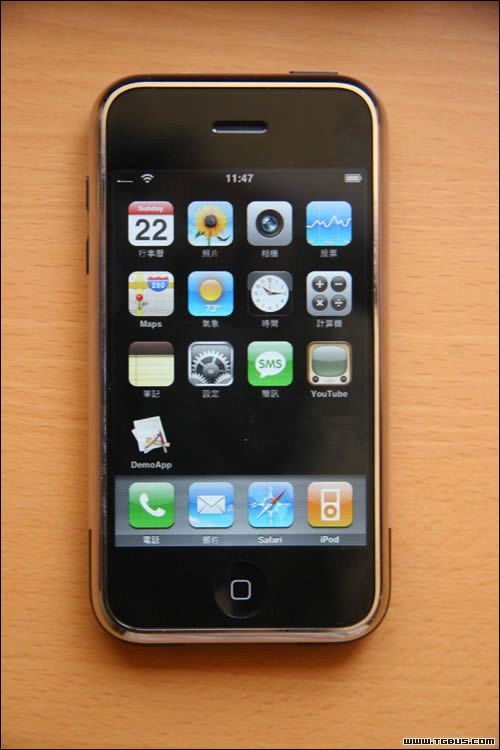
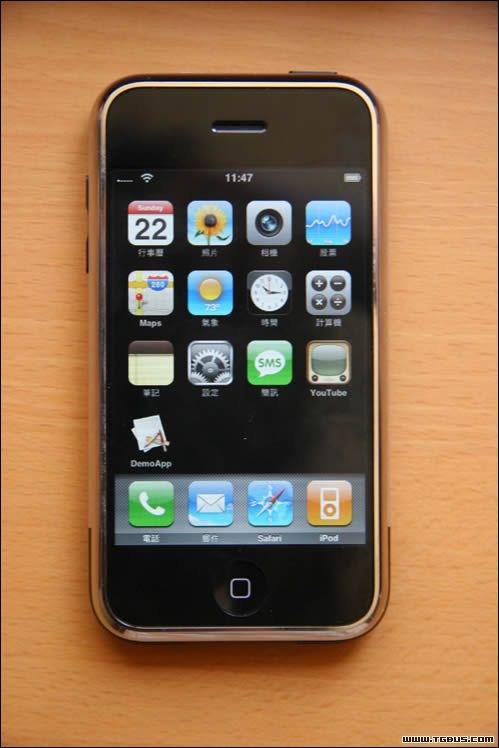
主介面選單的更改檔案:
/System/Library/CoreServices/SpringBoard.app/English.lproj/LocalizedApplicationNames.strings:
Windows 使用者打開那些 strings 檔會是二進位顯示,需要先轉換格式。至於如何修改 iPhone 的檔案及更多內容,請閱讀原文:https://hackint0sh.org/forum/showthread.php?t=1799
- 上一篇文章: 沒有不可能:手把手教你漢化蘋果 iPhone
- 下一篇文章: 獨家密報:iPhone 手機破解 SIM 卡鎖教程曝光