
iOS 通用應用程式:讓 iPhone 與 iPad 共用一份專案
編輯:iOS 入門介紹
iOS 通用應用程式
簡介
通用應用程式指的是同時為 iPhone 與 iPad 設計、打包在同一個二進位檔中的 App。這種做法能大幅提高程式碼重複使用率,也讓後續更新更省事。
實作步驟
1、建立一個簡單的 View-based Application。
2、在左側檔案總管中,將 ViewController.xib 重新命名為 ViewController_iPhone.xib:
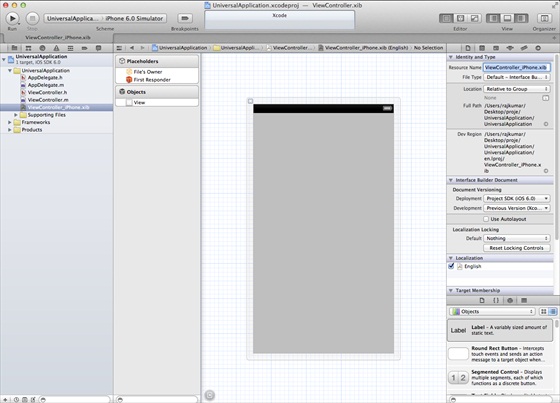
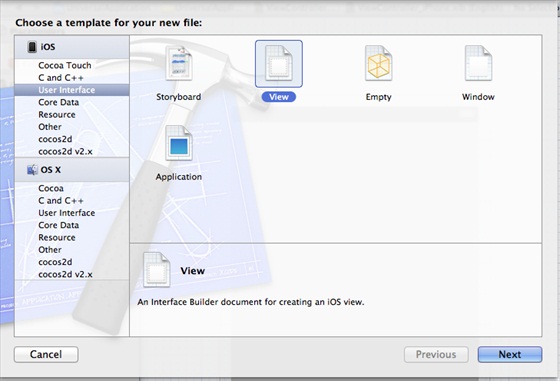
3、選擇「File」→「New」→「File...」,選 User Interface 下的 View,點擊下一步。
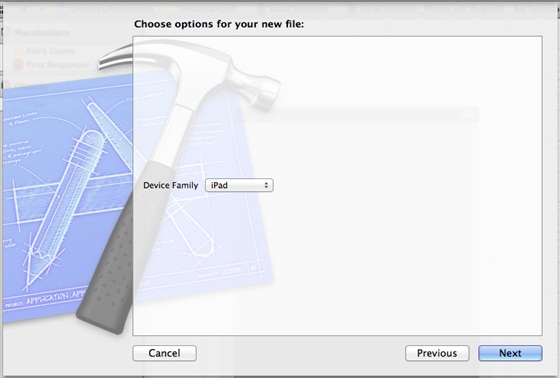
4、將裝置選為 iPad,點擊下一步:
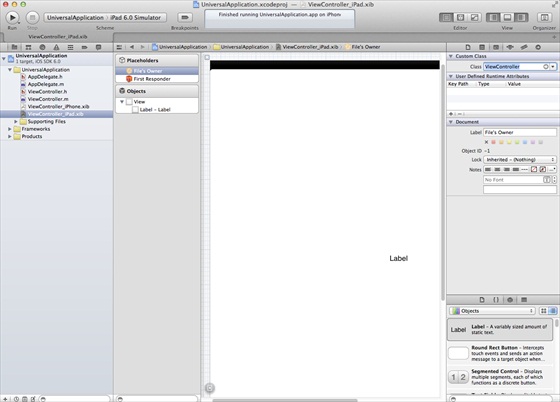
5、另存為 ViewController_iPad.xib,點擊建立。
6、在兩個 xib 的正中央各加入一個標籤,方便區分。
7、在 ViewController_iPhone.xib 中開啟 Identity Inspector,將 Custom Class 設為 ViewController。
8、更新 AppDelegate.m 中的 application:didFinishLaunchingWithOptions: 方法:
- (BOOL)application:(UIApplication *)application didFinishLaunchingWithOptions:(NSDictionary *)launchOptions { self.window = [[UIWindow alloc] initWithFrame:[[UIScreen mainScreen] bounds]]; // Override point for customization after application launch. if (UI_USER_INTERFACE_IDIOM() == UIUserInterfaceIdiomPhone) { self.viewController = [[ViewController alloc] initWithNibName:@"ViewController_iPhone" bundle:nil]; } else{ self.viewController = [[ViewController alloc] initWithNibName: @"ViewController_iPad" bundle:nil]; } self.window.rootViewController = self.viewController; [self.window makeKeyAndVisible]; return YES; }
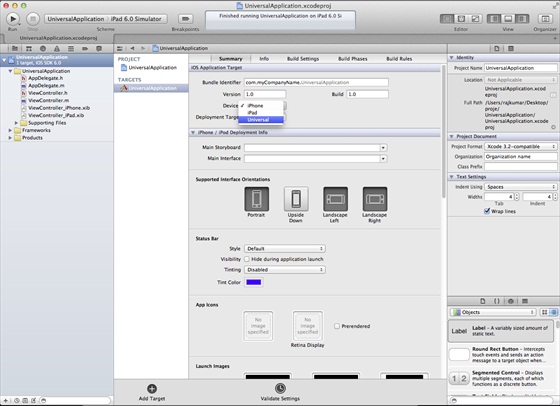
9、在專案摘要中把 Devices 改為 Universal:
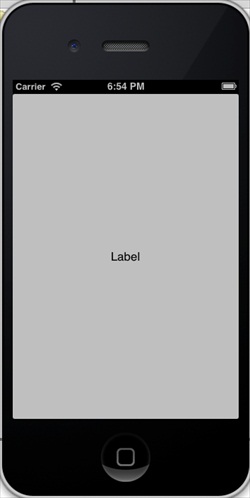
輸出結果
在 iPhone 模擬器中執行:
在 iPad 模擬器中執行:

- 上一篇文章: iOS 相機管理:呼叫相機拍照並顯示於畫面
- 下一篇文章: iOS 加速度計(Accelerometer)實作教學