
UIPickerView 選擇欄控件使用解析
編輯:iOS 開發綜合
UIPickerView 是 iOS 常見的滾輪選擇器,可自訂列數與元件數量。本文從單一轉盤開始,逐步說明雙轉盤與省市聯動的做法。
單一轉盤
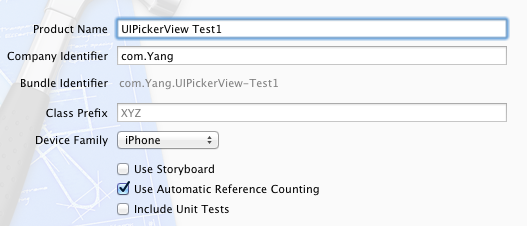
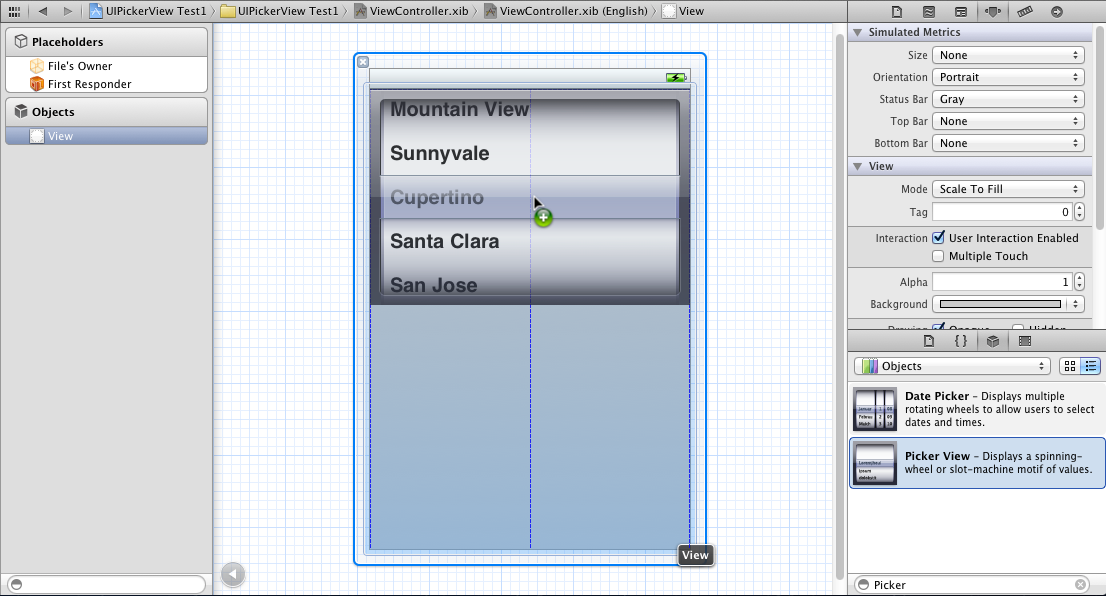
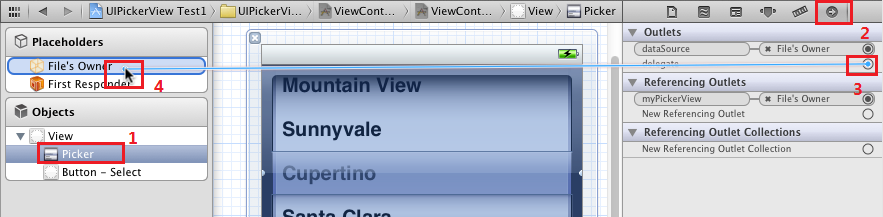
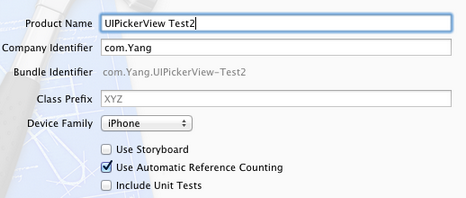
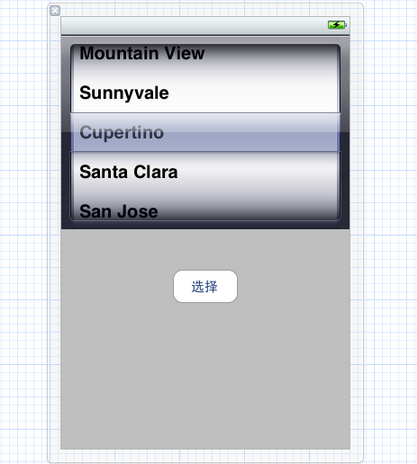
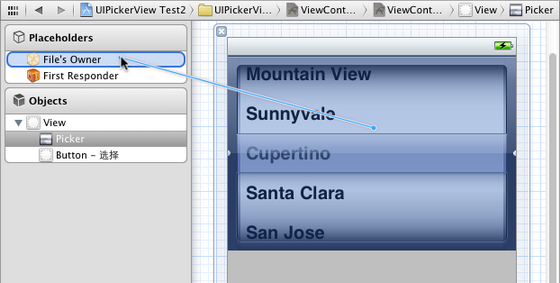
建立 Single View Application,加入 Picker View 與 Button,並將 delegate、dataSource 連到 ViewController。
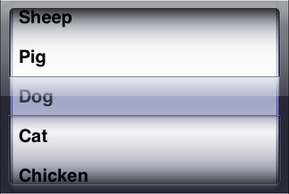
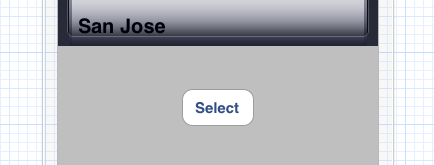
在 viewDidLoad 設定資料陣列,並實作 numberOfComponentsInPickerView、numberOfRowsInComponent 與 titleForRow。
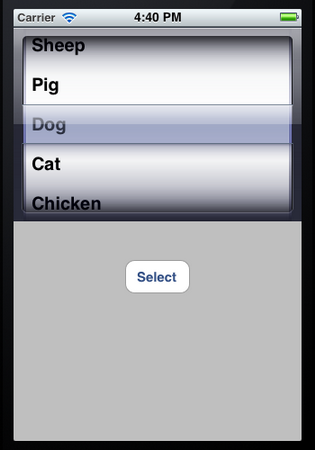
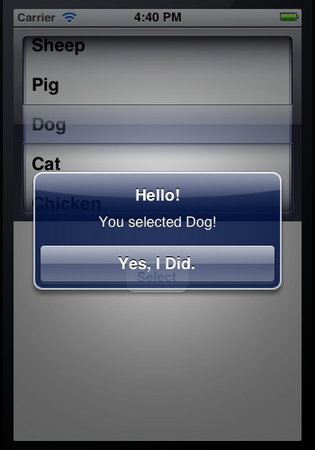
兩個獨立轉盤
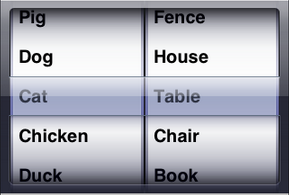
若要增加第二個轉盤,可再建立一個陣列,並讓 numberOfComponents 回傳 2。每個 component 依索引回傳各自資料。
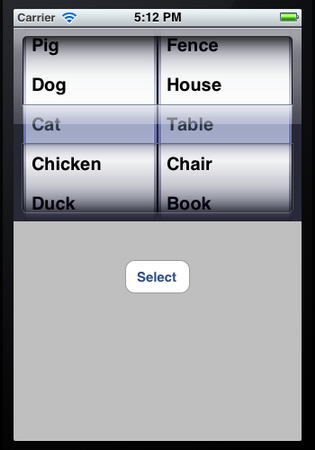
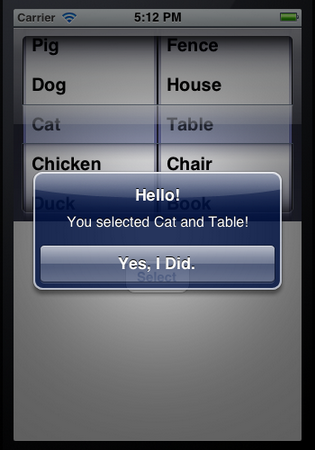
省市聯動進階
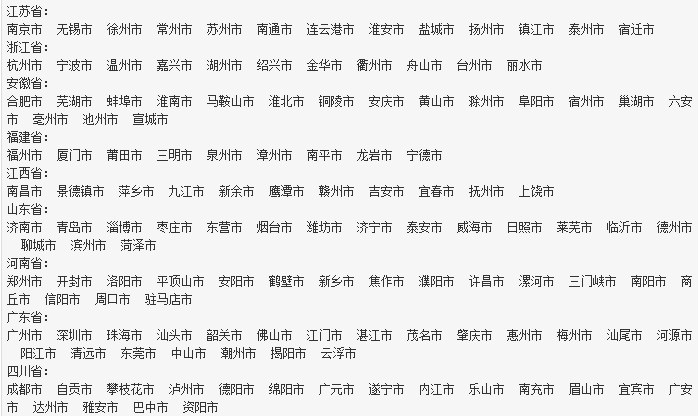
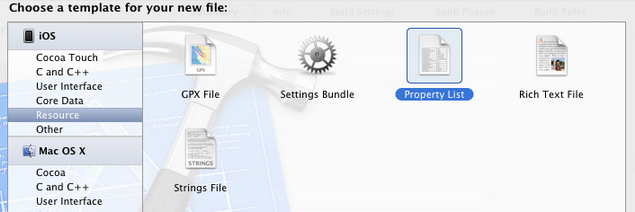
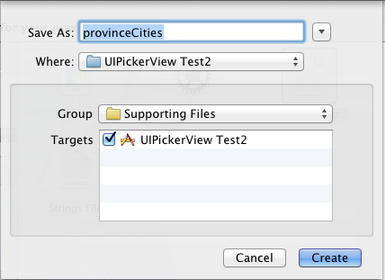
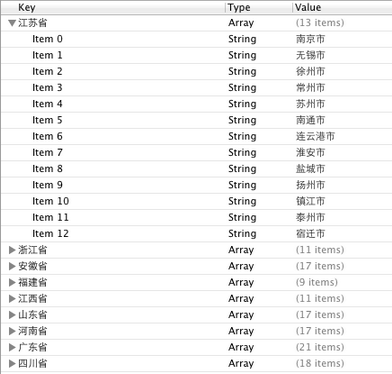
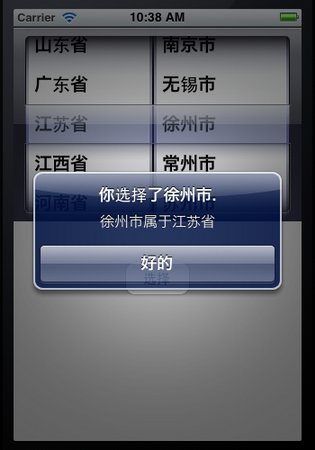
進階案例可用 plist 儲存省份與城市對應。建立 provinceCities.plist 後,以 NSDictionary 讀取,並在左側轉盤改變時重新載入右側轉盤。
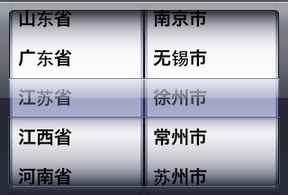
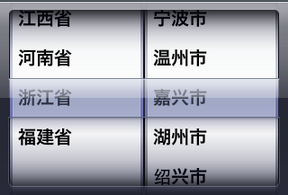
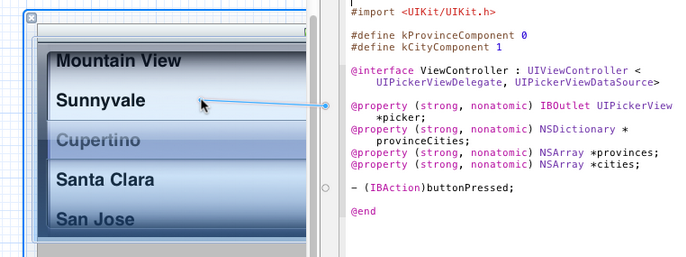
最後透過 Interface Builder 拉線,將 picker 的 delegate、dataSource 與 outlet 連接完成。
- 上一篇文章: UITableView 與 UISearchController 搜尋及刷新實作
- 下一篇文章: iOS 離線地圖核心程式碼解析