
NSTimer 定時器入門:RunLoop 模式、循環引用與正確釋放
最基礎的用法
- (void)viewDidLoad {
    [super viewDidLoad];
    [NSTimer scheduledTimerWithTimeInterval:1 target:self selector:@selector(actionTimer:)
                                   userInfo:nil repeats:YES];
}

- (void)actionTimer:(NSTimer *)timer {
}
scheduledTimerWithTimeInterval: 建立後會自動加入當前的 RunLoop,預設跑在 NSDefaultRunLoopMode,幾乎涵蓋所有輸入源(NSConnection 除外)。上面這段就是每 1 秒呼叫一次 actionTimer:。
坑一:畫面一滑,計時就停了
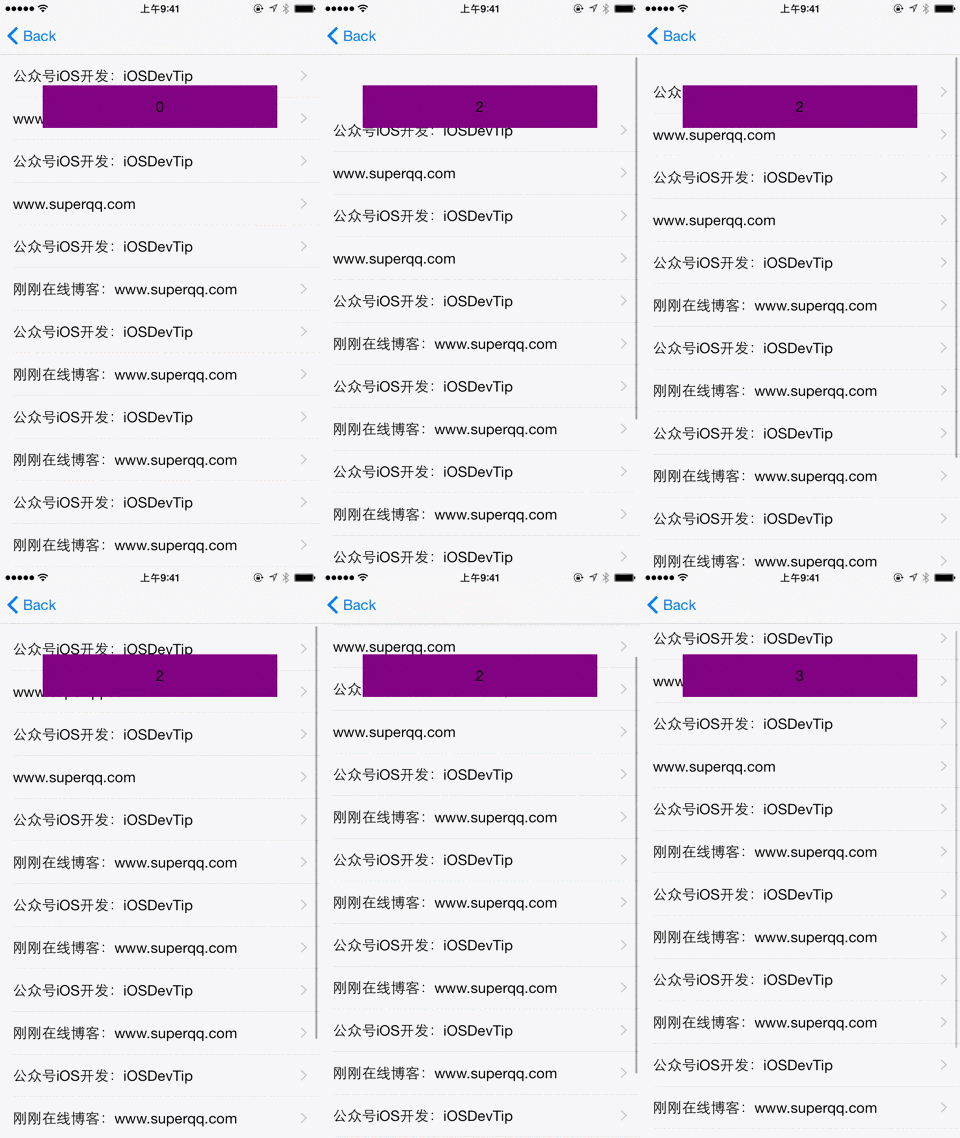
如果頁面上有 UITableView 或 UIScrollView,使用者在拖動它們時,RunLoop 會切換到 UITrackingRunLoopMode 以確保滑順,而預設模式下註冊的 NSTimer 不會被觸發,計時就「卡住」了。做個小 demo 就很明顯:
- (void)viewDidLoad {
    [super viewDidLoad];
    [NSTimer scheduledTimerWithTimeInterval:1 target:self selector:@selector(actionTimer:)
                                   userInfo:nil repeats:YES];
}

- (void)actionTimer:(NSTimer *)timer {
    self.number++;
    self.label.text = [NSString stringWithFormat:@"%d", self.number];
    NSLog(@"%d", self.number);
}
拖動列表時數字就停在原地不再累加。
解法:換一個 RunLoop 模式
把 timer 加到 UITrackingRunLoopMode,或直接掛到通用模式:
[[NSRunLoop currentRunLoop] addTimer:timer forMode:UITrackingRunLoopMode];
[[NSRunLoop currentRunLoop] addTimer:timer forMode:NSRunLoopCommonModes];
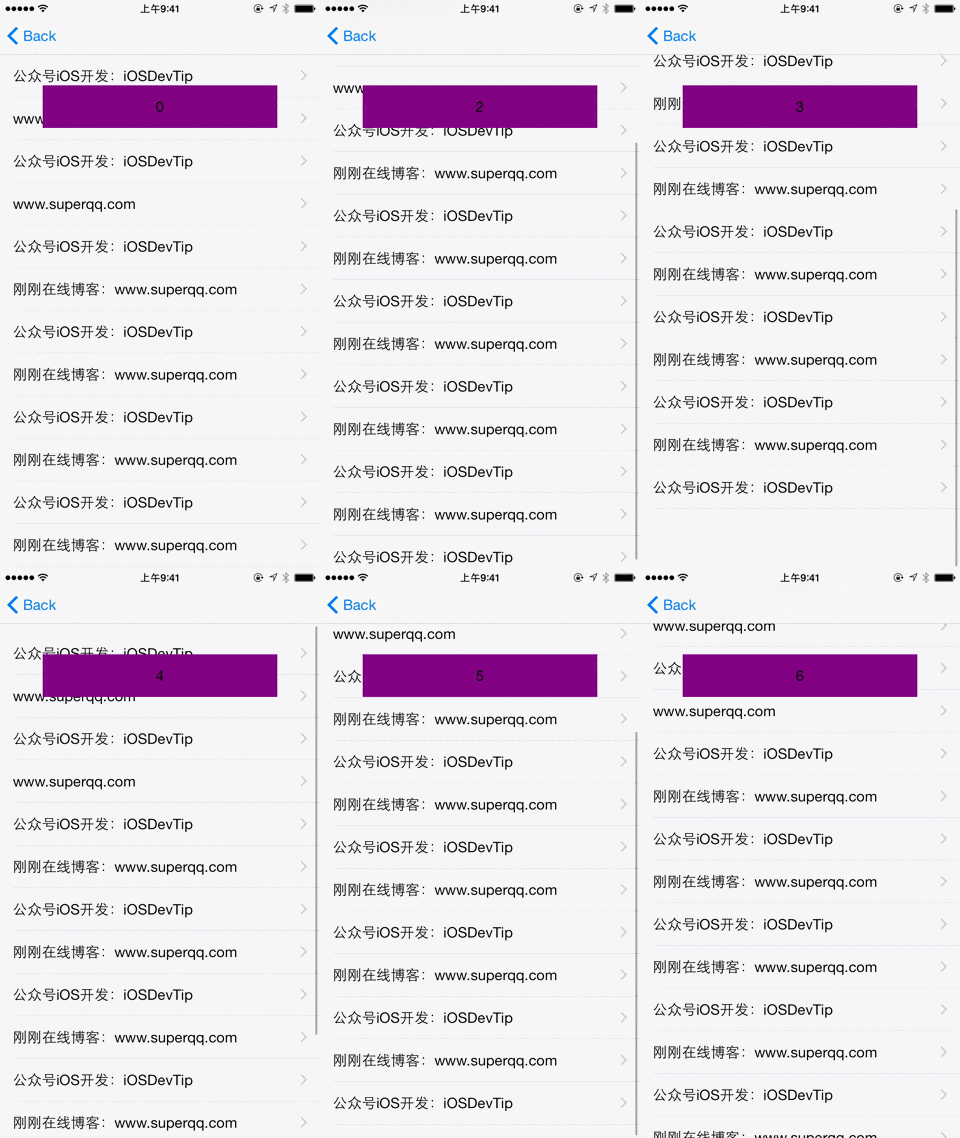
NSRunLoopCommonModes 是一個模式集合,把事件源綁到它身上,等同綁進集合中的每一個模式,因此最為省心。
坑二:頁面跳走後,計時器還在跑
先看一段看似正常的程式:
@interface DetailViewController ()
@property (nonatomic, weak) NSTimer *timer;
@end

@implementation DetailViewController

- (IBAction)fireButtonPressed:(id)sender {
    _timer = [NSTimer scheduledTimerWithTimeInterval:3.0f target:self
        selector:@selector(timerFire:) userInfo:nil repeats:YES];
    [_timer fire];
}

- (void)timerFire:(id)userinfo {
    NSLog(@"Fire");
}

@end
執行後每 3 秒印一次 Fire 沒問題,但離開這個頁面後,控制台仍在源源不絕地輸出——timer 根本沒停。
為什麼 dealloc 裡 invalidate 沒用
直覺會在 dealloc 中收尾:
- (void)dealloc {
    [_timer invalidate];
    NSLog(@"%@ dealloc", NSStringFromClass([self class]));
}
結果還是一樣。原因在於 RunLoop 會強引用它管理的 timer:
Note in particular that run loops maintain strong references to their timers, so you don't have to maintain your own strong reference to a timer after you have added it to a run loop.
而 timer 又會強引用它的 target:
Target is the object to which to send the message specified by aSelector when the timer fires. The timer maintains a strong reference to target until it (the timer) is invalidated.
於是形成一個閉環:RunLoop → timer → self,self 永遠不會被釋放,dealloc 自然永遠不會被呼叫。這也是為什麼宣告成 weak 屬性完全沒救——強引用來自 RunLoop 與 timer,不是你的屬性。
實務上最直接的解法是提供一個明確的停止按鈕:
- (IBAction)invalidateButtonPressed:(id)sender {
    [_timer invalidate];
}
坑三:invalidate 的執行緒限制
官方文件還強調:
You must send this message from the thread on which the timer was installed. If you send this message from another thread, the input source associated with the timer may not be removed from its run loop, which could prevent the thread from exiting properly.
換句話說,timer 在哪個執行緒建立,就得在哪個執行緒銷毀,否則對應的 input source 可能留在 RunLoop 裡,連執行緒都無法正常結束。
那到底該怎麼寫
把上面幾點串起來,需求「頁面銷毀時才停止」的解法很清楚:不要讓 timer 指向 self。三種常見做法:
一是 iOS 10 之後改用 block 版本的 API,block 不強引用 self(前提是別在 block 裡直接強捕 self,要用 weak self):
__weak typeof(self) weakSelf = self;
_timer = [NSTimer scheduledTimerWithTimeInterval:1 repeats:YES block:^(NSTimer *t) {
    __strong typeof(weakSelf) self = weakSelf;
    if (!self) { [t invalidate]; return; }
    NSLog(@"tick");
}];
二是把 timer 的 target 換成一個中間 proxy 物件,由 proxy 弱引用真正的接收者。
三是改用 GCD 的 dispatch_source_t 或 CADisplayLink(搭配 weak proxy),它們不會有 NSTimer 這種 target 強引用的歷史包袱。
結論一句話:NSTimer 好用,但它對 target 的強引用是設計使然,不是 bug;只要養成「建立時就想好在哪裡、用什麼方式 invalidate」的習慣,這些坑都能提前避開。