
用 CAKeyframeAnimation 實作 iOS 跑馬燈通知
跑馬燈在網頁與遊戲裡都很常見,常用來跑公告、通知。本文示範封裝一個可重複播放、可控制方向與速度的 LGJAutoRunLabel。
先看成果:
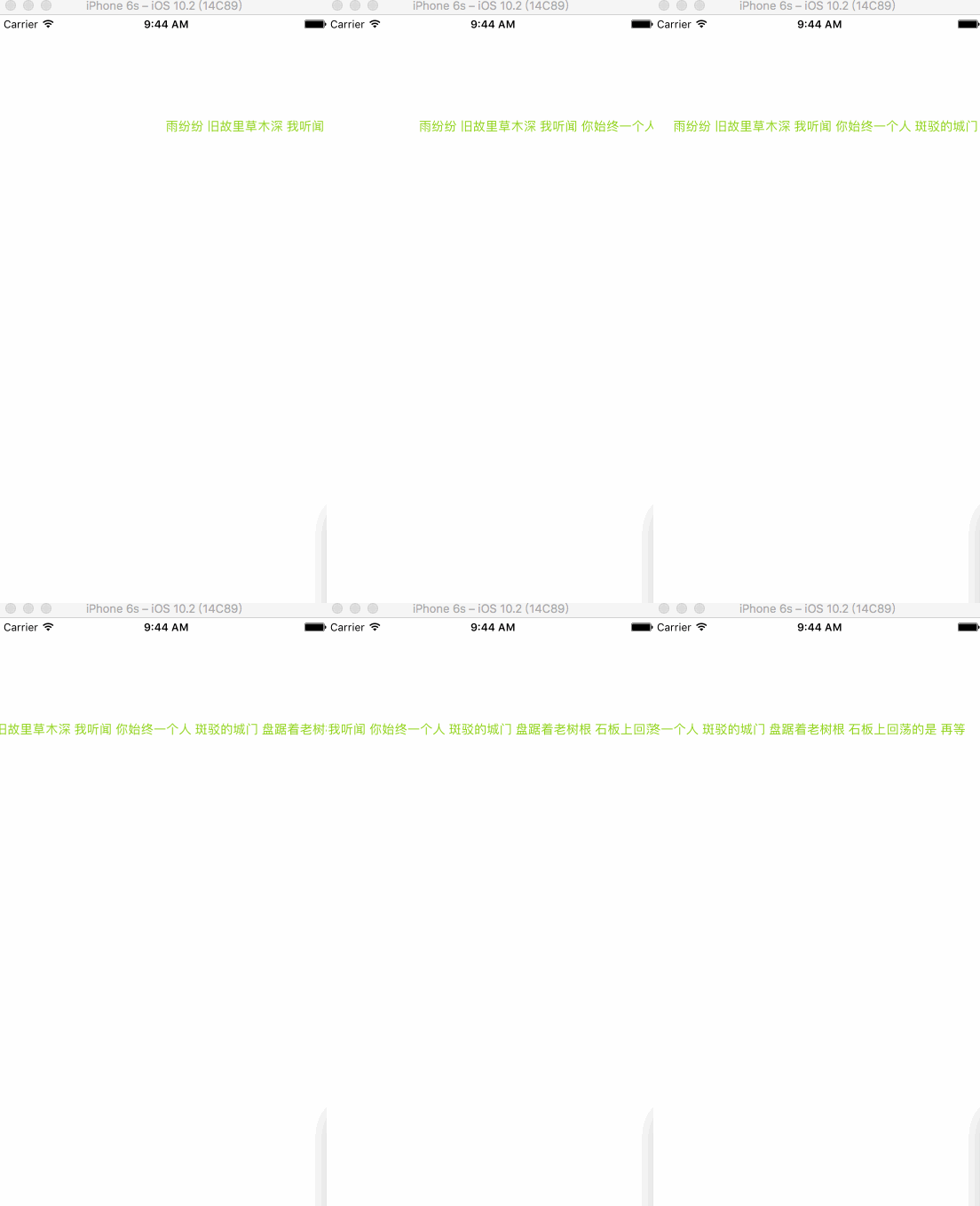
實現思路
看到效果不難聯想到兩條路:一是做動畫,二是用 scrollView 的 contentOffset。這裡採用動畫,具體是 CAKeyframeAnimation 搭配一條貝茲路徑。
.h 檔
@class LGJAutoRunLabel;

typedef NS_ENUM(NSInteger, RunDirectionType) {
    LeftType = 0,
    RightType = 1,
};

@protocol LGJAutoRunLabelDelegate <NSObject>
@optional
- (void)operateLabel:(LGJAutoRunLabel *)autoLabel animationDidStopFinished:(BOOL)finished;
@end

@interface LGJAutoRunLabel : UIView

@property (nonatomic, weak) id <LGJAutoRunLabelDelegate> delegate;
@property (nonatomic, assign) CGFloat speed;
@property (nonatomic, assign) RunDirectionType directionType;

- (void)addContentView:(UIView *)view;
- (void)startAnimation;
- (void)stopAnimation;

@end
這裡定義了一個列舉控制滾動方向(左或右),一個 optional 協議讓外部在動畫結束時接手處理,剩下的就是對外開放的速度與方向屬性。
.m 檔:私有成員
@interface LGJAutoRunLabel () <CAAnimationDelegate>
{
    CGFloat _width;
    CGFloat _height;
    CGFloat _animationViewWidth;
    CGFloat _animationViewHeight;
    BOOL _stoped;
    UIView *_contentView; // 滾動內容視圖
}
@property (nonatomic, strong) UIView *animationView; // 承載滾動內容
@end
初始化
- (instancetype)initWithFrame:(CGRect)frame {
    if (self == [super initWithFrame:frame]) {
        _width = frame.size.width;
        _height = frame.size.height;
        self.speed = 1.0f;
        self.directionType = LeftType;
        self.layer.masksToBounds = YES;
        self.animationView = [[UIView alloc] initWithFrame:CGRectMake(_width, 0, _width, _height)];
        [self addSubview:self.animationView];
    }
    return self;
}
放入滾動內容
把 contentView 加到 animationView 上,並同步 animationView 的 frame,同時記下它的尺寸供後續計算路徑使用。
- (void)addContentView:(UIView *)view {
    [_contentView removeFromSuperview];
    view.frame = view.bounds;
    _contentView = view;
    self.animationView.frame = view.bounds;
    [self.animationView addSubview:_contentView];
    _animationViewWidth = self.animationView.frame.size.width;
    _animationViewHeight = self.animationView.frame.size.height;
}
核心:startAnimation
- (void)startAnimation {
    [self.animationView.layer removeAnimationForKey:@"animationViewPosition"];
    _stoped = NO;

    CGPoint pointRightCenter = CGPointMake(_width + _animationViewWidth / 2.f, _animationViewHeight / 2.f);
    CGPoint pointLeftCenter  = CGPointMake(-_animationViewWidth / 2, _animationViewHeight / 2.f);

    CGPoint fromPoint = self.directionType == LeftType ? pointRightCenter : pointLeftCenter;
    CGPoint toPoint   = self.directionType == LeftType ? pointLeftCenter  : pointRightCenter;

    self.animationView.center = fromPoint;

    UIBezierPath *movePath = [UIBezierPath bezierPath];
    [movePath moveToPoint:fromPoint];
    [movePath addLineToPoint:toPoint];

    CAKeyframeAnimation *moveAnimation = [CAKeyframeAnimation animationWithKeyPath:@"position"];
    moveAnimation.path = movePath.CGPath;
    moveAnimation.removedOnCompletion = YES;
    moveAnimation.duration = _animationViewWidth / 30.f * (1 / self.speed);
    moveAnimation.delegate = self;

    [self.animationView.layer addAnimation:moveAnimation forKey:@"animationViewPosition"];
}
逐步拆解這段:
先把 animationView 上殘留的動畫移除,避免疊加。
接著找出左右兩個「中心點」。之所以用中心點而不是邊緣,是因為文字可能過長、view 裝不下,用中心點等於把滑動區間定義為「從完全看不見到完全看不見」,剛好一個螢幕寬。
然後依方向列舉決定 fromPoint 與 toPoint,預設由右往左滾。
用 UIBezierPath 畫出這條直線路徑,起點是螢幕右側外(看不見),終點是螢幕左側外(也看不見),兩者距離正好是螢幕寬度。
最後用 CAKeyframeAnimation 沿著 path 跑動畫,removedOnCompletion = YES 表示動畫結束後不保留最終狀態,再把動畫掛到 layer 上。
停止與 delegates
- (void)stopAnimation {
    _stoped = YES;
    [self.animationView.layer removeAnimationForKey:@"animationViewPosition"];
}

- (void)animationDidStop:(CAAnimation *)anim finished:(BOOL)flag {
    if (self.delegate && [self.delegate respondsToSelector:@selector(operateLabel:animationDidStopFinished:)]) {
        [self.delegate operateLabel:self animationDidStopFinished:flag];
    }
    if (flag && !_stoped) {
        [self startAnimation];
    }
}
動畫播完就自動再啟一次,如此形成無縫循環;若要中途喊停,呼叫 stopAnimation 把 _stoped 設為 YES 即可。
在控制器中使用
// MARK: - CreateAutoRunLabel
- (void)createAutoRunLabel {
    LGJAutoRunLabel *runLabel = [[LGJAutoRunLabel alloc] initWithFrame:CGRectMake(0, 100, kWidth, 50)];
    runLabel.delegate = self;
    runLabel.directionType = LeftType;
    [self.view addSubview:runLabel];

    [runLabel addContentView:[self createLabelWithText:@"繁華聲 遁入空門 折煞了夢偏冷 輾轉一生 情債又幾 如你默認 生死枯等 枯等一圈 又一圈的 浮圖塔 斷了幾層 斷了誰的痛直奔 一盞殘燈 傾塌的山門 容我再等 歷史轉身 等酒香醇 等你彈 一曲古箏"
                                          textColor:[self randomColor]
                                            labelFont:[UIFont systemFontOfSize:14]]];
    [runLabel startAnimation];
}

- (UILabel *)createLabelWithText:(NSString *)text textColor:(UIColor *)textColor labelFont:(UIFont *)font {
    NSString *string = [NSString stringWithFormat:@"%@", text];
    CGFloat width = [UILabel getWidthByTitle:string font:font];
    UILabel *label = [[UILabel alloc] initWithFrame:CGRectMake(0, 0, width, 50)];
    label.font = font;
    label.text = string;
    label.textColor = textColor;
    return label;
}

- (UIColor *)randomColor {
    return [UIColor colorWithRed:[self randomValue] green:[self randomValue] blue:[self randomValue] alpha:1];
}

- (CGFloat)randomValue {
    return arc4random() % 255 / 255.0f;
}
總結
這個範例程式碼量不大,重點在於「讓它動起來」。最容易卡住的地方是路徑長度的計算——記住那個思路就好:動畫從我看不見的地方出現,到我看不見的地方消失,這段距離就是螢幕寬度,而它正好可以用 contentView 的 frame 寬度來表示。
若文字特別長、需要連續不間斷地捲動,可以再複製一份 contentView 接在後面,把路徑拉成兩倍寬,切換時視覺上就不會有空窗。
- 上一篇文章: 自繪帶動畫的環形進度條,並讓數字與動畫同步
- 下一篇文章: iOS 大檔案下載與斷點續傳的三種實作方案