
iOS 仿微博紅包載入動畫 XLDotLoading 效果實作
編輯:iOS 開發綜合
一、顯示效果
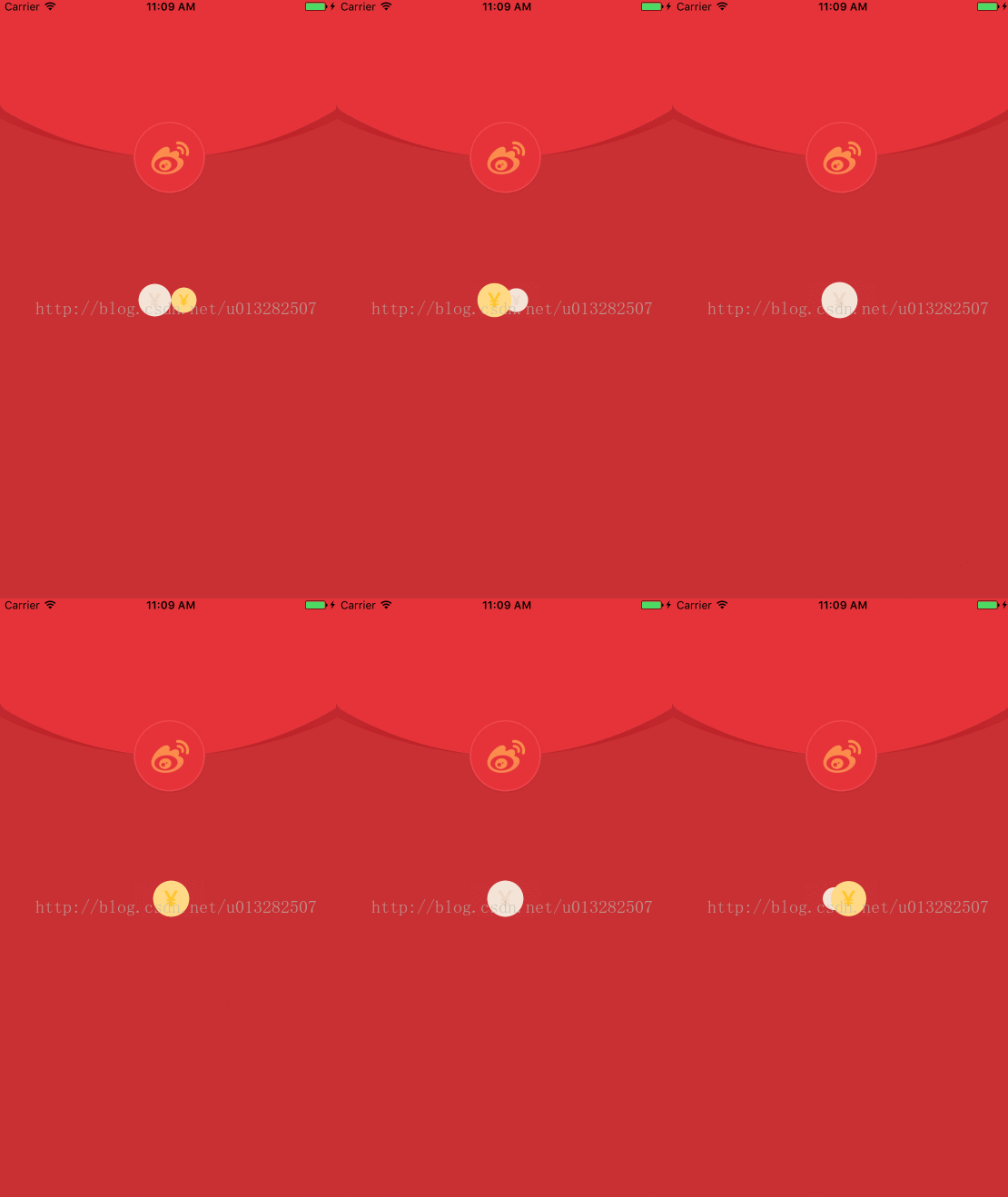
二、原理簡介
1、思路
要實現這個效果,得先弄清這兩枚「硬幣」是怎麼運動的,再透過放大、縮小營造出有距離感的相對運動。思路如下:
一、兩枚硬幣在一定範圍內做相對運動,可先讓一枚在固定範圍內左右往復,另一枚與它做「相對運動」。
二、讓硬幣從左至右移動時先變小再回復正常;從右至左時先變大再回復正常,這樣就有了距離感的「相對運動」。
2、程式碼
第一步,讓一枚硬幣在一定範圍內左右往復。這裡用到 MVC 思想,先建立一個模型 XLDot,給它加一個 Direction 屬性,透過改變 direction 來改變運動方向。
typedef NS_ENUM(NSInteger,DotDitection) { DotDitectionLeft = -1, DotDitectionRight = 1, }; @interface XLDot : UIView //移動方向 就兩種 左、右 @property (nonatomic,assign) DotDitection direction; //字體顏色 @property (nonatomic,strong) UIColor *textColor; @end
先初始化一枚豆,放在容器左邊,方向設為向右:
//初始化存放豆豆的的容器 _dotContainer = [[UIView alloc] initWithFrame:CGRectMake(0, 0, 320, 200)]; _dotContainer.center = self.center; [self addSubview:_dotContainer]; XLDot *dot = [[XLDot alloc] initWithFrame:CGRectMake(0, 0, [self dotWidth],[self dotWidth])]; dot.backgroundColor = [UIColor redColor]; dot.direction = DotDitectionRight; [_dotContainer addSubview:dot];
透過 CADisplayLink 實現刷新工作:
_link = [CADisplayLink displayLinkWithTarget:self selector:@selector(reloadView)]; [_link addToRunLoop:[NSRunLoop mainRunLoop] forMode:NSRunLoopCommonModes];
刷新程式碼如下,透過移動到左右邊緣改變 direction 屬性:
//刷新UI -(void)reloadView { XLDot *dot1 = _dots.firstObject; //改變移動方向、約束移動范圍 //移動到右邊距時 if (dot1.center.x >= _dotContainer.bounds.size.width - [self dotWidth]/2.0f) { CGPoint center = dot1.center; center.x = _dotContainer.bounds.size.width - [self dotWidth]/2.0f; dot1.center = center; dot1.direction = DotDitectionLeft; [_dotContainer bringSubviewToFront:dot1]; } //移動到左邊距時 if (dot1.center.x <= [self dotWidth]/2.0f) { dot1.center = CGPointMake([self dotWidth]/2.0f, dot1.center.y); dot1.direction = DotDitectionRight; [_dotContainer sendSubviewToBack:dot1]; } //更新第一個豆的位置 CGPoint center1 = dot1.center; center1.x += dot1.direction * [self speed]; dot1.center = center1; }
顯示效果:
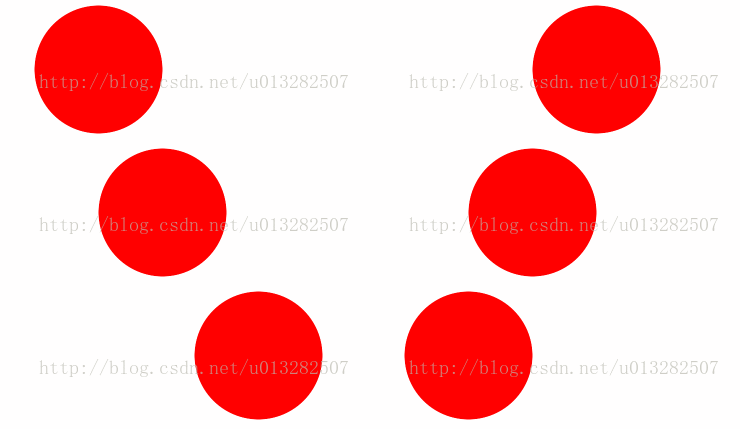
第二步,實現向左移動先放大再回復正常、向右移動先變小再回復正常:
//顯示放大、縮小動畫 -(void)showAnimationsOfDot:(XLDot*)dot { CGFloat apart = dot.center.x - _dotContainer.bounds.size.width/2.0f; //最大距離 CGFloat maxAppart = (_dotContainer.bounds.size.width - [self dotWidth])/2.0f; //移動距離和最大距離的比例 CGFloat appartScale = apart/maxAppart; //獲取比例對應余弦曲線的Y值 CGFloat transfomscale = cos(appartScale * M_PI/2.0); //向右移動則 中間變大 兩邊變小 if (dot.direction == DotDitectionLeft) { dot.transform = CGAffineTransformMakeScale(1 + transfomscale/4.0f, 1 + transfomscale/4.0f); //向左移動則 中間變小 兩邊變大 }else if (dot.direction == DotDitectionRight){ dot.transform = CGAffineTransformMakeScale(1 - transfomscale/4.0f,1 - transfomscale/4.0f); } }
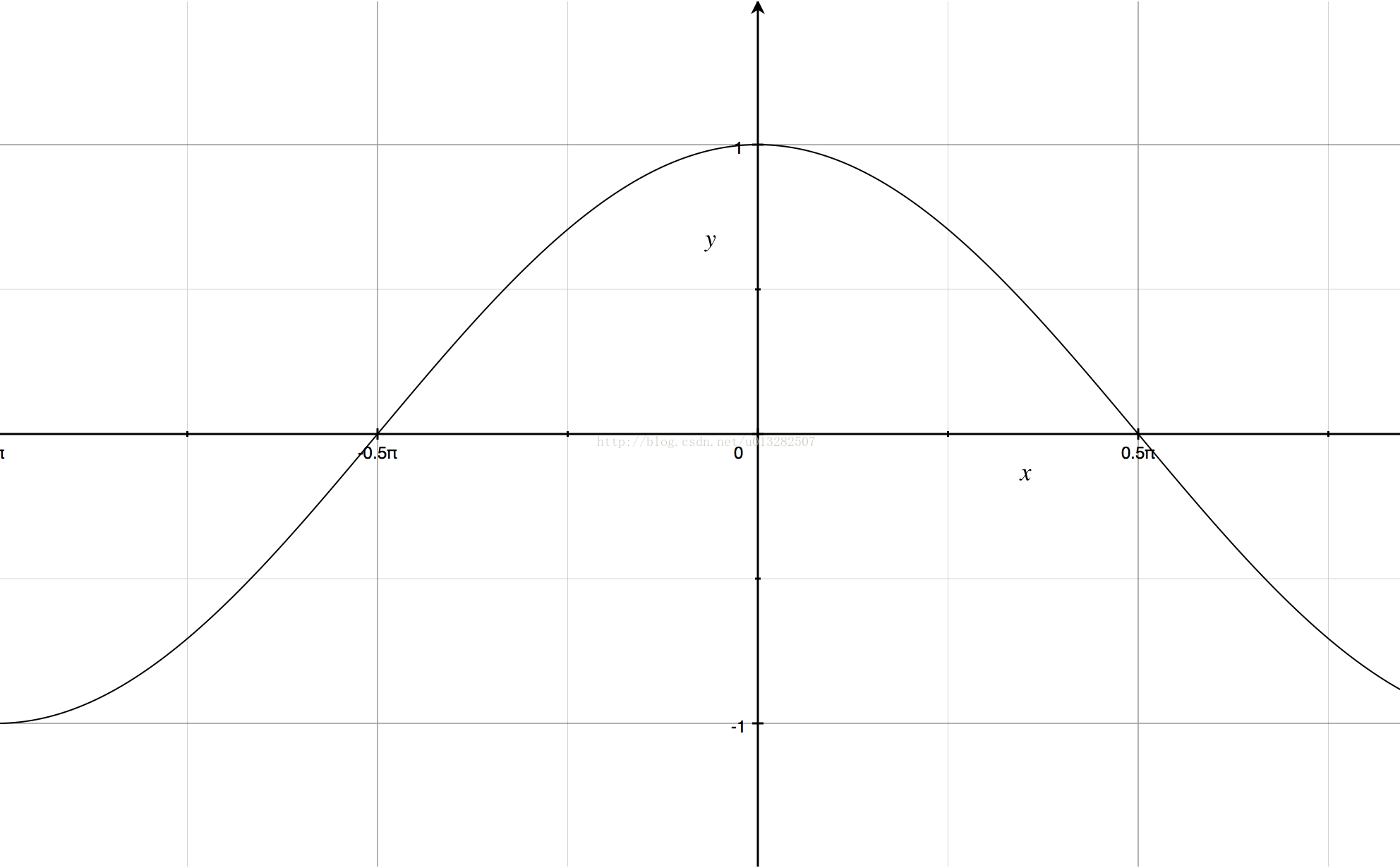
原理是利用餘弦函數曲線 -π/2 到 π/2 先變大再變小的特性:
效果如下:
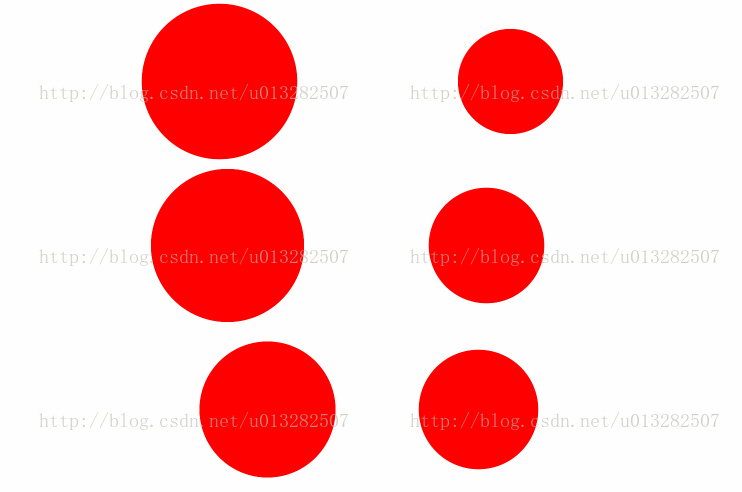
第三步,放置另一枚豆,與第一枚做「相對運動」,包括放大縮小與運動方向。保證相對距離的程式碼:
CGFloat apart = dot1.center.x - _dotContainer.bounds.size.width/2.0f; CGPoint center2 = dot2.center; center2.x = _dotContainer.bounds.size.width/2.0f - apart; dot2.center = center2;
效果如下:
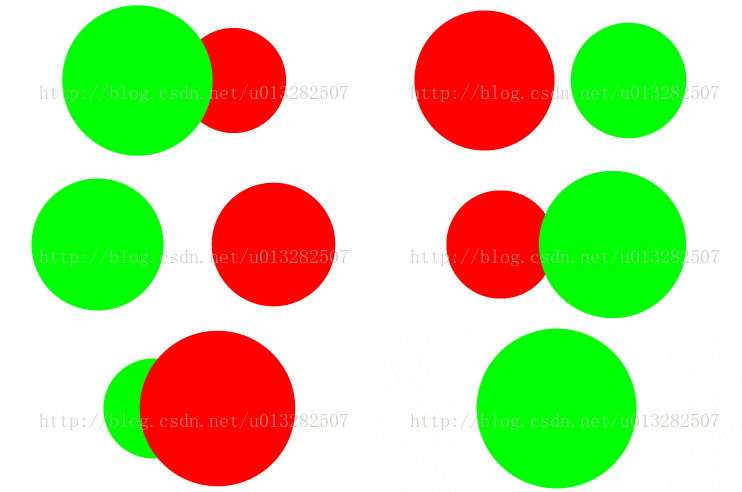
稍加潤色後:

三、程式碼
GitHub 地址
透過 CADisplayLink 驅動逐幀刷新,再借助餘弦函數控制縮放比例,即可還原微博紅包頁那種靈動的雙硬幣載入動畫。以上就是本文的全部內容,希望對大家有所幫助。