iOS 開發:UIAlertView 使用方式整理
編輯:iOS 開發綜合
UIAlertView 是早期 iOS 常見的提示方塊元件,可用於顯示訊息、確認操作或接收簡單輸入。以下整理基本用法、按鈕處理、樣式設定與加入子檢視的方式。
基本用法
UIAlertView *view = [[UIAlertView alloc] initWithTitle:@"Test"
                                               message:@"this is a alert view"
                                              delegate:nil
                                     cancelButtonTitle:@"取消"
                                     otherButtonTitles:@"確定", nil];
[view show];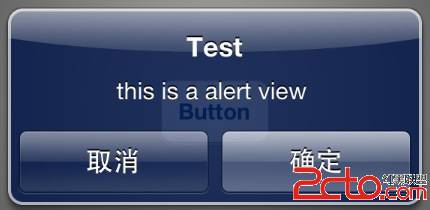
多個按鈕
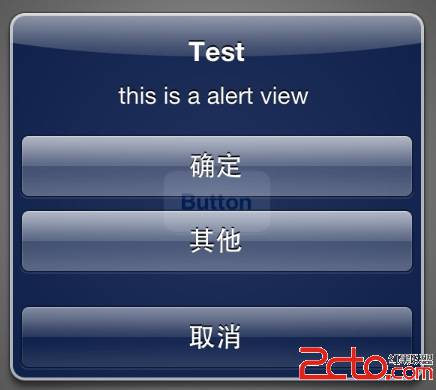
otherButtonTitles 可持續加入多個按鈕,適合提供多種選擇。
系統樣式
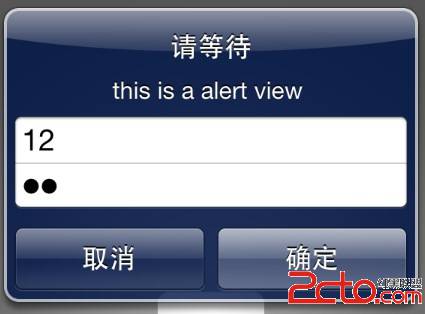
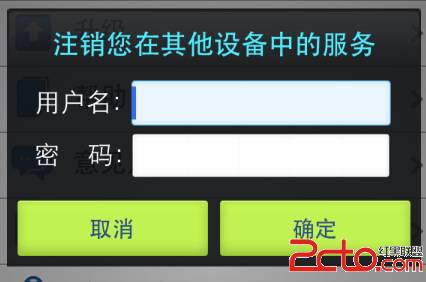
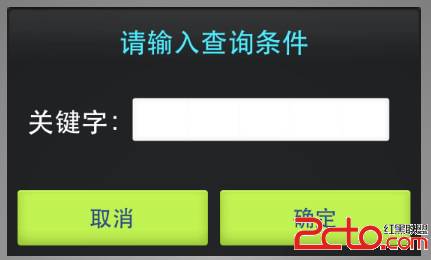
UIAlertViewStyle 提供多種輸入樣式,例如密碼輸入、單行文字輸入,以及帳號密碼輸入。
若覺得系統樣式不夠美觀,也可自行設計彈出提示畫面,以獲得更好的視覺一致性。
判斷按下哪個按鈕
實作 UIAlertViewDelegate 後,可在 clickedButtonAtIndex 方法中依 buttonIndex 判斷使用者選擇。
- (void)alertView:(UIAlertView *)alertView clickedButtonAtIndex:(NSInteger)buttonIndex {
    NSString *msg = [[NSString alloc] initWithFormat:@"您按下的第幾個按鈕:%ld", (long)buttonIndex];
    NSLog(@"%@", msg);
}
buttonIndex 從 0 開始,取消按鈕通常為 0,其後依序遞增。若同一頁有多個 alert,使用 delegate 時需額外判斷來源,較容易讓邏輯變複雜。
加入子檢視
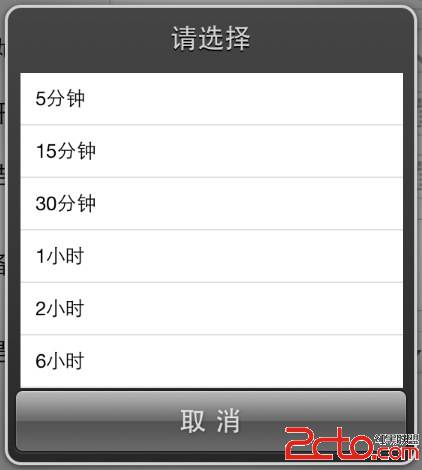
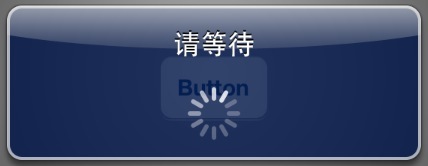
UIAlertView 也可加入 UIActivityIndicatorView、UITableView 等子檢視,用於等待提示或自訂選擇列表。
若要放入表格,可先以換行符撐開提示方塊空間,再加入表格檢視。這類做法較取巧,正式專案建議改用自訂彈出式元件。