
iOS 實例小計:製作一個簡單的計數器
編輯:iOS 開發綜合
這個小例子的啟示其實很簡單——就是最普通的按鈕方法操作,主要學習目的是熟悉圖片顯示與界面交互。
頭文件
#import <UIKit/UIKit.h>

@interface CountMeViewController : UIViewController
@property (strong,nonatomic) IBOutlet UIButton *returnSuperView;
@property (strong,nonatomic) IBOutlet UILabel *countLabel;
@property (strong,nonatomic) IBOutlet UIButton *add;
@property (strong,nonatomic) IBOutlet UIButton *sub;
@property (strong,nonatomic) IBOutlet UIButton *reset;
-(IBAction)returnSuperView:(id)sender;
-(IBAction)countAdd:(id)sender;
-(IBAction)countSub:(id)sender;
-(IBAction)reset:(id)sender;
@end
實現文件
#import "CountMeViewController.h"

@interface CountMeViewController ()
@end

@implementation CountMeViewController
@synthesize returnSuperView;
@synthesize countLabel;
@synthesize add;
@synthesize sub;
@synthesize reset;

int count = 0;

- (void)viewDidLoad {
    [super viewDidLoad];
    self.countLabel.text = @"0";
}

-(void)countAdd:(id)sender {
    if (count >= 99) {
        return;
    }
    NSString *addCount = [[NSString alloc] initWithFormat:@"%d", ++count];
    self.countLabel.text = addCount;
}

-(void)countSub:(id)sender {
    if (count <= 0) {
        return;
    }
    NSString *subCount = [[NSString alloc] initWithFormat:@"%d", --count];
    self.countLabel.text = subCount;
}

-(void)reset:(id)sender {
    count = 0;
    self.countLabel.text = @"0";
}

-(void)returnSuperView:(id)sender {
    [self.view removeFromSuperview];
}
@end
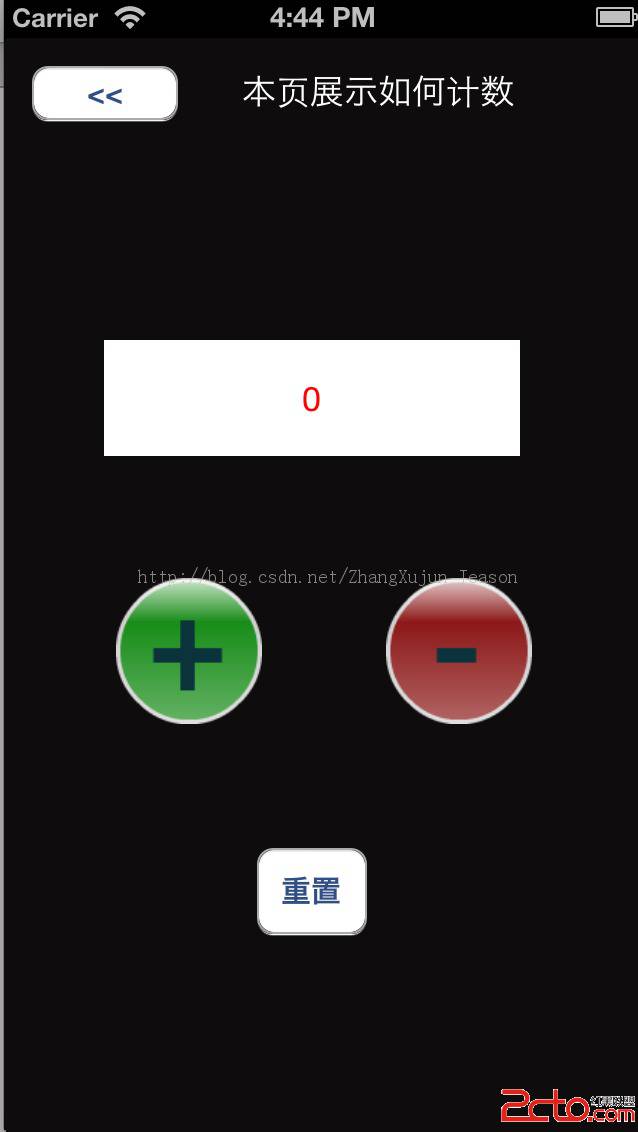
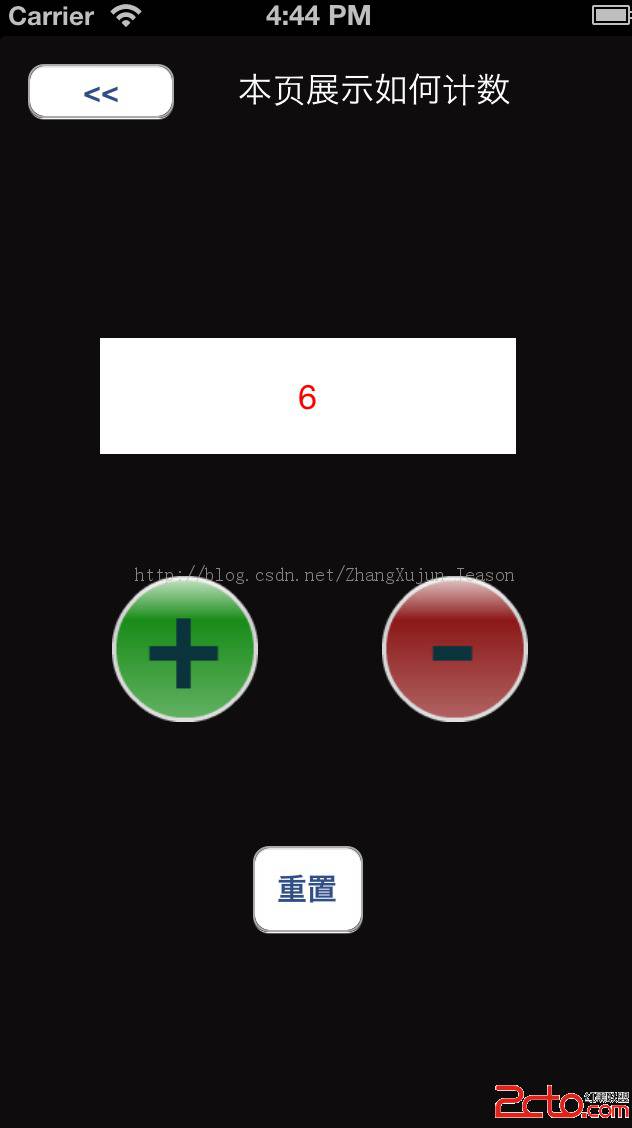
邏輯非常直白:用一個整型變量 count 記錄當前數值,加號按鈕自增、減號按鈕自減、reset 按鈕歸零,並同步更新 countLabel 顯示。這裡還做了邊界保護——加號到 99 就不再增加,減號到 0 就不再減少,避免出現越界或負數。運行效果如下:
- 上一篇文章: iOS 輕量級數據持久化封裝 DataLite
- 下一篇文章: Objective-C 中的內存管理機制詳解