
iOS CoreAnimation 的使用大全
前言
最近剛好需要用到一些動畫效果,於是對 CoreAnimation 做了一番研究,使用過程中也有一些疑問,在此與大家分享。本文著重展示 CoreAnimation 的快速使用,匯集多種動畫,每個動畫獨立放在一個 VC 中,代碼清晰,涵蓋移動、旋轉、縮放、軌跡運動、組合動畫、彈簧動畫、轉場動畫,甚至購物車動畫等。
CoreAnimation 使用
基礎類的熟悉
CAAnimation:核心動畫的基類,由 timingFunction 控制速度變化,duration 控制持續時間。
CAPropertyAnimation:屬性動畫的基類。
CAAnimationGroup:動畫組,可將多個動畫組合並行執行。
CATransition:轉場動畫,在切換視圖時產生炫麗的過渡效果。
CABasicAnimation:基礎(屬性)動畫,可直接使用,一般較簡單。
CAKeyframeAnimation:關鍵幀動畫,屬性動畫,可通過描述多個 Point 進行多狀態變化。
創建動畫基類 WBBaseAnimationVC
接下來創建一個動畫集合 Demo(AnimationSummaryDemo)。由於眾多動畫都有共同的 UI 操作,我們抽出一個基類 WBBaseAnimationVC,把公共 UI 放在一起,子類只專注於動畫代碼。頭文件如下:
#import "ViewController.h"

@protocol WBBaseAnimationDelegate <NSObject>
- (void)starAnimation;
- (void)removeAnimation;
@end

@interface WBBaseAnimationVC : UIViewController <WBBaseAnimationDelegate>
@property (nonatomic, strong) UIView *animationView;
@property (nonatomic, readonly) UIButton *starAnimationButton;
@property (nonatomic, readonly) UIButton *removeAnimationButton;
@end
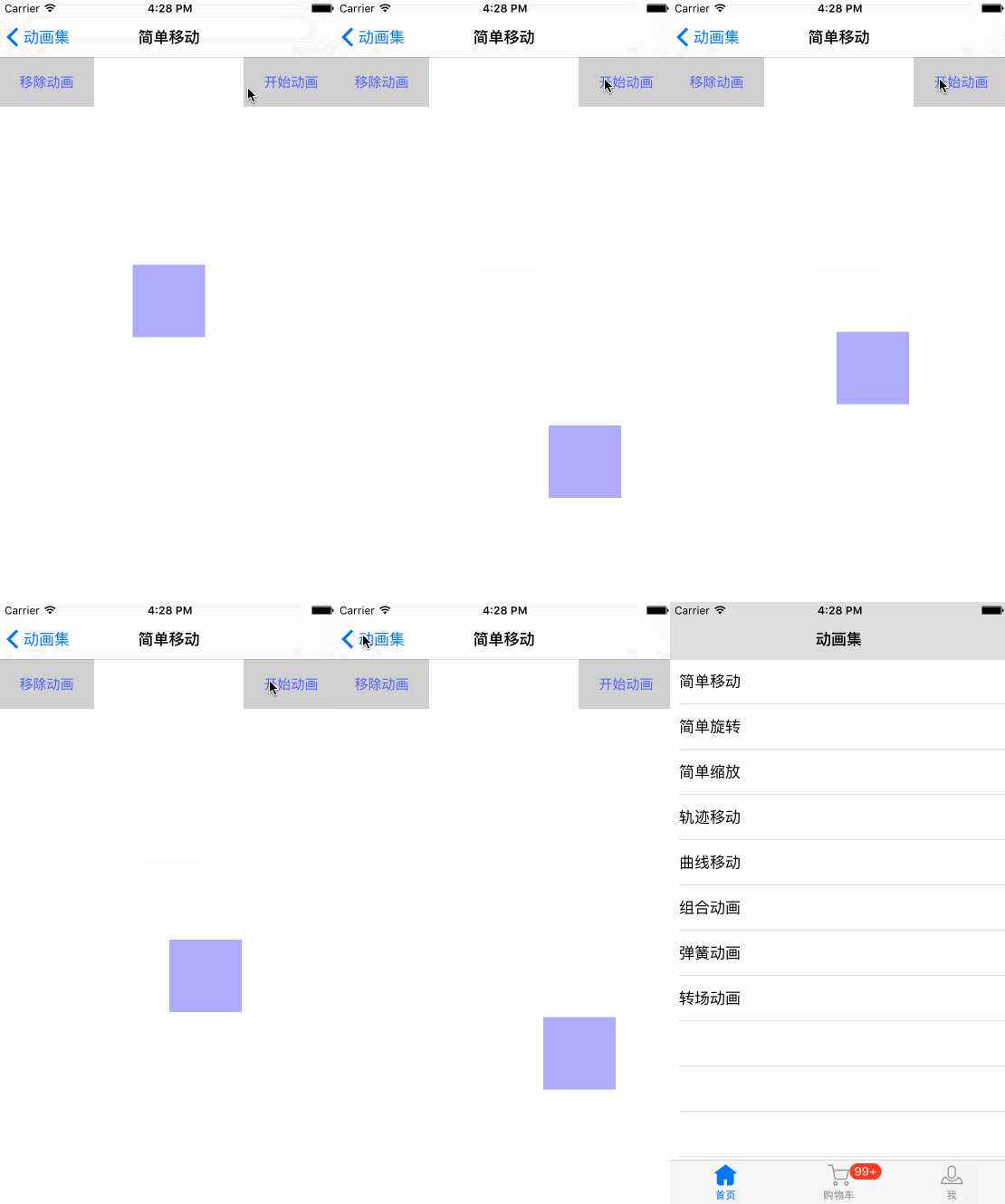
簡單移動
創建 WBSimpleMovingVC,繼承自 WBBaseAnimationVC:
#pragma mark - WBBaseAnimationDelegate methods
- (void)starAnimation {
    CABasicAnimation *animation = [CABasicAnimation animationWithKeyPath:@"position"];
    animation.duration = 2.0f;
    animation.repeatCount = HUGE_VALF;
    animation.autoreverses = YES;
    animation.timingFunction = [CAMediaTimingFunction functionWithName:kCAMediaTimingFunctionEaseIn];
    animation.fromValue = [NSValue valueWithCGPoint:self.animationView.layer.position];
    animation.toValue = [NSValue valueWithCGPoint:CGPointMake(SCREEN_WIDTH - self.animationView.width / 2.0, SCREEN_HEIGHT - self.animationView.height / 2.0)];
    [self.animationView.layer addAnimation:animation forKey:@"position"];
}

- (void)removeAnimation {
    [self.animationView.layer removeAllAnimations];
}
旋轉動畫
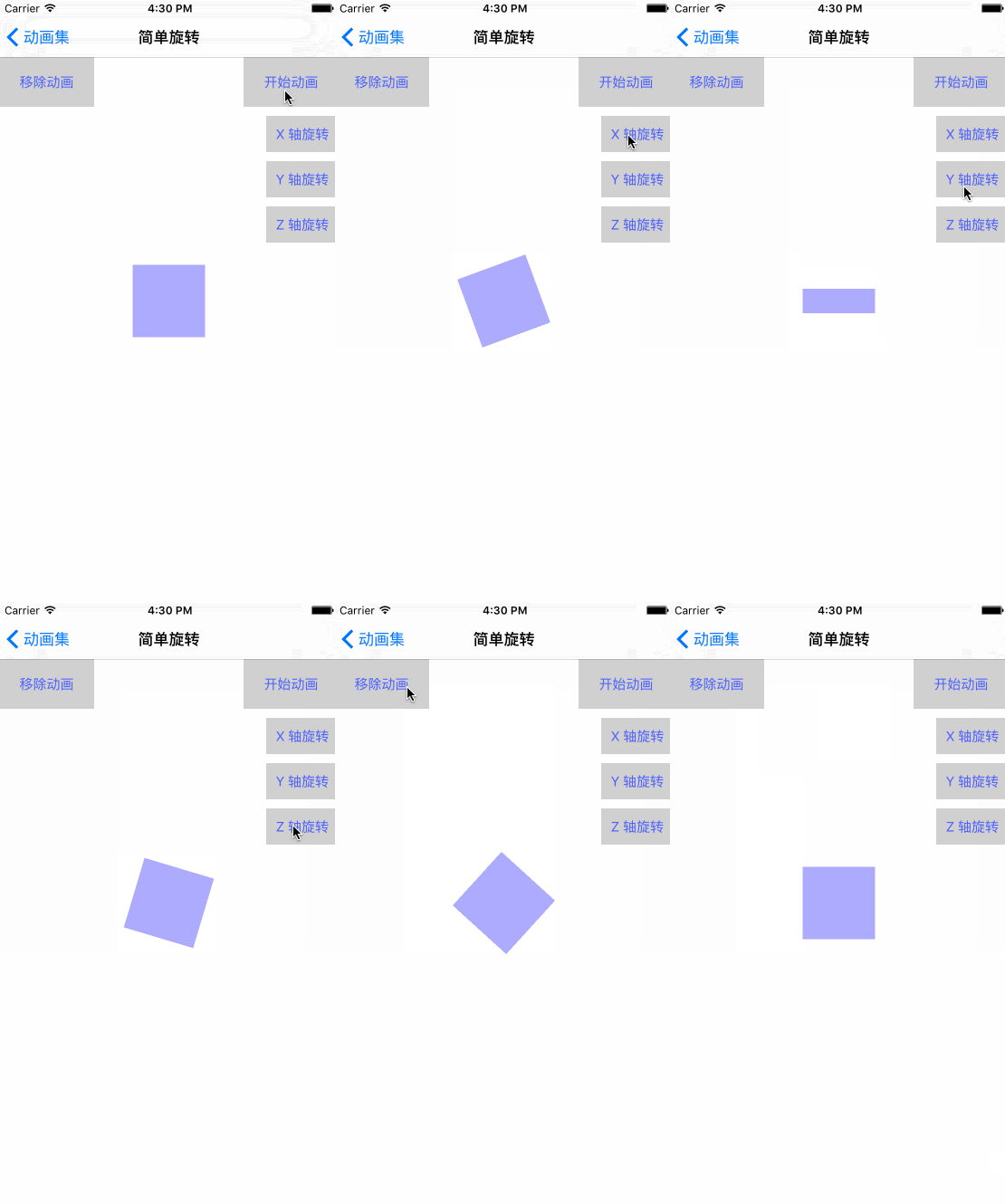
創建 WBRotatingVC,繼承自 WBBaseAnimationVC。旋轉可分為平面旋轉以及沿 X、Y、Z 軸旋轉,核心在於替換 keyPath:
- (void)rotatingAnimationWithRotatingAxis:(WBRotatingAxis)rotatingAxis {
    [self removeAnimation];
    CABasicAnimation *animation;
    if (rotatingAxis == WBRotatingAxisNone) {
        animation = [CABasicAnimation animationWithKeyPath:@"transform.rotation"]; // 平面旋轉
    } else if (rotatingAxis == WBRotatingAxisX) {
        animation = [CABasicAnimation animationWithKeyPath:@"transform.rotation.x"]; // 沿 X
    } else if (rotatingAxis == WBRotatingAxisY) {
        animation = [CABasicAnimation animationWithKeyPath:@"transform.rotation.y"]; // 沿 Y
    } else if (rotatingAxis == WBRotatingAxisZ) {
        animation = [CABasicAnimation animationWithKeyPath:@"transform.rotation.z"]; // 沿 Z
    }
    animation.fromValue = [NSNumber numberWithFloat:0];
    animation.toValue = [NSNumber numberWithFloat:M_PI * 6];
    animation.duration = 2.0f;
    animation.timingFunction = [CAMediaTimingFunction functionWithName:kCAMediaTimingFunctionLinear];
    animation.repeatCount = HUGE_VALF;
    [self.animationView.layer addAnimation:animation forKey:@"rotationAnimation"];
}
縮放動畫
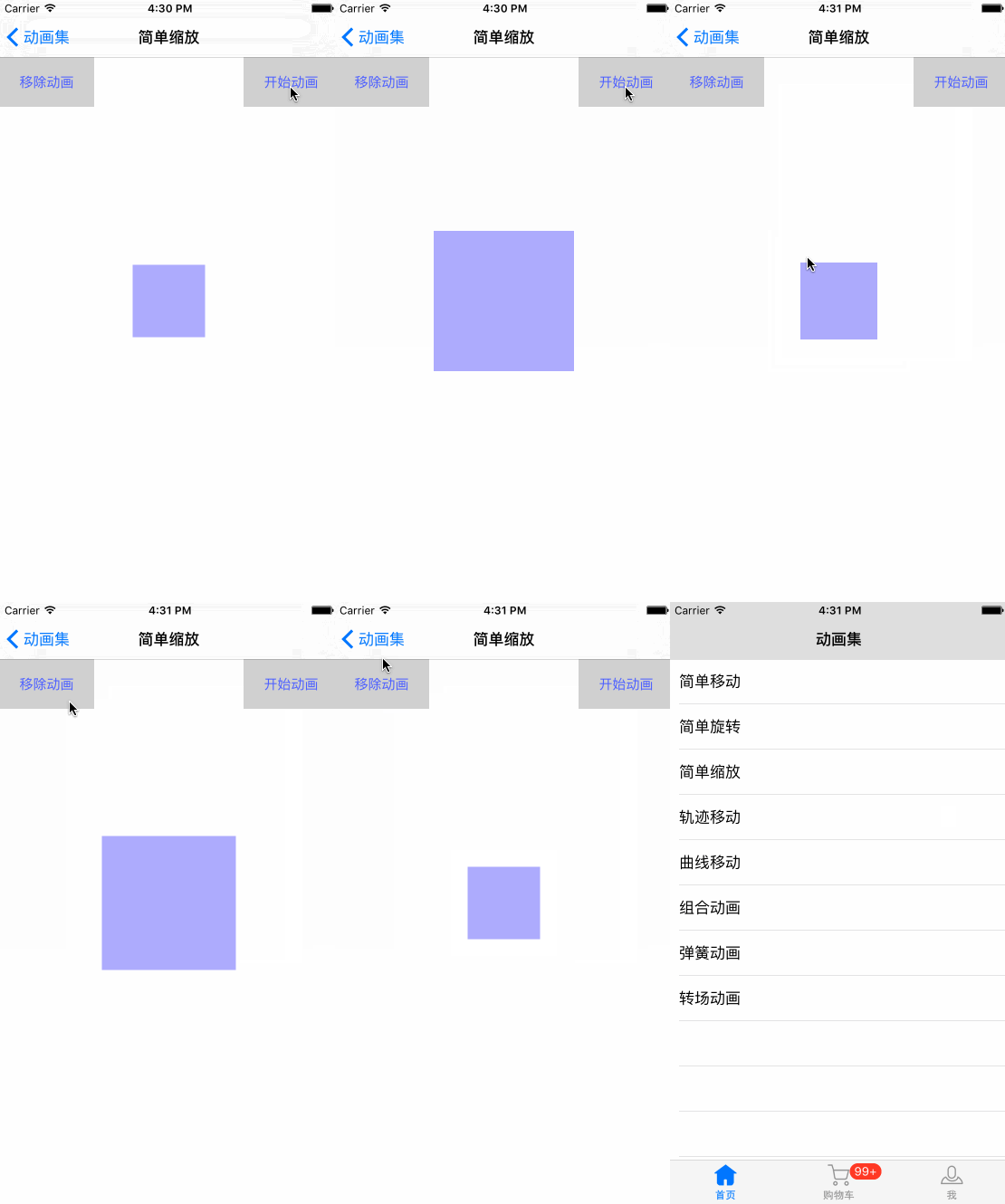
創建 WBZoomingVC,通過 transform.scale 實現:
- (void)starAnimation {
    CABasicAnimation *animation = [CABasicAnimation animationWithKeyPath:@"transform.scale"];
    animation.duration = 1.5f;
    animation.repeatCount = HUGE_VALF;
    animation.autoreverses = YES;
    animation.timingFunction = [CAMediaTimingFunction functionWithName:kCAMediaTimingFunctionLinear];
    animation.fromValue = [NSNumber numberWithFloat:1.0]; // 起始倍率
    animation.toValue = [NSNumber numberWithFloat:2.0];   // 結束倍率
    [self.animationView.layer addAnimation:animation forKey:@"scaleAnimation"];
}
軌跡移動
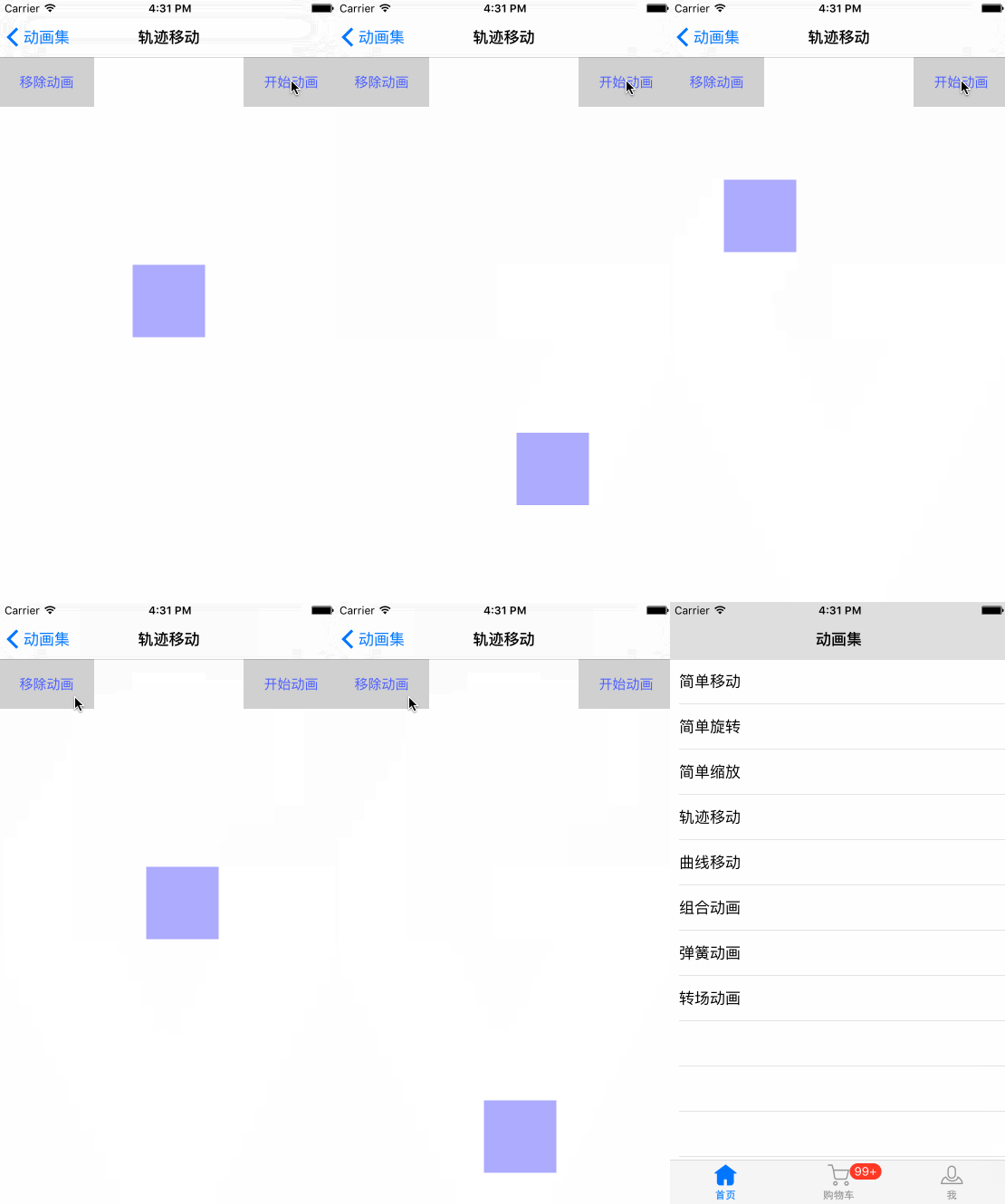
創建 WBTrajectoryMovingVC,用 UIBezierPath 描述直線路徑,交給關鍵幀動畫:
- (void)starAnimation {
    UIBezierPath *path = [UIBezierPath bezierPath];
    [path moveToPoint:self.animationView.layer.position];
    [path addLineToPoint:CGPointMake(SCREEN_WIDTH - self.animationView.width / 2.0, SCREEN_HEIGHT / 2.0)];
    [path addLineToPoint:CGPointMake(SCREEN_WIDTH / 2.0, SCREEN_HEIGHT - self.animationView.width / 2.0)];
    [path addLineToPoint:CGPointMake(self.animationView.width / 2.0, SCREEN_HEIGHT / 2.0)];
    [path addLineToPoint:CGPointMake(SCREEN_WIDTH / 2.0, 64 + self.animationView.width / 2.0)];
    [path closePath];

    CAKeyframeAnimation *pathAnimation = [CAKeyframeAnimation animationWithKeyPath:@"position"];
    pathAnimation.path = path.CGPath;
    pathAnimation.duration = 8.0;
    pathAnimation.repeatCount = HUGE_VALF;
    [self.animationView.layer addAnimation:pathAnimation forKey:@"pathAnimation"];
}
曲線運動
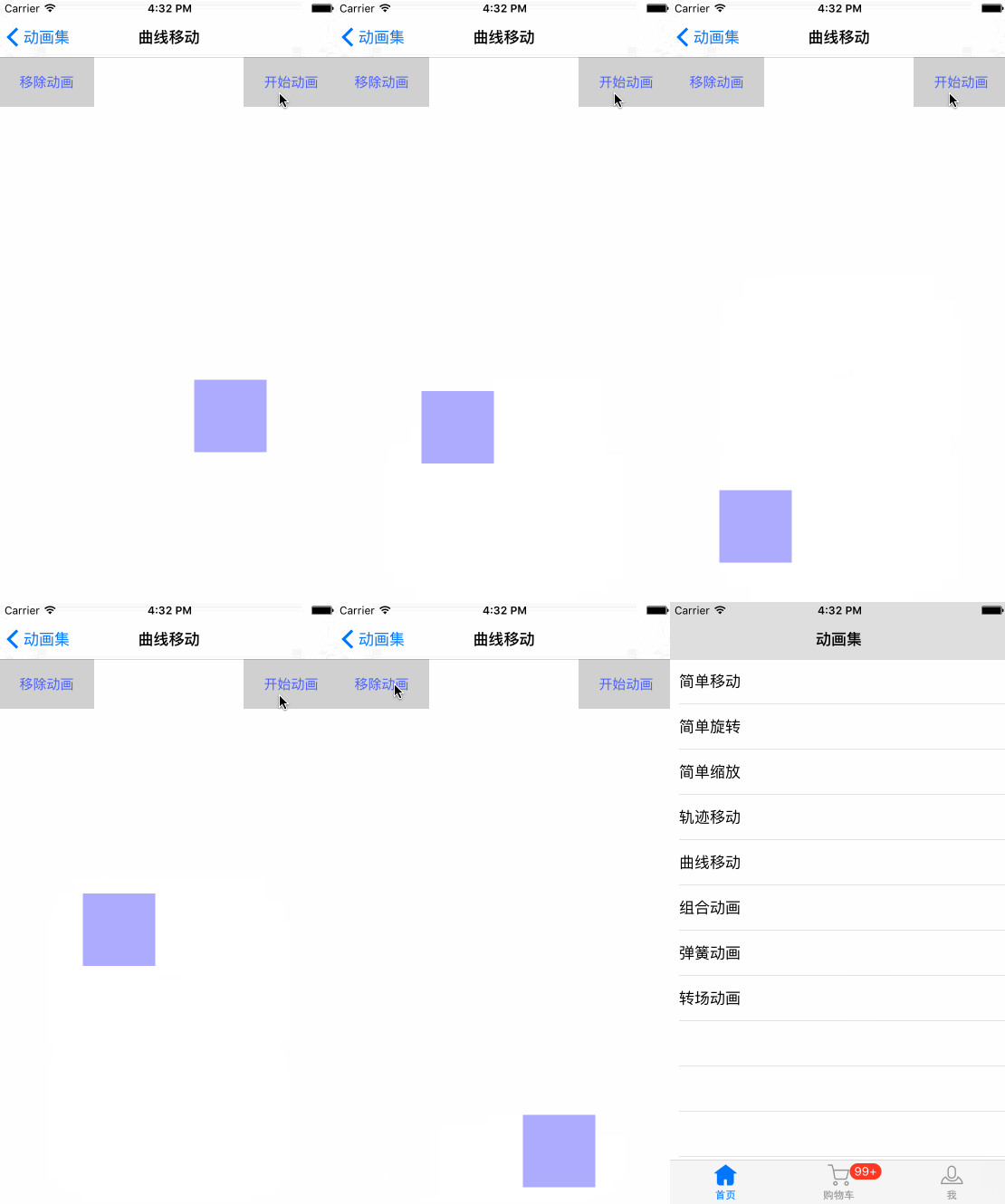
創建 WBCurveMovingVC,用 addQuadCurveToPoint 添加曲線路徑(addQuadCurveToPoint 有一個基準控制點,addCurveToPoint 則有兩個):
- (void)starAnimation {
    UIBezierPath *path = [UIBezierPath bezierPath];
    [path moveToPoint:self.animationView.layer.position];
    [path addQuadCurveToPoint:CGPointMake(SCREEN_WIDTH / 2.0, SCREEN_HEIGHT * 0.75) controlPoint:CGPointMake(SCREEN_WIDTH, SCREEN_HEIGHT * 0.625)];
    [path addQuadCurveToPoint:CGPointMake(SCREEN_WIDTH / 2.0, SCREEN_HEIGHT - self.animationView.height / 2.0) controlPoint:CGPointMake(0, SCREEN_HEIGHT * 0.875)];
    CAKeyframeAnimation *keyFrameAnimation = [CAKeyframeAnimation animationWithKeyPath:@"position"];
    keyFrameAnimation.path = path.CGPath;
    keyFrameAnimation.duration = 4.0f;
    keyFrameAnimation.repeatCount = HUGE_VALF;
    [self.animationView.layer addAnimation:keyFrameAnimation forKey:@"pathAnimation"];
}
組合運動
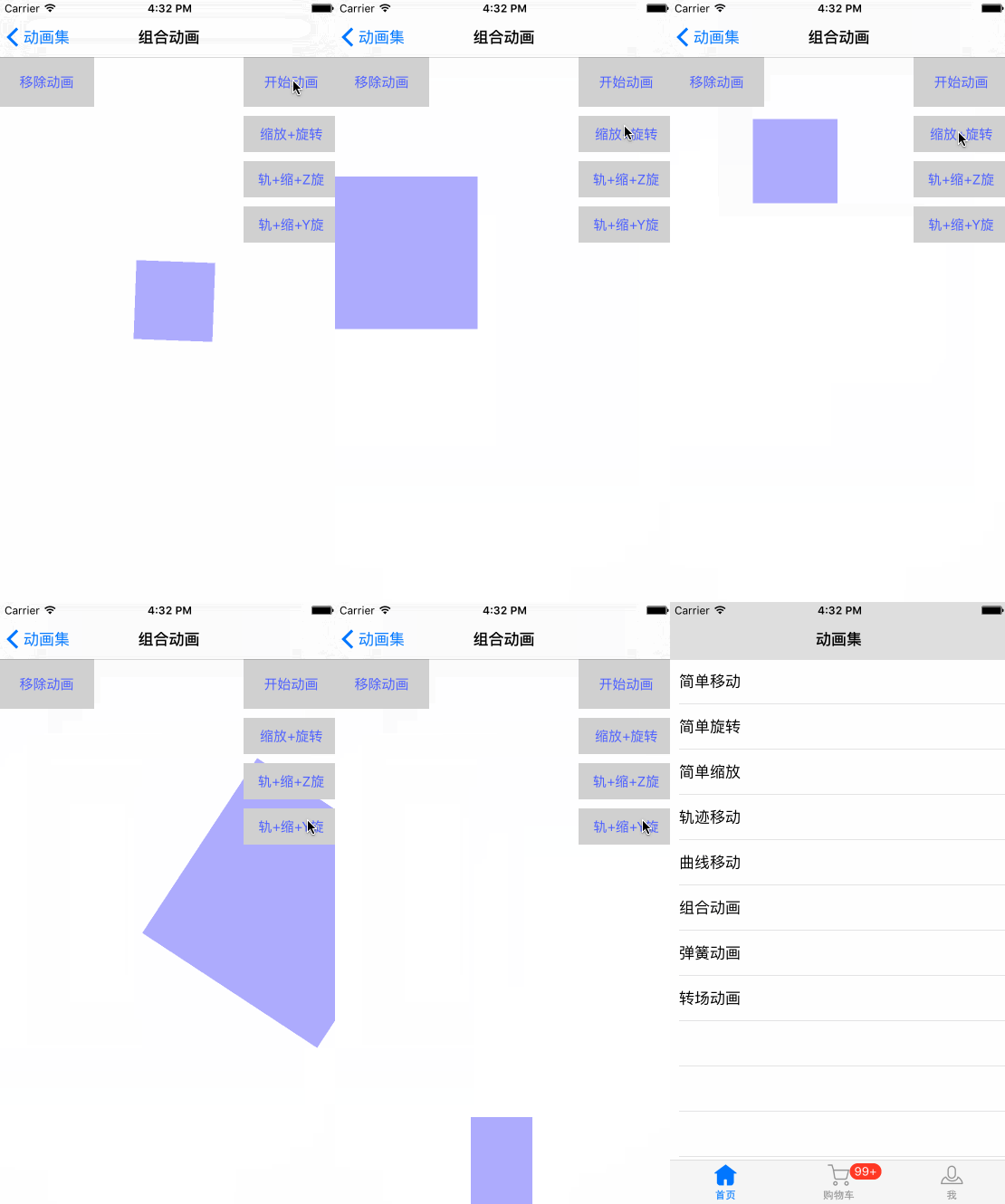
創建 WBCombinationOneVC,用 CAAnimationGroup 把多個動畫組合並行執行:
#pragma mark 旋轉 + 縮放
- (void)combinationAnimationOne {
    CABasicAnimation *rotateAnimation = [CABasicAnimation animationWithKeyPath:@"transform.rotation"];
    rotateAnimation.fromValue = [NSNumber numberWithFloat:0];
    rotateAnimation.toValue = [NSNumber numberWithFloat:M_PI * 8];
    rotateAnimation.duration = 1.5f;
    rotateAnimation.repeatCount = HUGE_VALF;
    rotateAnimation.autoreverses = YES;

    CABasicAnimation *scaleAnimation = [CABasicAnimation animationWithKeyPath:@"transform.scale"];
    scaleAnimation.duration = 1.5f;
    scaleAnimation.repeatCount = HUGE_VALF;
    scaleAnimation.autoreverses = YES;
    scaleAnimation.fromValue = [NSNumber numberWithFloat:1.0];
    scaleAnimation.toValue = [NSNumber numberWithFloat:3.0];

    CAAnimationGroup *groups = [CAAnimationGroup animation];
    groups.animations = @[rotateAnimation, scaleAnimation];
    groups.duration = 1.5f;
    groups.repeatCount = HUGE_VALF;
    groups.autoreverses = YES;
    [self.animationView.layer addAnimation:groups forKey:@"CombinationAnimation"];
}
關於組合動畫有個值得思考的點:子動畫與動畫組都設置了 duration,兩者並不衝突。例如旋轉動畫設為 0.5s、repeatCount 為 4,動畫組設為 8.0s,那麼旋轉只會執行 2.0s——也就是說各子動畫的時間仍可獨立管理,能指定在某一時刻停止或繼續某個動畫。
彈簧動畫
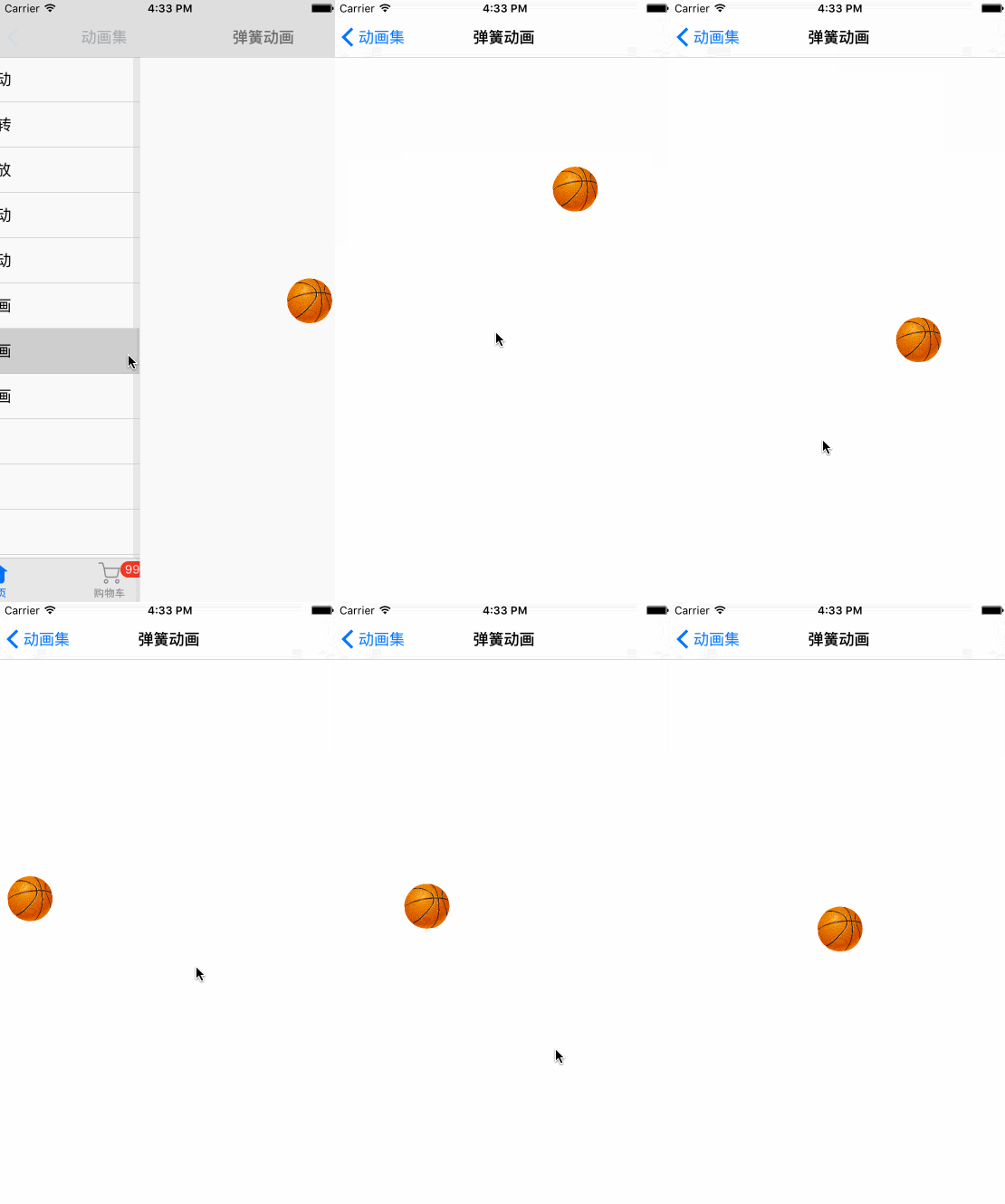
創建 WBSpringAnimationVC,借助 UIView 的 spring 動畫,通過 Damping(阻尼)與 Velocity(初速度)模擬彈簧效果:
- (void)touchesBegan:(NSSet *)touches withEvent:(UIEvent *)event {
    UITouch *touch = touches.anyObject;
    CGPoint location = [touch locationInView:self.view];
    // Damping:彈性阻尼 0.0~1.0,值越小振幅越大;Velocity:彈性復位速度
    [UIView animateWithDuration:5.0 delay:0 usingSpringWithDamping:0.1 initialSpringVelocity:1.0 options:UIViewAnimationOptionCurveLinear animations:^{
        self.basketballImageView.center = location;
    } completion:^(BOOL finished) {
    }];
}
轉場動畫
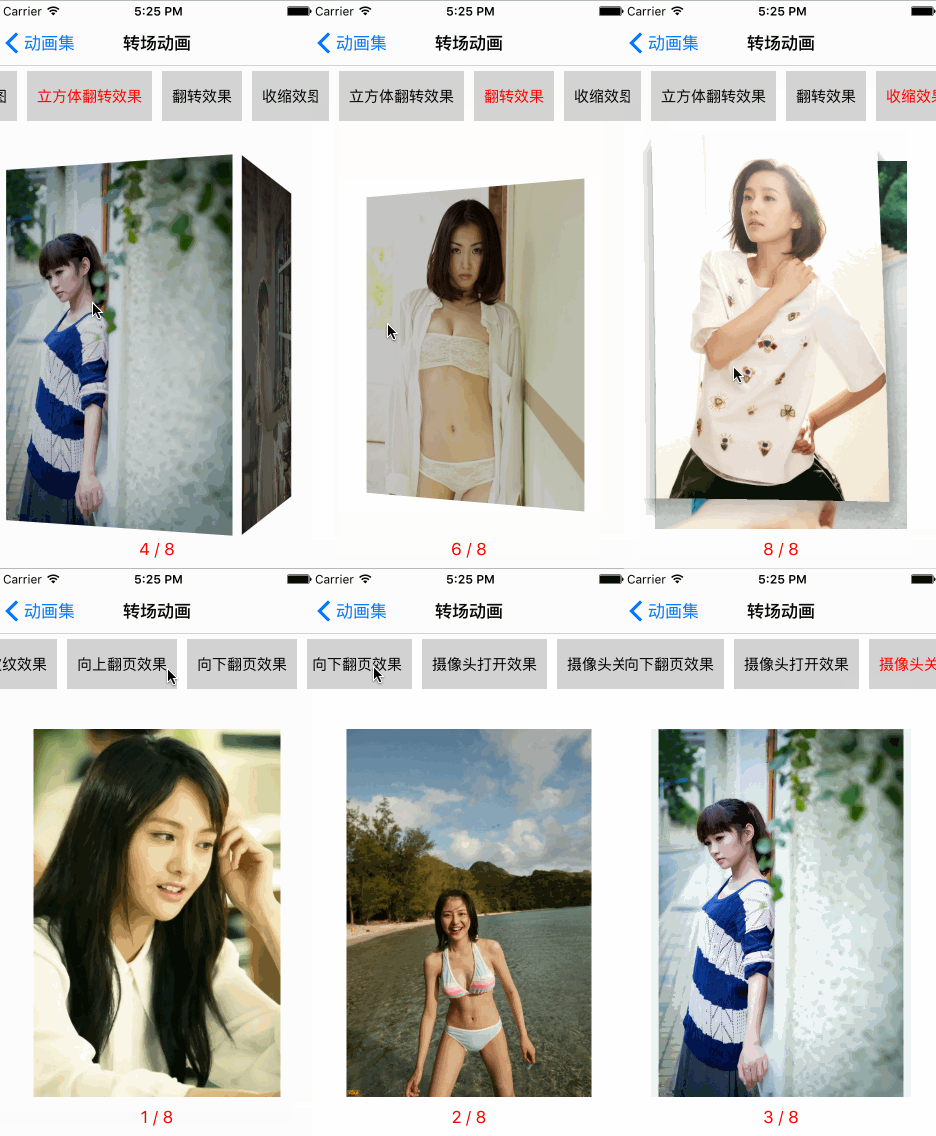
創建 WBTransitionsAnimationVC,用 CATransition 實現多種轉場效果,可通過左右滑動切換類型:
- (void)transitionAnimationDirection:(BOOL)isNext {
    CATransition *transition = [[CATransition alloc] init];
    transition.type = self.currentAnimationType; // 動畫類型
    transition.duration = 1.0f;
    if (isNext) {
        transition.subtype = kCATransitionFromRight;
        self.currentIndex += 1;
    } else {
        transition.subtype = kCATransitionFromLeft;
        self.currentIndex -= 1;
    }
    if (self.currentIndex == -1) {
        self.currentIndex = self.imagesNamed.count - 1;
    } else if (self.currentIndex == self.imagesNamed.count) {
        self.currentIndex = 0;
    }
    self.imageView.image = [self fetchCurrentImageWithIndex:self.currentIndex];
    [self.imageView.layer addAnimation:transition forKey:@"transitionAnimation"];
}
支持的轉場類型包括:fade(淡出)、movein、push、reveal、cube(立方體翻轉)、oglFlip(翻轉)、suckEffect(收縮)、rippleEffect(水滴波紋)、pageCurl(向上翻頁)、pageUnCurl(向下翻頁)、cameraIrisHollowOpen/Close(攝像頭打開/關閉)等。
添加購物車動畫
把購物車動畫封裝在 WBBaseAnimations 中,接口如下:
#import <Foundation/Foundation.h>

@interface WBBaseAnimations : NSObject
+ (instancetype)sharedInstance;

/** 加入購物車動畫 */
- (void)starAnimationWithView:(UIView *)view starRect:(CGRect)starRect finishPoint:(CGPoint)finishPoint completedBlock:(void (^)(BOOL finish))completed;

/** 搖一搖動畫 */
- (void)shakeAnimationWithView:(UIView *)view completedBlock:(void (^)(BOOL finish))completed;
@end
在 WBShoppingCartVC 中使用:先計算商品圖在 window 中的起始 frame,執行抛物線式的加入購物車動畫,完成後再觸發 tabbar 的搖一搖動畫:
- (void)addCartAnimationWithView:(UIView *)view {
    UIWindow *window = [[UIApplication sharedApplication].delegate window];
    CGRect goodsImageRect = [view convertRect:view.bounds toView:window];
    WBBaseAnimations *animation = [WBBaseAnimations sharedInstance];
    [animation starAnimationWithView:view starRect:goodsImageRect finishPoint:CGPointMake(SCREEN_WIDTH / 2.0, SCREEN_HEIGHT - 49) completedBlock:^(BOOL finish) {
        if (finish) {
            UIView *tabbarView = self.tabBarController.tabBar.subviews[2];
            [animation shakeAnimationWithView:tabbarView completedBlock:^(BOOL finish) {
            }];
        }
    }];
}
- 上一篇文章: iOS 基於 Bmob 的實時通訊實現
- 下一篇文章: 【iOS】用 UIDynamic 打造逼真的物理碰撞動畫