
Xcode 常用快捷鍵整理(附動圖示範)
編輯:iOS 開發基礎
熟記快捷鍵是提升開發速度最直接的方式。以下是我日常最常用的一批 Xcode 快捷操作,配上動圖示範,看一次就能記住。

投稿文章,作者:一塊豆腐
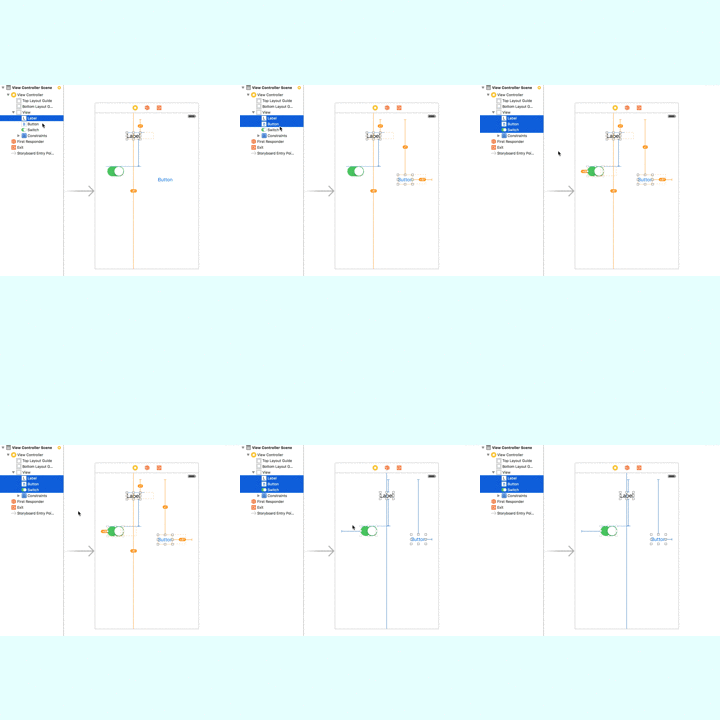
更新約束
command + option + =
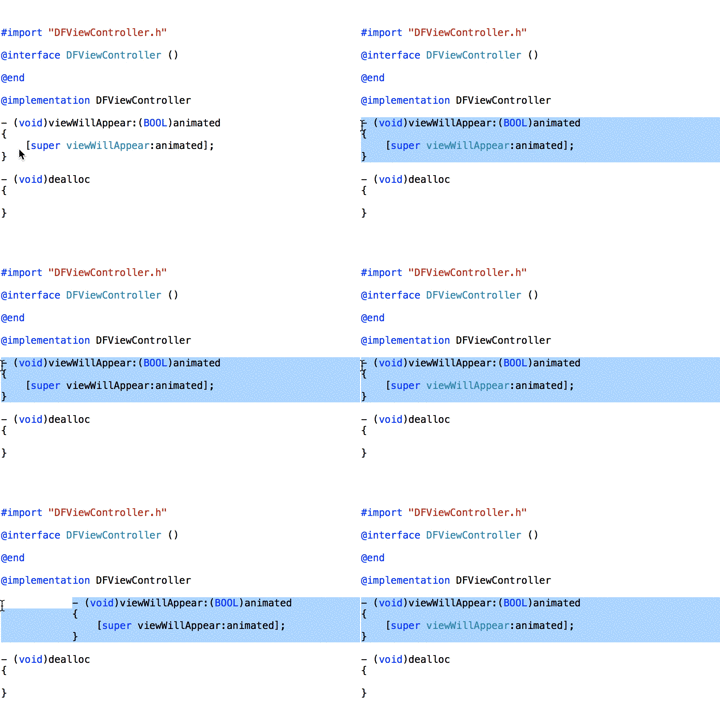
移動程式碼
上下移動整行:command + option + [(上)/](下)
左右移動:command + ](右)/[(左)
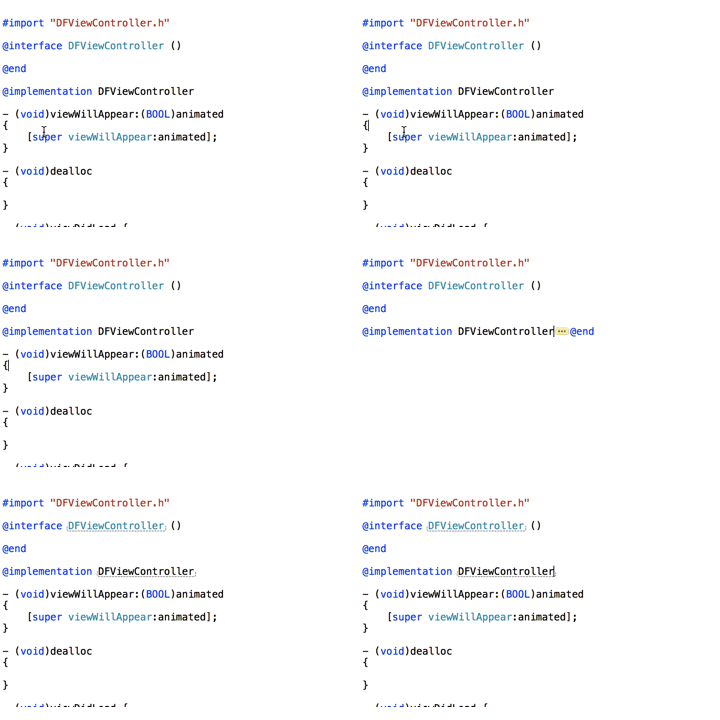
展開/收合程式碼區塊
command + option + ←(收合)
command + option + →(展開)
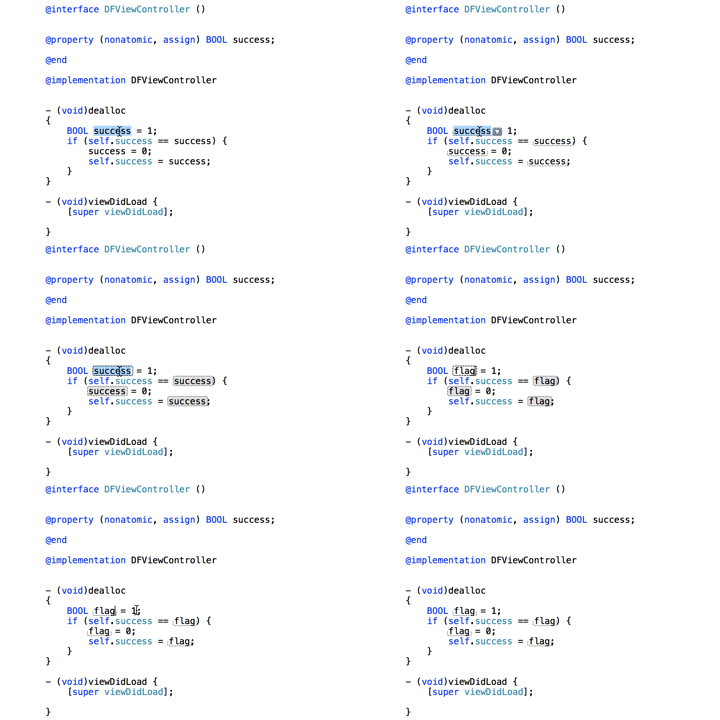
全域批次修改同一個區域變數
command + control + e
這個非常實用:選中變數後按下去,專案中所有同名變數會同時被標記,改一處等於全部改完。
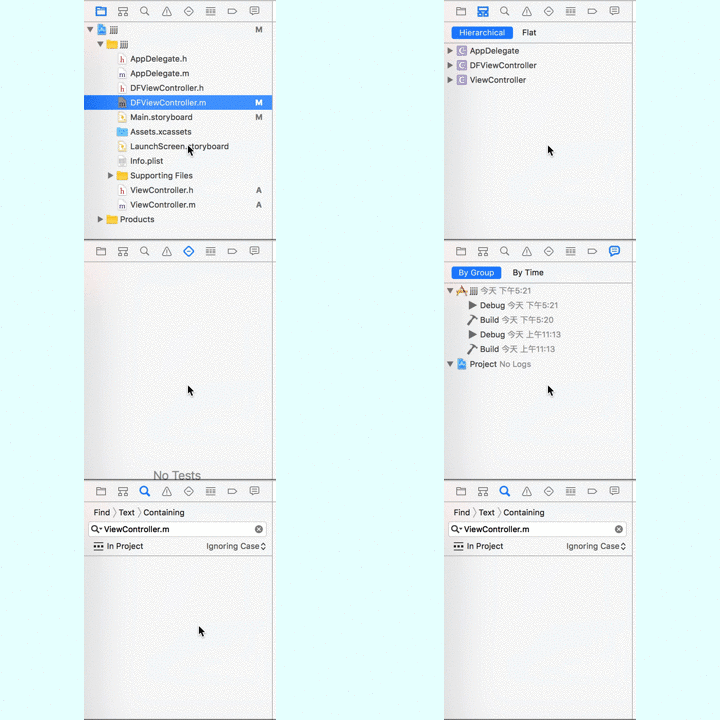
切換左側 Navigator
command + 1 / 2 / 3 / 4 ...
command + 0(隱藏 Navigator)
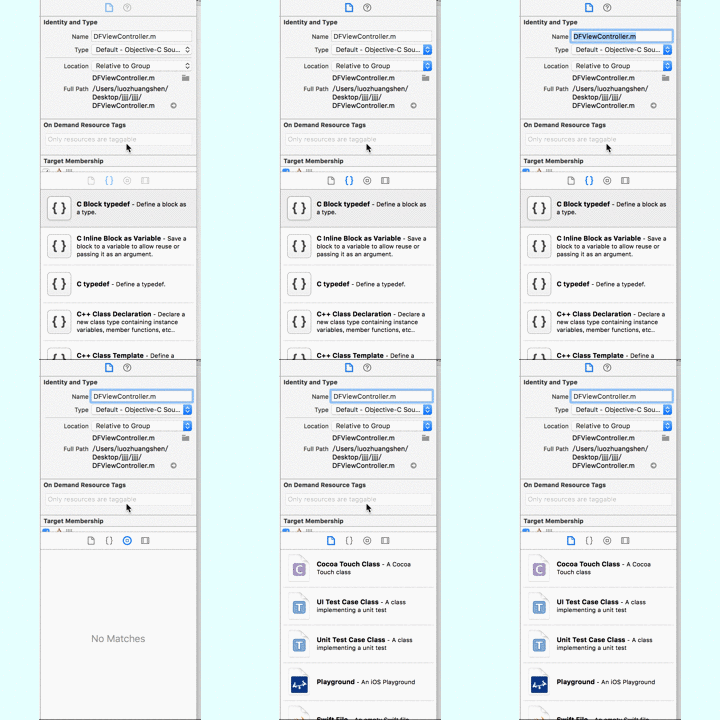
控制右側面板
command + option + 1 / 2 ...
command + option + control + 1 / 2 ...
command + option + 0(隱藏右側)
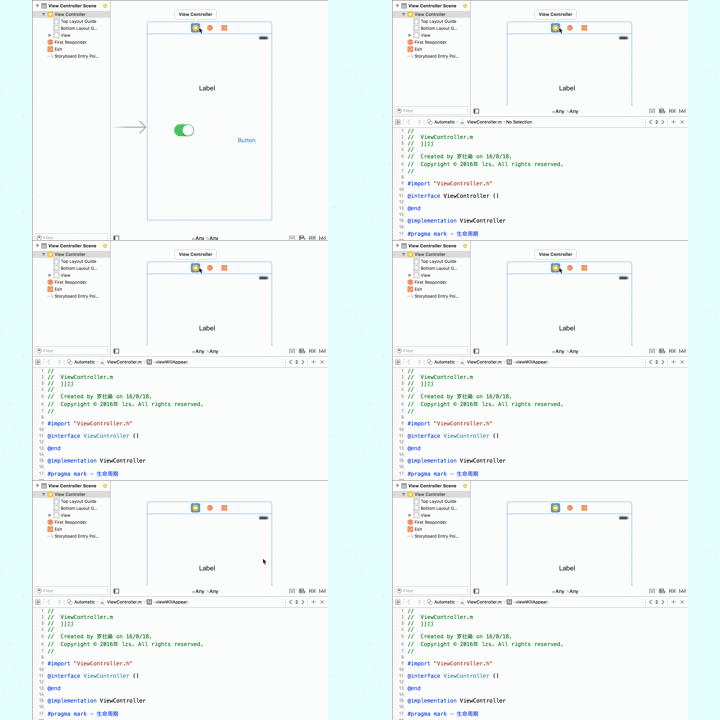
在 Storyboard 中快速開啟對應的控制器程式碼
command + option + enter
拉 UI 的時候幾乎是必按組合,介面與程式碼並排檢視效率高很多。
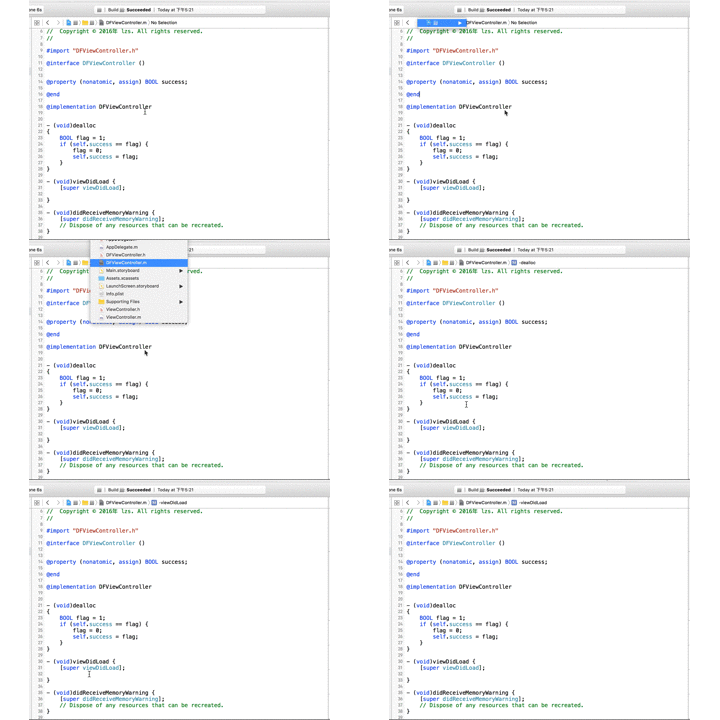
快速跳轉符號清單
control + 1 / 2 / 3 ...
control + 6 可彈出目前檔案的方法/屬性列表,長檔案中找方法比滾動快得多。
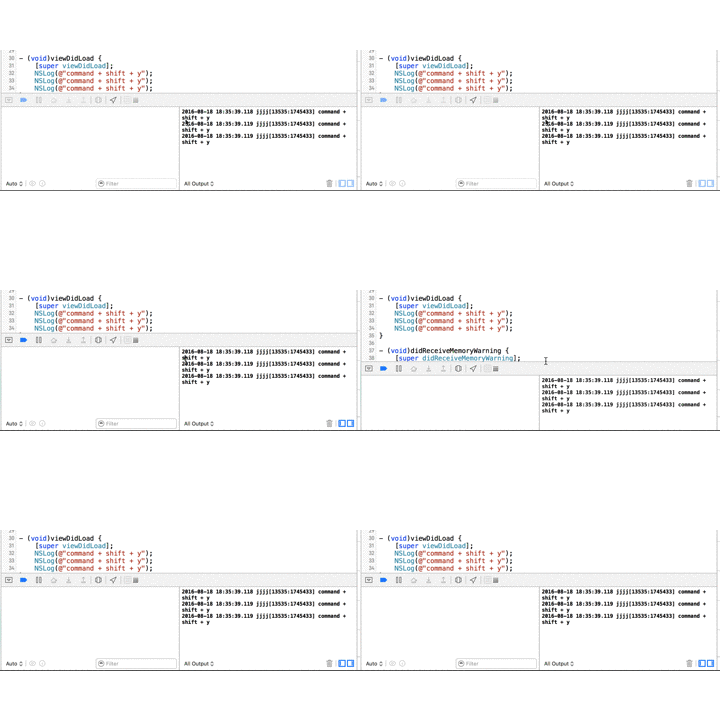
隱藏/開啟除錯 console
command + shift + y
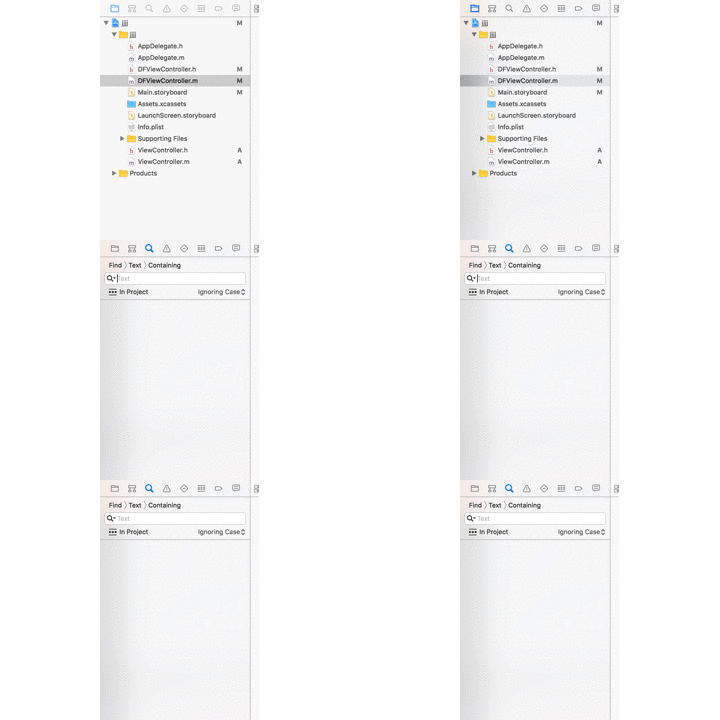
全域搜尋
command + shift + f
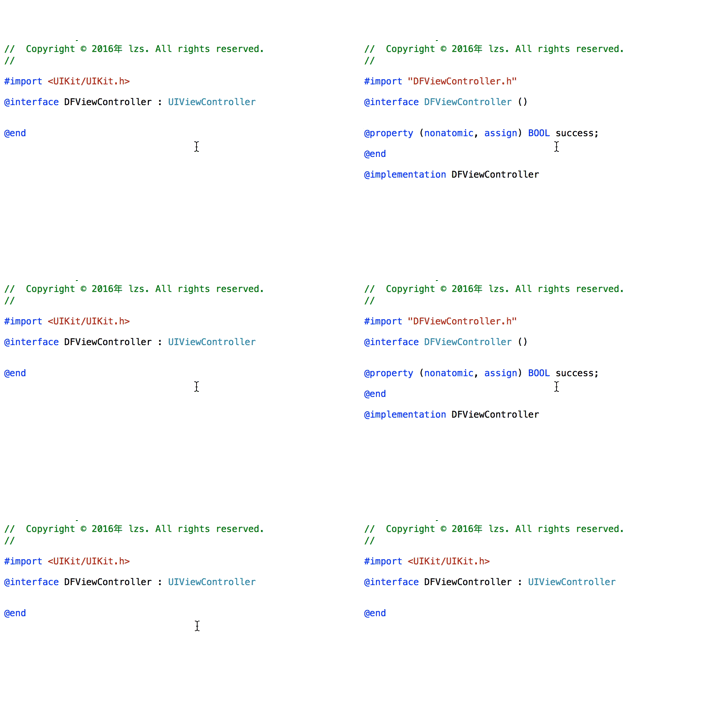
.m 與 .h 之間快速切換
command + control + ↑ / ↓
其他常用組合
- 跳到檔案頂部/底部:
command + ↑ / ↓ - 刪除游標所在行到行首的內容:
command + delete - 刪除游標前的一個單詞:
option + delete - 游標移到行首/行尾:
command + ← / → - 游標移到前/後一個單詞的首尾:
option + ← / →
以上沒有配圖的操作,加上 shift 鍵就是「選取」而非「移動」,可以自己試試看,用起來非常順手。
補充幾個我很愛用的
command + shift + o:Open Quickly,用檔名快速開檔,比在 Navigator 裡翻找快太多。control + command + f:切換全螢幕。command + option + shift + click:點擊檔案時可選擇要開在哪個分欄。command + u:執行測試。command + shift + j:在 Navigator 中定位目前編輯的檔案。
你有更順手的組合嗎?歡迎留言分享。
- 上一篇文章: iOS 開發中那些容易踩坑的實戰經驗(二)
- 下一篇文章: 使用 iCloud API 的正確姿勢