
iOS 中使用 UITextView 實現圖文混排
編輯:iOS 程式設計技術
在 iOS 中,若希望 UITextView 同時呈現文字與圖片,可先關閉編輯功能,將 editable 設為 NO,再透過 NSAttributedString 與 NSTextAttachment 組裝內容。
基本步驟
建立 NSTextAttachment,把 UIImage 放入 image 屬性;接著將 attachment 轉成屬性字串,再附加或插入到 textView.textStorage。若要插入到指定位置,可使用 insertAttributedString:atIndex:。
NSTextAttachment *attachment = [[NSTextAttachment alloc] init];
attachment.image = [UIImage imageNamed:@"imageName"];
NSMutableAttributedString *attachmentString = (NSMutableAttributedString *)[NSAttributedString attributedStringWithAttachment:attachment];
[_textView.textStorage appendAttributedString:attachmentString];
調整圖片尺寸與互動
預設圖片會依原始尺寸渲染。若需要自訂大小,可建立 NSTextAttachment 子類,並實作 attachmentBoundsForTextContainer:proposedLineFragment:glyphPosition:characterIndex:,在回傳的 CGRect 中限制或調整範圍。
若希望點擊圖片,可讓 UITextView 的 delegate 實作 textView:shouldInteractWithTextAttachment:inRange:。回傳 YES 時,圖片可被複製或保存;回傳 NO 則不進行這些操作,但不影響返回前的處理。
文字與圖片的進階樣式,例如字型、顏色、段落間距,仍可透過 NSAttributedString 設定。若需要即時編輯長圖文,只要把 editable 改回 YES,並依相同方式插入 attachment 即可。
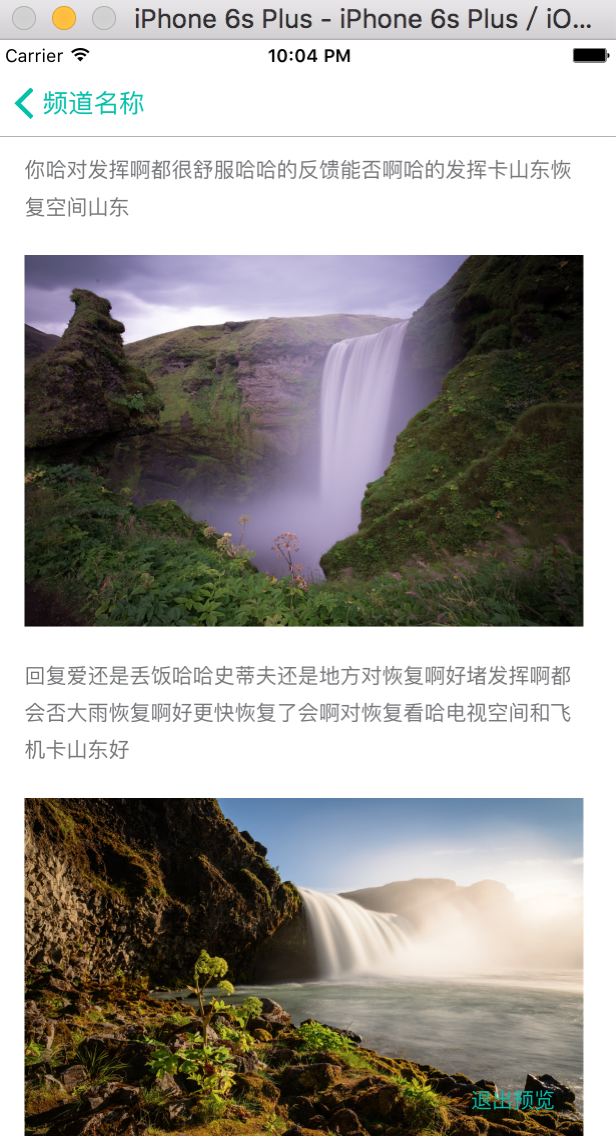
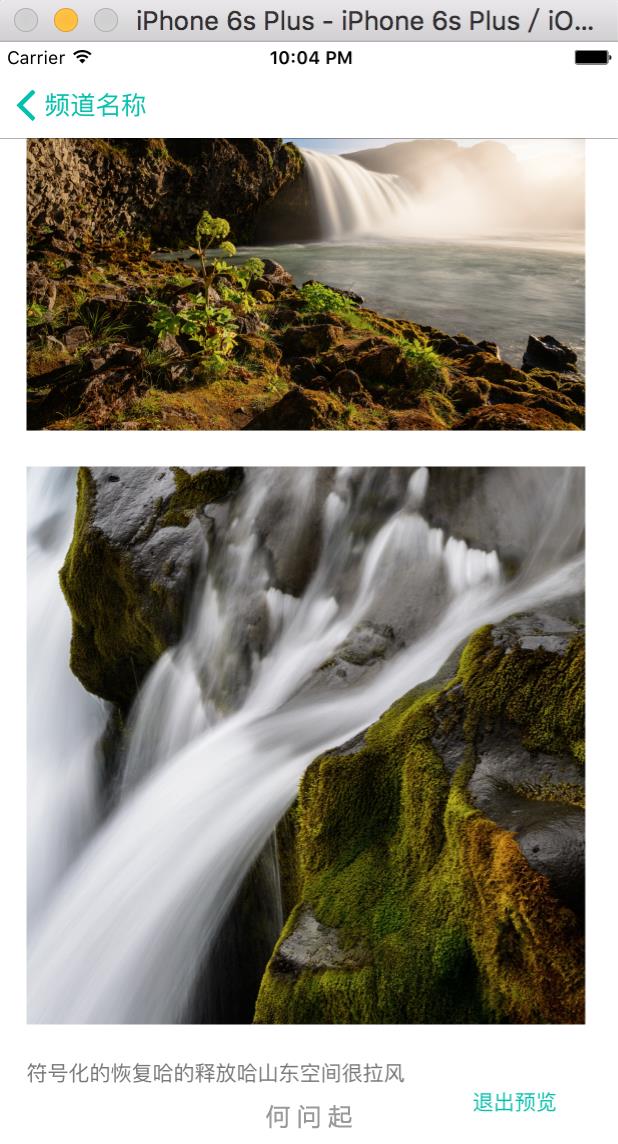
以下為實際畫面:
- 上一篇文章: iOS 開發之九宮格手勢解鎖
- 下一篇文章: iOS 開發常用小技巧:透明鍵盤、截圖與圖片點擊