iOS 按鈕點擊後的翻轉動畫:CAAnimation 實作
編輯:iOS 技巧大全
在 iOS 中,按鈕點擊後的翻轉效果可以透過 Core Animation 完成。核心概念是使用 CATransform3D 建立旋轉,再用 CABasicAnimation 或 CAAnimationGroup 控制動畫行為。
事前準備
需要引入 QuartzCore.framework,並在標頭檔匯入 CoreAnimation 相關標頭。
基本寫法
-(IBAction)buttonP:(id)sender {
    [self buttonAnimation:sender];
}

-(CAAnimation *)animationRotate {
    CATransform3D rotationTransform = CATransform3DMakeRotation(M_PI / 2, 0, 1, 0);
    CABasicAnimation *animation = [CABasicAnimation animationWithKeyPath:@"transform"];
    animation.toValue = [NSValue valueWithCATransform3D:rotationTransform];
    animation.duration = 3;
    animation.autoreverses = YES;
    animation.cumulative = YES;
    animation.repeatCount = 1;
    animation.beginTime = 0.1;
    animation.delegate = self;
    return animation;
}
若要讓動畫更完整,可把旋轉動畫放進 CAAnimationGroup,設定 duration、timingFunction、fillMode 與 delegate。
參數說明
CATransform3DMakeRotation 的第一個參數是旋轉角度,後面三個參數代表旋轉軸向量。物件會依設定角度進行旋轉,方向與角度需依實際需求調整。
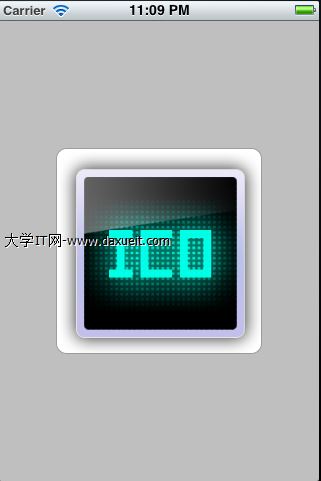
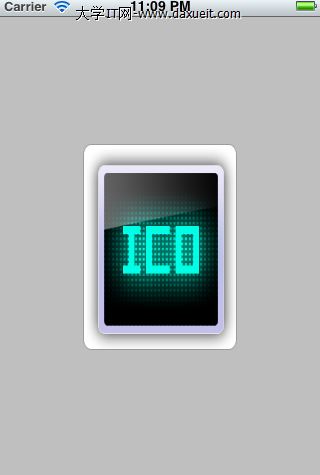
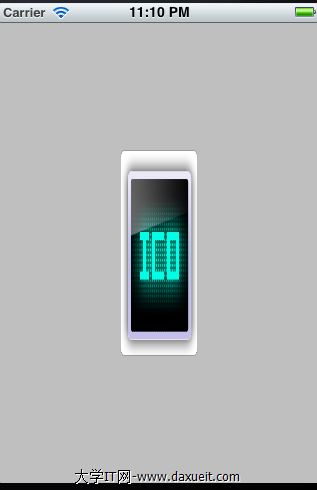
完成後,按鈕點擊即可觸發翻轉效果。動畫的節奏、方向與填滿模式,會直接影響視覺感受。