
iOS 常見轉場動畫大集合:CATransition 與 UIView 兩種封裝
編輯:iOS 相關教學
頁面切換效果想做得好看,核心就是 CATransition。本文把常用的轉場型別整理出來,並封裝成兩個方法:一個走 Core Animation,一個走 UIView 的 block API,之後只要換參數就能套用。
一、封裝動畫方法
1. 以 CATransition 實作
#pragma mark - CATransition 動畫
- (void)transitionWithType:(NSString *)type
                 WithSubtype:(NSString *)subtype
                    ForView:(UIView *)view {
    CATransition *animation = [CATransition animation];
    animation.duration = DURATION;      // 動畫時間
    animation.type = type;              // 轉場類型
    if (subtype != nil) {
        animation.subtype = subtype;    // 方向
    }
    animation.timingFunction = UIViewAnimationOptionCurveEaseInOut; // 節奏
    [view.layer addAnimation:animation forKey:@"animation"];
}
屬性說明
- duration:動畫持續時間。
- type:轉場類型,對照表見下文。
- subtype:與 type 搭配使用,指定方向(上/下/左/右)。
- timingFunction:決定動畫節奏,也就是起點與終點之間的插值方式。可選值:
- kCAMediaTimingFunctionLinear:線性(等速)
- kCAMediaTimingFunctionEaseIn:先慢後快
- kCAMediaTimingFunctionEaseOut:先快後慢
- kCAMediaTimingFunctionEaseInEaseOut:先慢後快再慢
- kCAMediaTimingFunctionDefault:中段較快
2. 以 UIView block API 實作
#pragma mark - UIView 動畫
- (void)animationWithView:(UIView *)view
   WithAnimationTransition:(UIViewAnimationTransition)transition {
    [UIView animateWithDuration:DURATION animations:^{
        [UIView setAnimationCurve:UIViewAnimationCurveEaseInOut];
        [UIView setAnimationTransition:transition forView:view cache:YES];
    }];
}
3. 加上背景圖方便觀察效果
#pragma mark - 為 View 加上背景圖
-(void)addBgImageWithImageName:(NSString *)imageName {
    self.view.backgroundColor = [UIColor colorWithPatternImage:[UIImage imageNamed:imageName]];
}
二、建立測試介面
在視圖上放多顆 Button,各自設定不同的 tag,並全部綁到同一個方法,就能用 tag 決定要播放哪一種轉場。
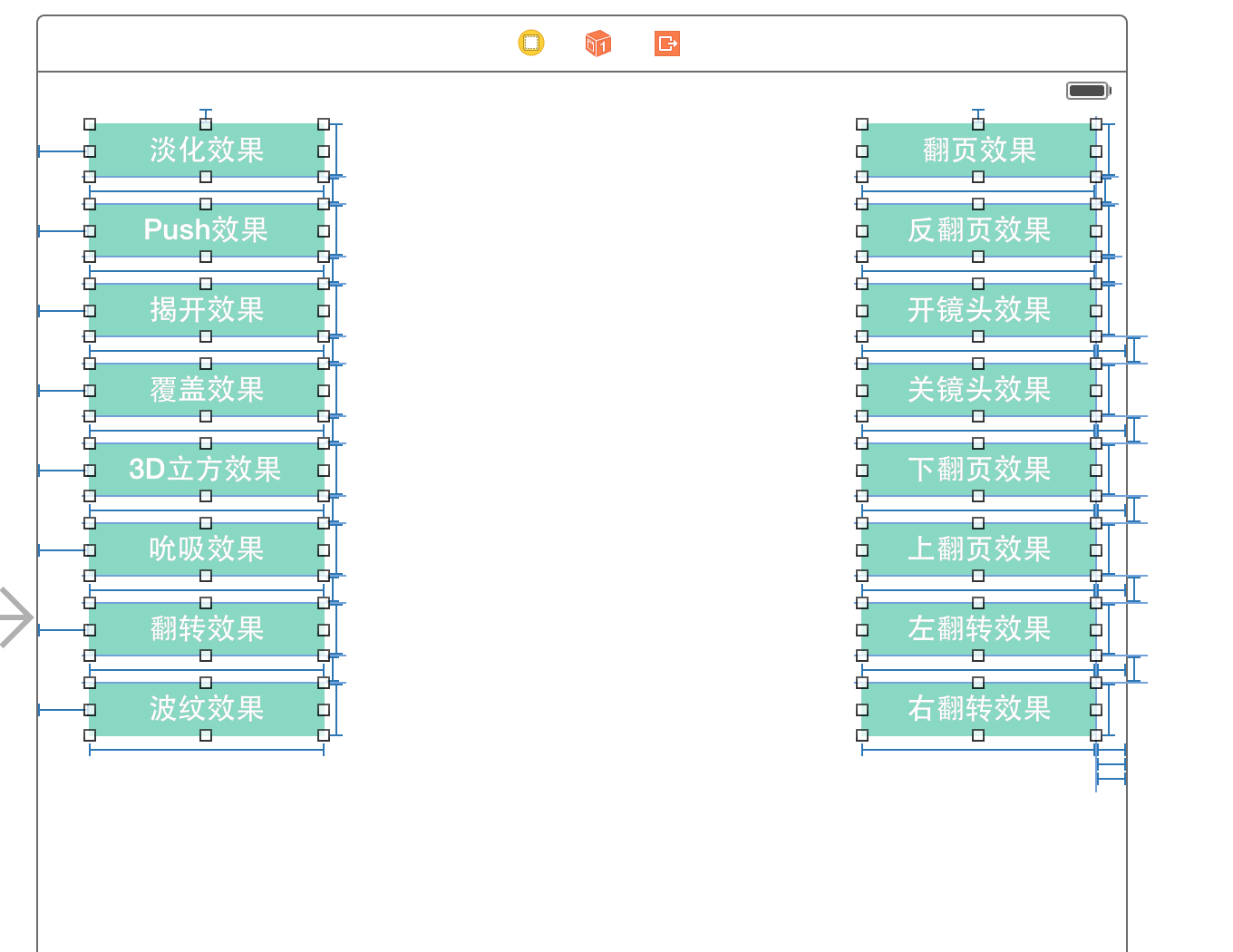
1. 用列舉標示動畫類型
typedef enum : NSUInteger {
    Fade = 0,               // 淡入淡出
    Push,                   // 推擠
    Reveal,                 // 揭開
    MoveIn,                 // 覆蓋
    Cube,                   // 立方體
    SuckEffect,             // 吮吸
    OglFlip,                // 翻轉
    RippleEffect,           // 波紋
    PageCurl,               // 翻頁
    PageUnCurl,             // 反翻頁
    CameraIrisHollowOpen,   // 開鏡頭
    CameraIrisHollowClose,  // 關鏡頭
    CurlDown,               // 下翻頁
    CurlUp,                 // 上翻頁
    FlipFromLeft,           // 左翻轉
    FlipFromRight           // 右翻轉
} AnimationType;
2. 取出 tag 並輪替方向
UIButton *button = sender;
AnimationType animationType = button.tag;

// 每次點擊輪替 subtype
NSString *subtypeString;
switch (_subtype) {
    case 0: subtypeString = kCATransitionFromLeft;   break;
    case 1: subtypeString = kCATransitionFromBottom; break;
    case 2: subtypeString = kCATransitionFromRight;  break;
    case 3: subtypeString = kCATransitionFromTop;    break;
    default: break;
}
_subtype += 1;
if (_subtype > 3) { _subtype = 0; }
三、逐一呼叫對應效果
case Fade:   [self transitionWithType:kCATransitionFade   WithSubtype:subtypeString ForView:self.view]; break;
case Push:   [self transitionWithType:kCATransitionPush   WithSubtype:subtypeString ForView:self.view]; break;
case Reveal: [self transitionWithType:kCATransitionReveal WithSubtype:subtypeString ForView:self.view]; break;
case MoveIn: [self transitionWithType:kCATransitionMoveIn WithSubtype:subtypeString ForView:self.view]; break;
case Cube:   [self transitionWithType:@"cube"        WithSubtype:subtypeString ForView:self.view]; break;
case SuckEffect:  [self transitionWithType:@"suckEffect"  WithSubtype:subtypeString ForView:self.view]; break;
case OglFlip:     [self transitionWithType:@"oglFlip"     WithSubtype:subtypeString ForView:self.view]; break;
case RippleEffect:[self transitionWithType:@"rippleEffect" WithSubtype:subtypeString ForView:self.view]; break;
case PageCurl:    [self transitionWithType:@"pageCurl"    WithSubtype:subtypeString ForView:self.view]; break;
case PageUnCurl:  [self transitionWithType:@"pageUnCurl"  WithSubtype:subtypeString ForView:self.view]; break;
case CameraIrisHollowOpen:  [self transitionWithType:@"cameraIrisHollowOpen"  WithSubtype:subtypeString ForView:self.view]; break;
case CameraIrisHollowClose: [self transitionWithType:@"cameraIrisHollowClose" WithSubtype:subtypeString ForView:self.view]; break;

// 以下四種改用 UIView 的動畫 API
case CurlDown:      [self animationWithView:self.view WithAnimationTransition:UIViewAnimationTransitionCurlDown]; break;
case CurlUp:        [self animationWithView:self.view WithAnimationTransition:UIViewAnimationTransitionCurlUp]; break;
case FlipFromLeft:  [self animationWithView:self.view WithAnimationTransition:UIViewAnimationTransitionFlipFromLeft]; break;
case FlipFromRight: [self animationWithView:self.view WithAnimationTransition:UIViewAnimationTransitionFlipFromRight]; break;
效果預覽:
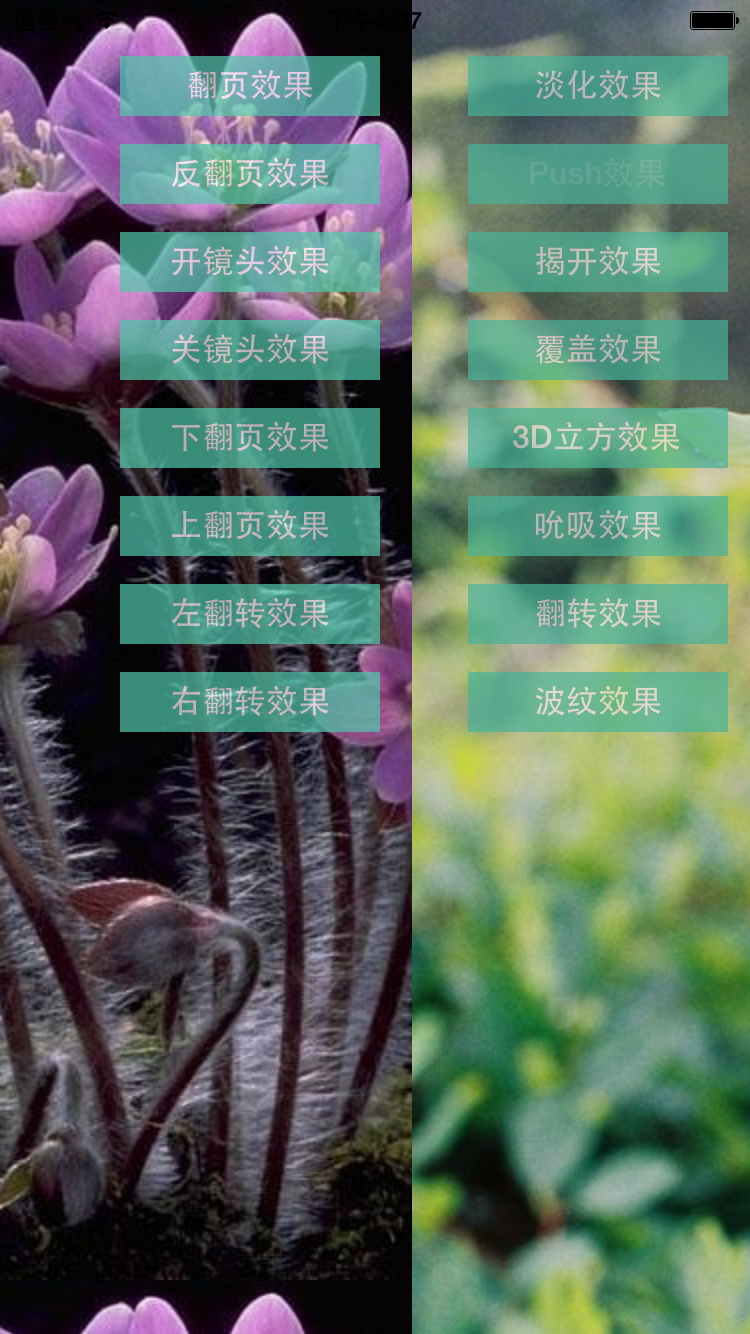


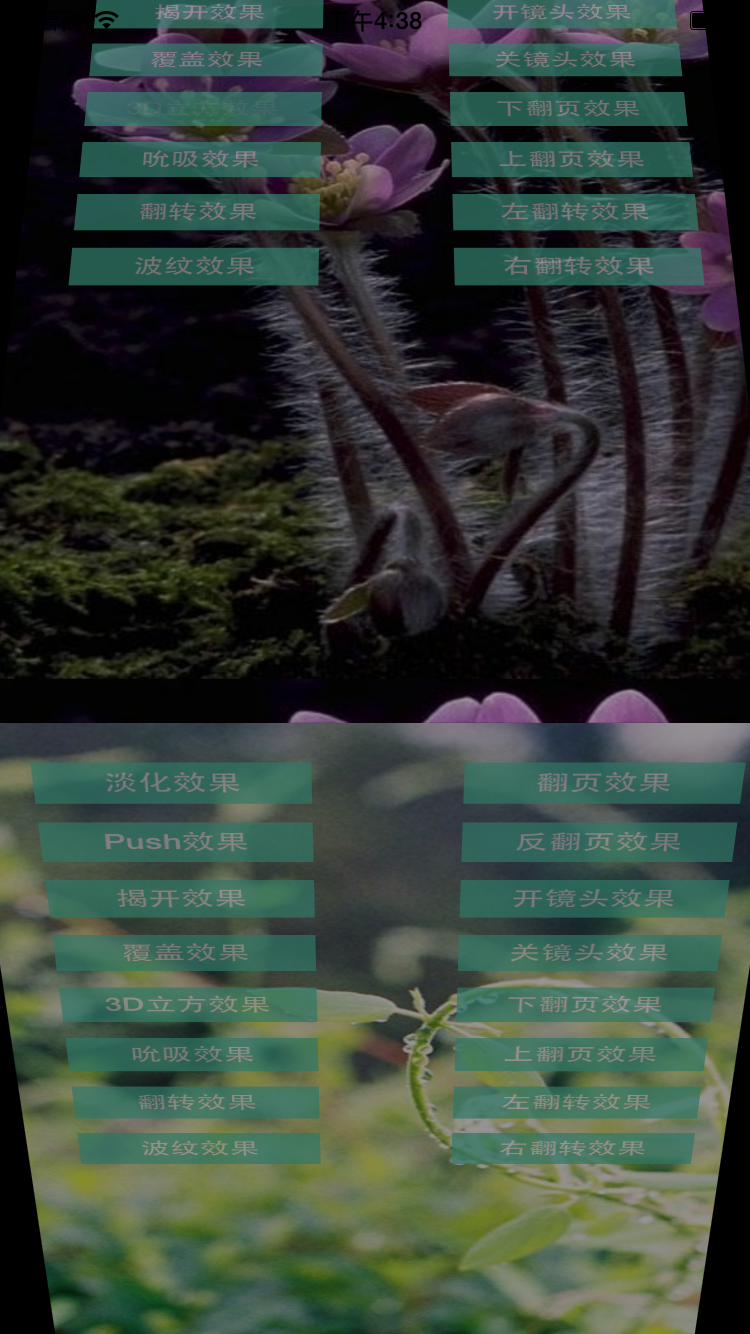
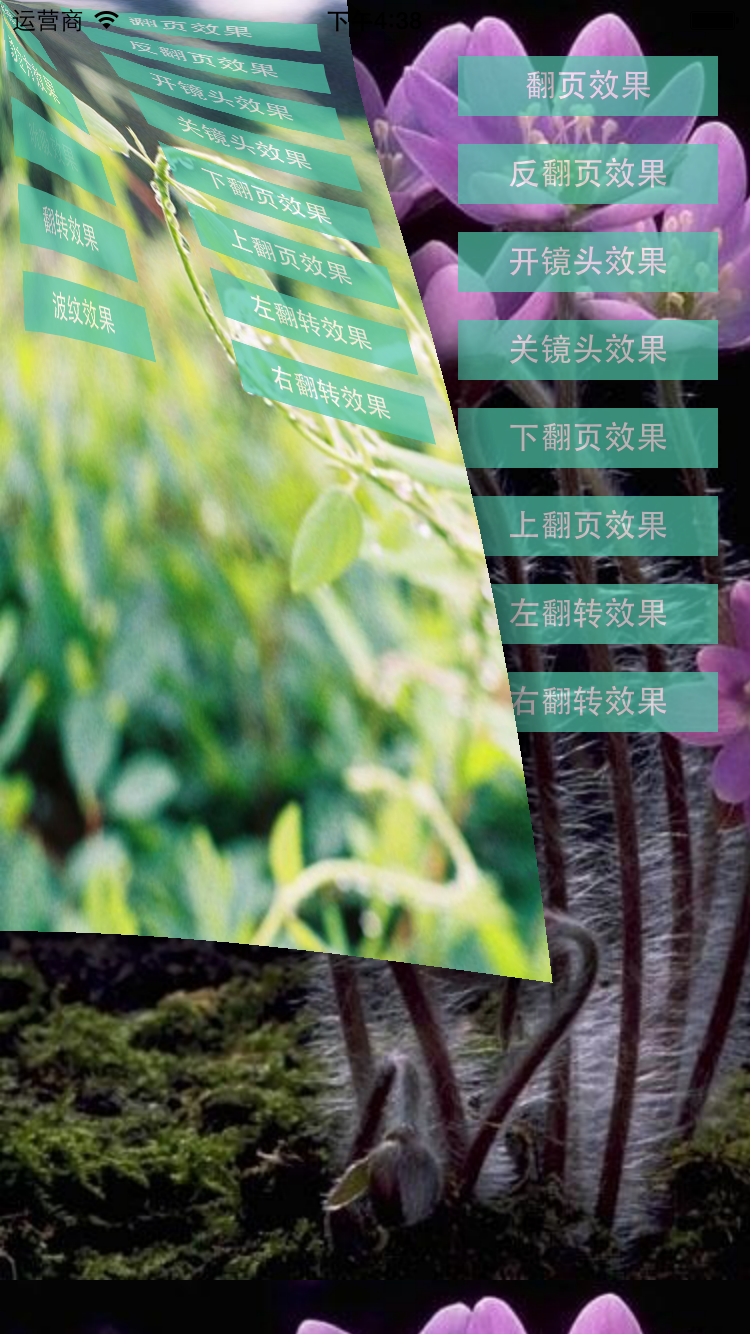
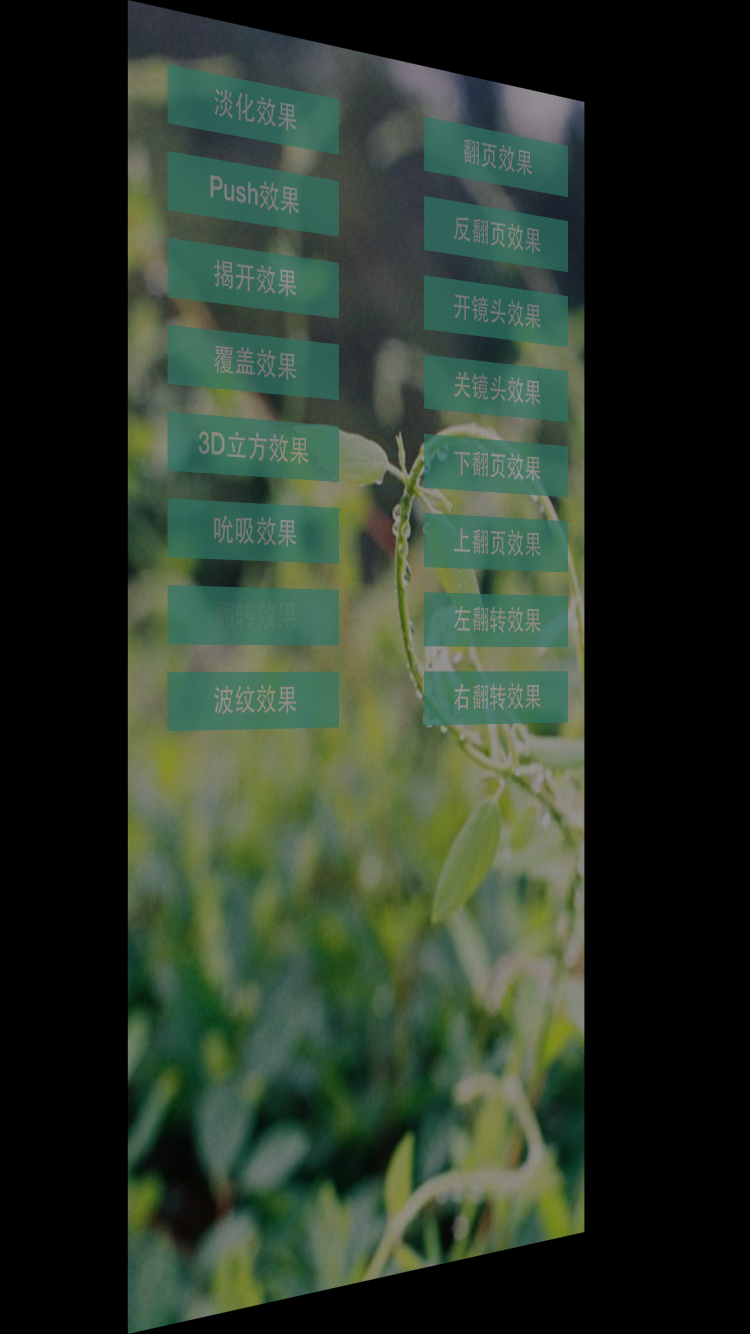



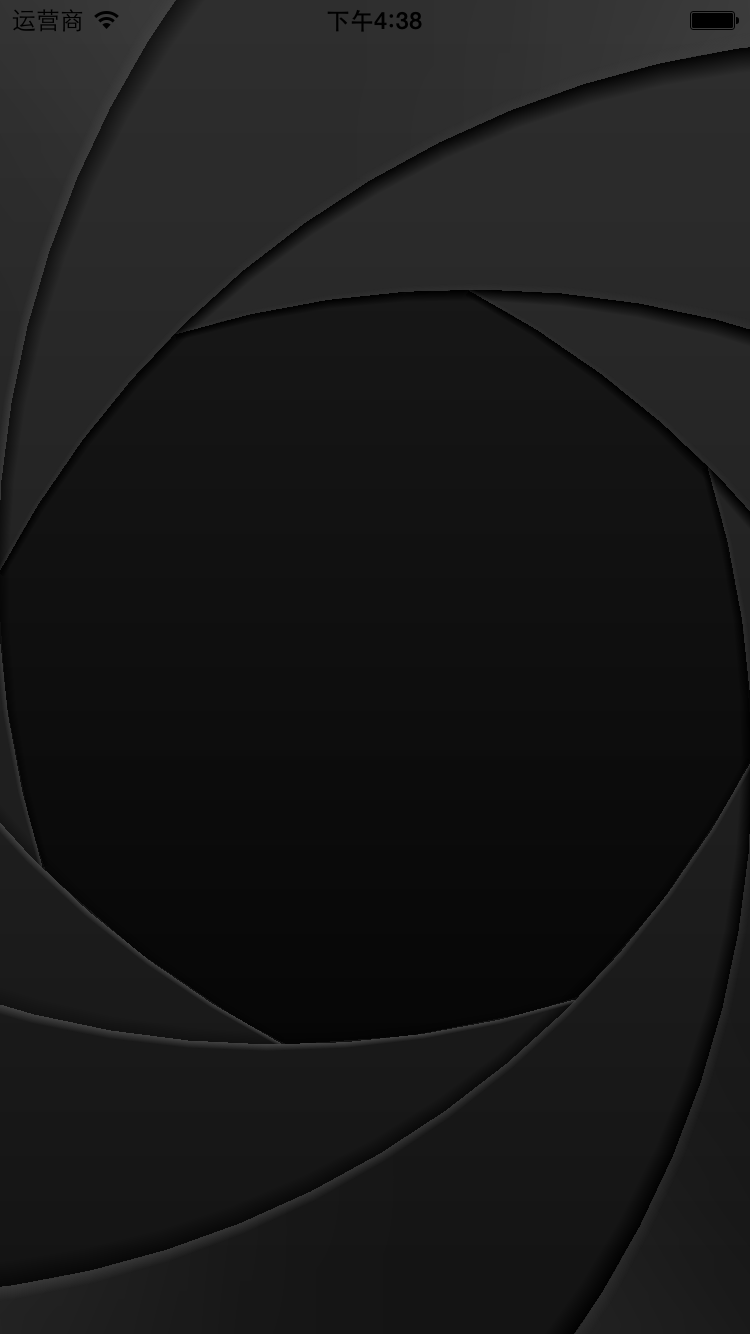
實務提醒:轉場動畫同一時間只建議有一個在跑,快速連續點擊容易出現畫面閃爍,可在動畫期間暫時停用使用者互動。
- 上一篇文章: 讓 UITableView 分隔線延伸到螢幕兩端的兩種寫法
- 下一篇文章: Swift 實作短信驗證碼倒計時:用屬性觀測器讓程式碼更乾淨