
iOS 圖片改色:用 blend mode 實作 UIImage tint
編輯:iOS 相關資訊
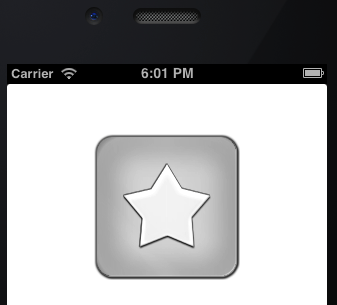
同一套 UI 素材若需要換色,逐一輸出多套圖片會造成維護負擔。透過 Core Graphics 的 blend mode,可以用程式為 UIImage 上色,並保留透明與漸層。
保留透明:DestinationIn
先建立 image context,用 tintColor 填滿背景,再以 kCGBlendModeDestinationIn 畫入原圖,可保留原圖 alpha。

但這種方式會失去灰階細節,適合純色或無漸層圖。
保留明暗:Overlay
kCGBlendModeOverlay 能保留背景明暗,讓漸層與光暈更自然。

同時保留透明與灰階
可先用 Overlay 上色,再用 DestinationIn 還原透明通道。


範例概念
UIGraphicsBeginImageContextWithOptions(self.size, NO, 0.0f);
[tintColor setFill];
UIRectFill(bounds);
[self drawInRect:bounds blendMode:blendMode alpha:1.0f];
if (blendMode != kCGBlendModeDestinationIn) {
    [self drawInRect:bounds blendMode:kCGBlendModeDestinationIn alpha:1.0f];
}
UIImage *tintedImage = UIGraphicsGetImageFromCurrentImageContext();
UIGraphicsEndImageContext();
效能提醒
每次改色都會進行 offscreen drawing,大量使用時建議加入快取,避免影響效能。