iOS 自定義Tabbar
編輯:關於IOS
最終效果:
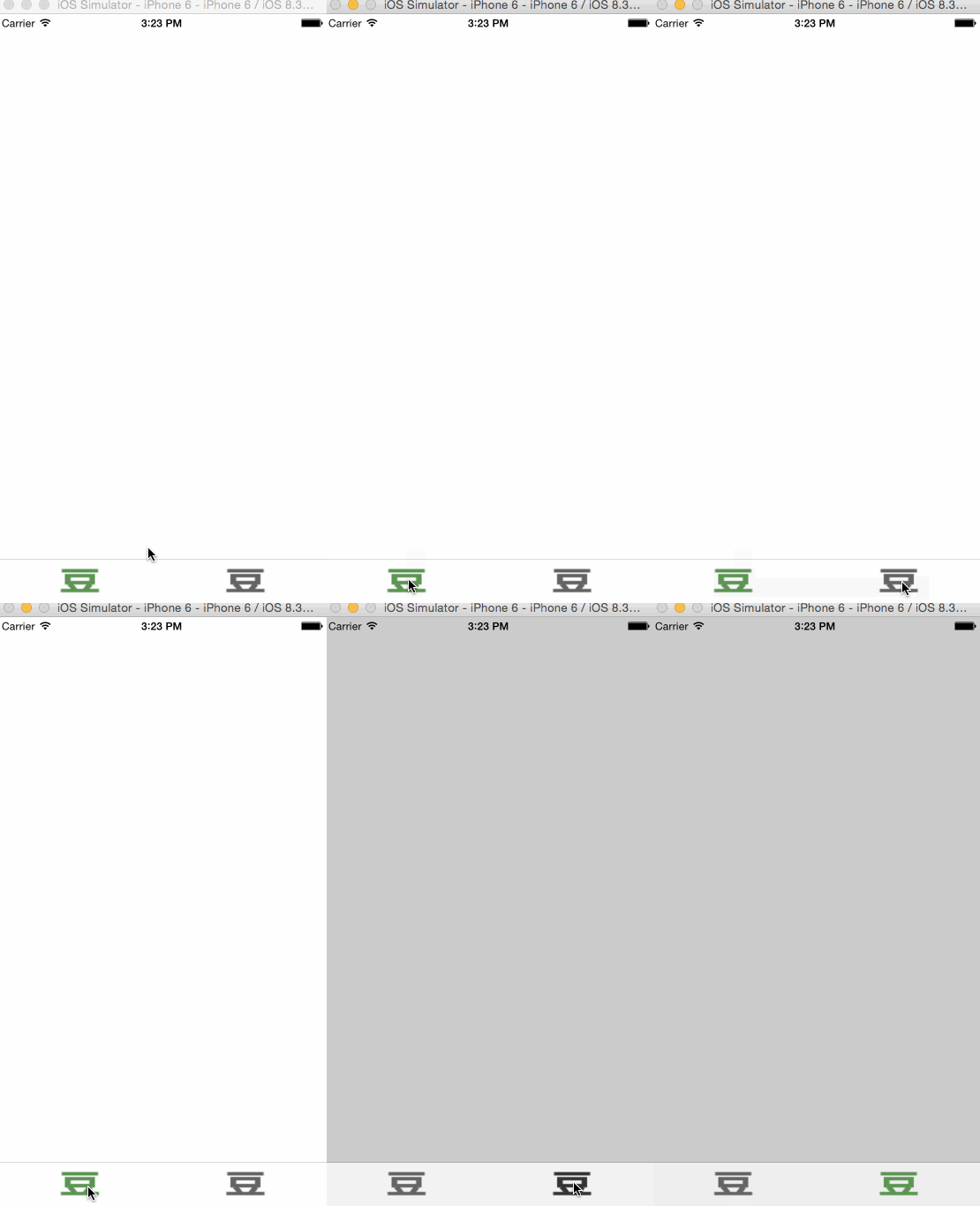
思路是
1.移除原來的tabbar,自定義一個view
2.覆蓋原來的tabbar
======華麗的分割線====
演示覆蓋
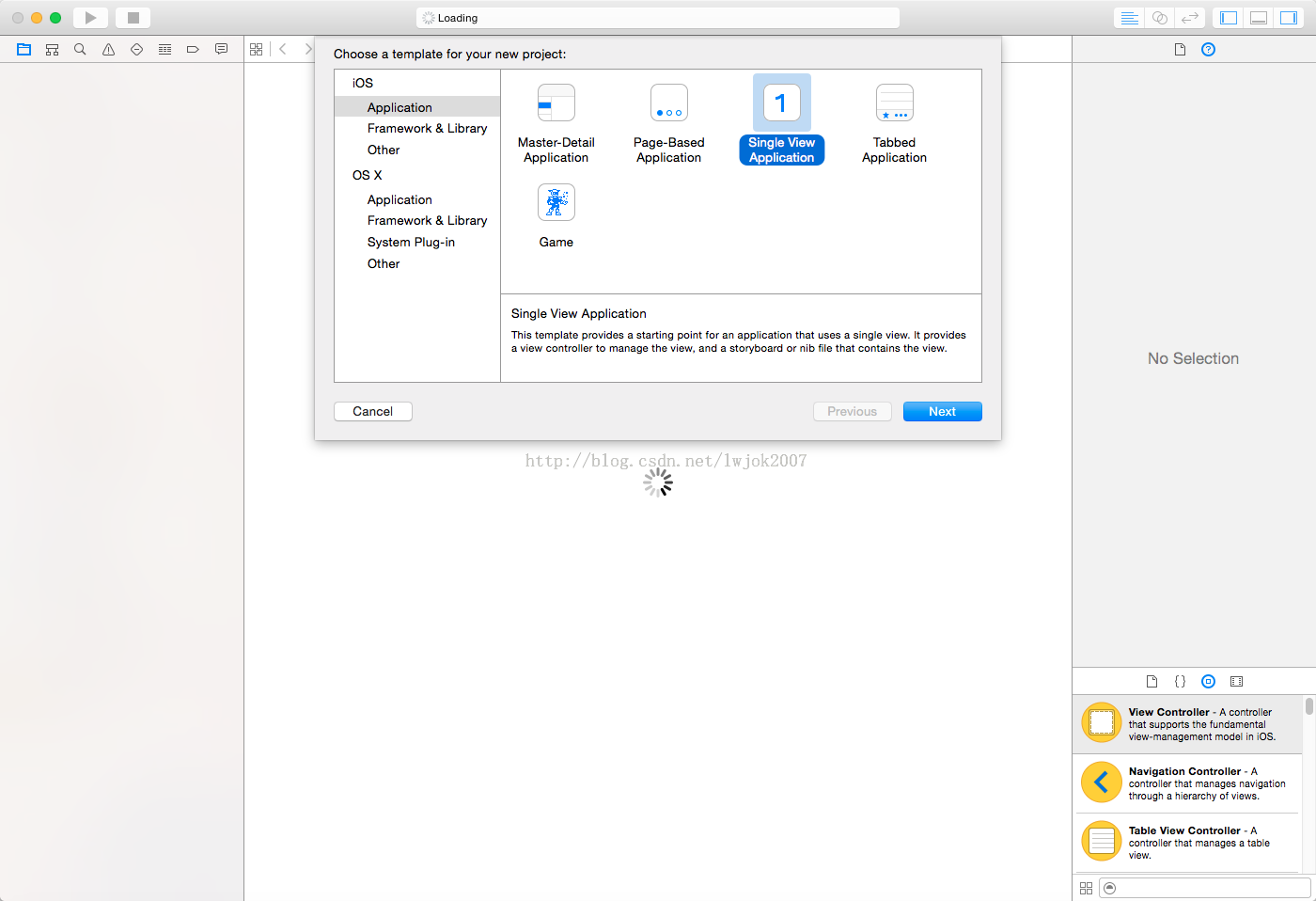
1.拉一個Tab bar Controller進storyboard
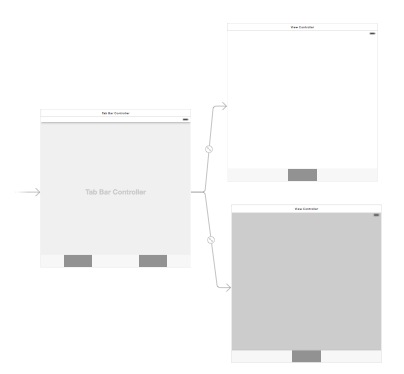 圖1
圖1
2.command + N創建文件繼承自UITarbarController
3.command + N在創建繼承自UIView
如下圖所示
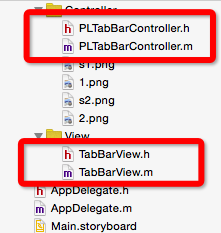 我就是如下圖
4.在Controller中加入view,並且加入UIButton
<code>#import "PLTabBarController.h"
#import "TabBarView.h"
@interface PLTabBarController ()<TabBarViewDelegate>
@end
@implementation PLTabBarController
- (void)viewDidLoad {
[super viewDidLoad];
// Do any additional setup after loading the view.
TabBarView * tabbar = [[TabBarView alloc]init];
tabbar.frame = self.tabBar.bounds;
tabbar.delegate = self;
NSString * imageName = nil;
NSString * selName = nil;
for (int i = 0; i < self.childViewControllers.count; i++) {
imageName = [NSString stringWithFormat:@"%d",i+1];
selName = [NSString stringWithFormat:@"s%d",i+1];
[tabbar addTarBarButtonWithName:imageName selName:selName];
}
[self.tabBar addSubview:tabbar];
}
- (void)tabbar:(TabBarView *)tabbar didSelectedIndex:(NSInteger)selectIndex
{
self.selectedIndex = selectIndex;
}
@end</code>
5.UIButton實現點擊效果,代理切換控制器
.h文件
<code>#import <UIKit/UIKit.h> @class TabBarView; @protocol TabBarViewDelegate<NSObject> @optional - (void)tabbar:(TabBarView*)tabbar didSelectedIndex:(NSInteger)selectIndex; @end @interface TabBarView : UIView @property (nonatomic, weak) id <TabBarViewDelegate> delegate; - (void)addTarBarButtonWithName:(NSString *)name selName:(NSString *)selName; @end</code>
.m
<code>#import "TabBarView.h"
@interface TabBarView ()
@property (nonatomic, weak) UIButton *selectedBtn;
@end
@implementation TabBarView
- (instancetype)initWithFrame:(CGRect)frame
{
self = [super initWithFrame:frame];
if (self) {
}
return self;
}
- (void)addTarBarButtonWithName:(NSString *)name selName:(NSString *)selName
{
UIButton * button = [UIButton buttonWithType:UIButtonTypeCustom];
forState:UIControlStateNormal];
forState:UIControlStateSelected];
;
[self addSubview:button];
}
- (void)btnClicked:(UIButton *)button
{
self.selectedBtn.selected = NO;
button.selected = YES;
self.selectedBtn = button;
if ([self.delegate respondsToSelector:@selector(tabbar:didSelectedIndex:)]) {
[self.delegate tabbar:self didSelectedIndex:button.tag];
}
}
- (void)layoutSubviews
{
[super layoutSubviews];
CGFloat btnX = 0;
CGFloat btnY = 0;
CGFloat btnW = self.frame.size.width /self.subviews.count;
CGFloat btnH = self.frame.size.height;
for (int i = 0; i < self.subviews.count; i++) {
UIButton * btn = self.subviews[i];
btn.tag = i;
btnX = i * btnW;
[btn setFrame:CGRectMake(btnX, btnY, btnW, btnH)];
if (i == 0) {
[self btnClicked:btn];
}
}
}
@end</code>
相關文章
+