
iOS 開發中幾個簡單實用的小技巧
編輯:iOS 開發綜合
前言
本文記錄了 iOS 開發過程中遇到的小知識點以及一些實用技巧,下面直接來看詳細介紹。
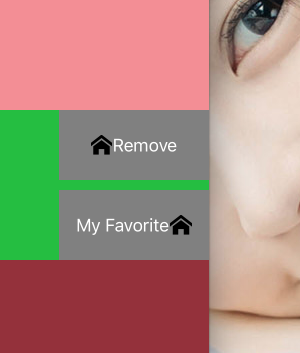
技巧 1:UIButton 圖片與文字預設是左右排列,如何實現右左排列?
解決技巧:
button.transform = CGAffineTransformMakeScale(-1.0, 1.0); button.titleLabel.transform = CGAffineTransformMakeScale(-1.0, 1.0); button.imageView.transform = CGAffineTransformMakeScale(-1.0, 1.0);
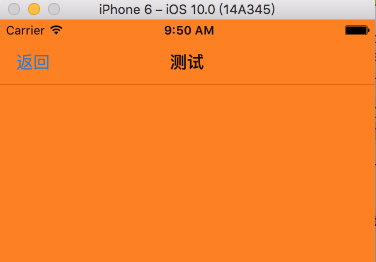
技巧 2:設定導航欄透明,但 title 與 BarButtonItem 不透明
[self.navigationController.navigationBar setBackgroundImage:[UIImage new] forBarMetrics:UIBarMetricsDefault]; self.navigationController.navigationBar.translucent = YES;
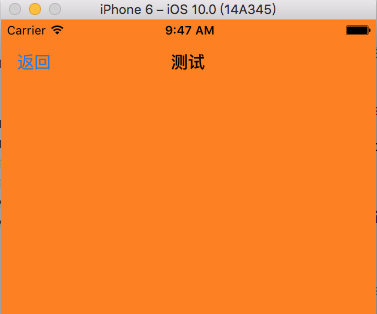
技巧 3:設定導航欄無邊框
self.navigationController.navigationBar.shadowImage = [UIImage new];
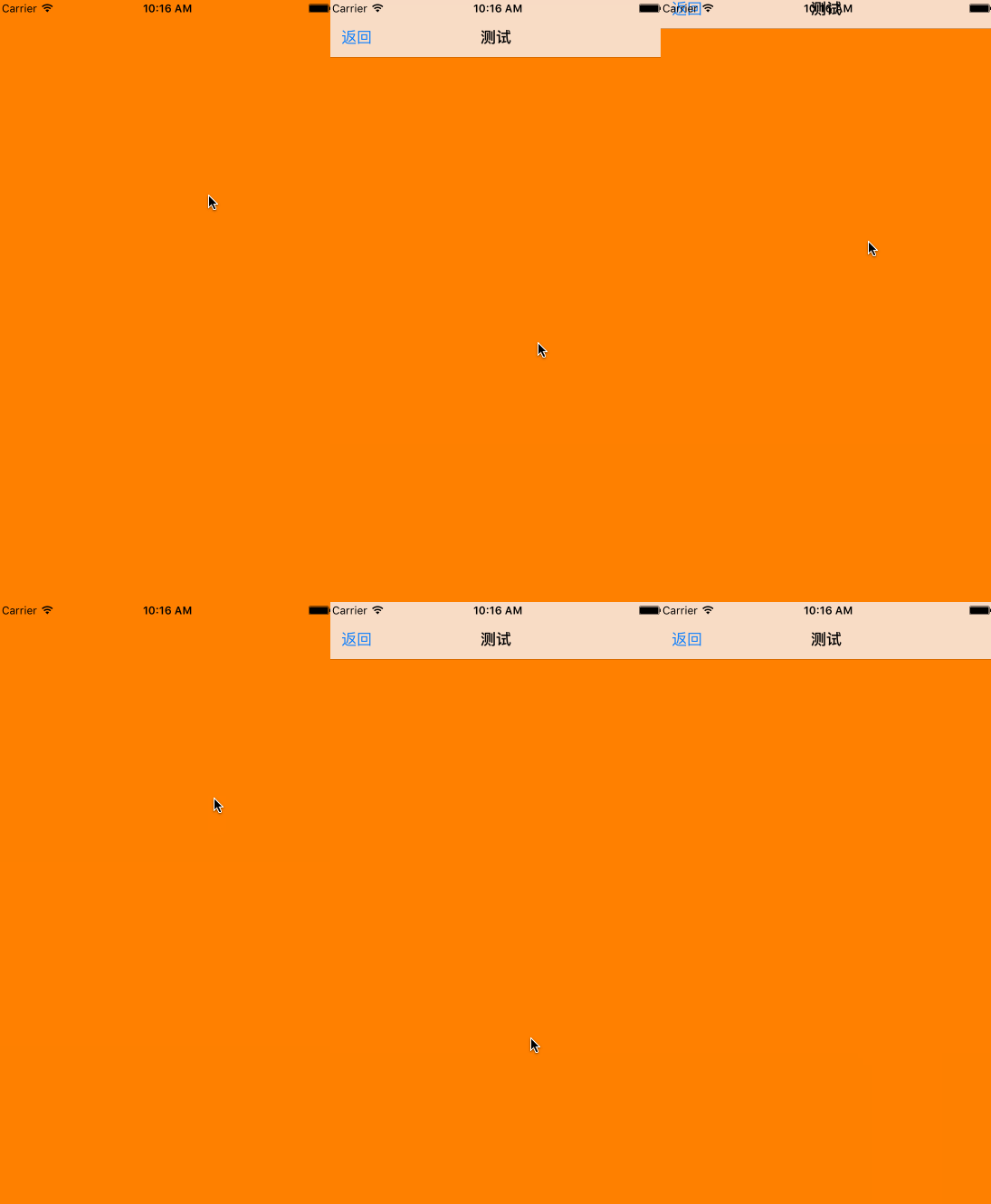
技巧 4:隨視圖滾動讓導航欄隱藏與顯示(一行程式碼即可)
self.navigationController.hidesBarsOnSwipe = Yes;
技巧 5:簡單好用的取得當前時間戳
//時間戳 time_t now; time(&now); NSLog(@"---%ld",now);

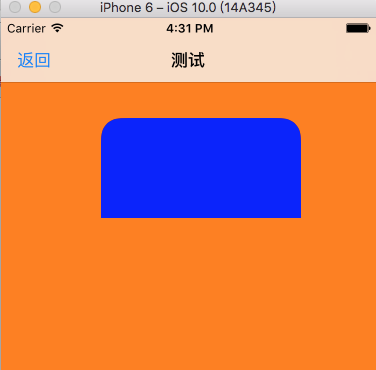
技巧 6:只設定 UIView 的左上角與右上角圓角(四個圓角位置皆可選擇)
UIView *blueView = [[UIView alloc] initWithFrame:CGRectMake(100, 100, 200, 100)]; blueView.backgroundColor = [UIColor blueColor]; [self.view addSubview: blueView]; /*設置圓角位置的枚舉參數 UIRectCornerTopLeft = 1 << 0, UIRectCornerTopRight = 1 << 1, UIRectCornerBottomLeft = 1 << 2, UIRectCornerBottomRight = 1 << 3, UIRectCornerAllCorners = ~0UL */ UIBezierPath *maskPath = [UIBezierPath bezierPathWithRoundedRect:blueView.bounds byRoundingCorners:(UIRectCornerTopLeft|UIRectCornerTopRight) cornerRadii:CGSizeMake(20.0, 20.0)]; CAShapeLayer *maskLayer = [CAShapeLayer layer]; maskLayer.frame = blueView.bounds; maskLayer.path = maskPath.CGPath; blueView.layer.mask = maskLayer;
技巧 7:加載 UIWebView 後禁止使用者複製剪下
// 控制器實現此方法 - (BOOL)canPerformAction:(SEL)action withSender:(id)sender { if (action == @selector(copy:) || action == @selector(paste:)|| action == @selector(cut:)) { return NO; } return [super canPerformAction:action withSender:sender]; }
技巧 8:跳轉控制器時隱藏 tabbar 的一勞永逸方法
// 創建一個Nav基類 重寫pushViewController:方法 如下: -(void)pushViewController:(UIViewController *)viewController animated:(BOOL)animated { viewController.hidesBottomBarWhenPushed = YES; [super pushViewController:viewController animated:animated]; }
總結
以上就是本文的完整內容,希望這些小技巧能對各位 iOS 開發者有所幫助,若有疑問歡迎留言交流。我還會陸續更新更多 iOS 相關技巧,請繼續關注本站。
- 上一篇文章: iOS 照片操作(獲取資訊與修改照片)詳解
- 下一篇文章: iOS UIWebView 實現禁止使用者複製剪下功能