
Swift 瀑布流實作
編輯:iOS 開發綜合
瀑布流常見於圖片牆。若只是隨機高度並手動計算 frame,容易在滾動時出現錯位;較穩定的做法是自訂 UICollectionViewFlowLayout。
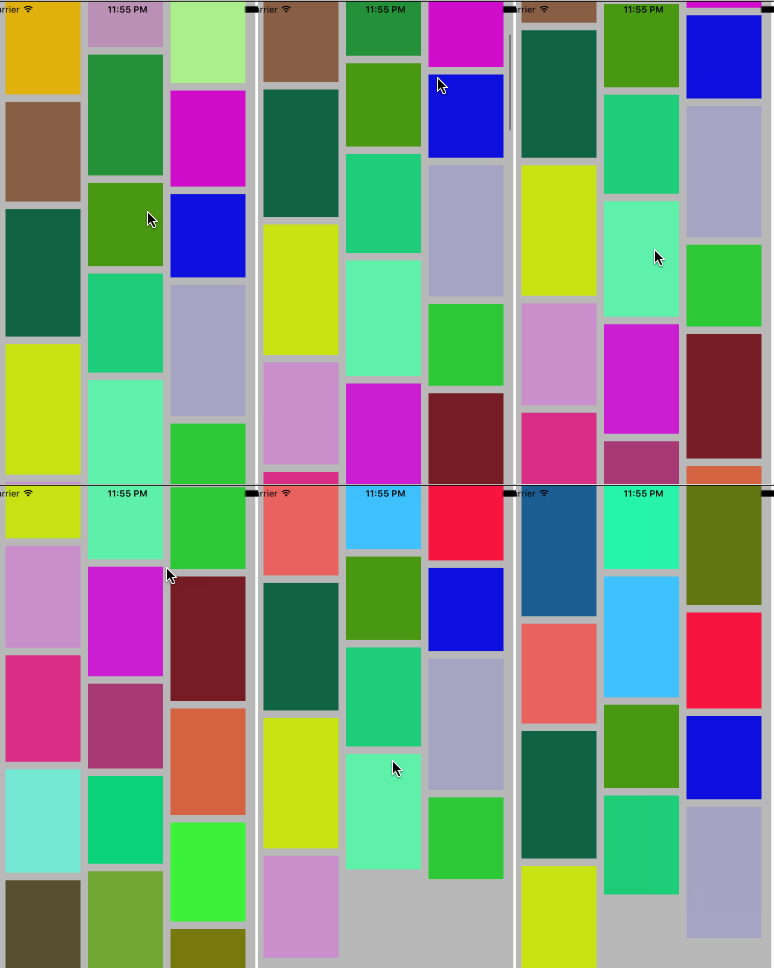
第一種做法
在 sizeForItemAtIndexPath 回傳隨機高度,並在 cellForItemAtIndexPath 依行與列計算 x、y。這種方式簡單,但 cell 復用與高度不一致時容易出問題。
自訂 Layout
建立 WaterfallLayout,繼承 UICollectionViewFlowLayout,在 prepare 中計算欄寬、取得每個 item 高度,並放到目前最短的一欄。
override func prepare() { super.prepare(); let itemCount = collectionView!.numberOfItems(inSection: 0); let cols = dataSource?.numberOfColsInWaterfallLayout?(self) ?? 2; let itemW = (collectionView!.bounds.width - sectionInset.left - sectionInset.right - minimumInteritemSpacing * CGFloat(cols - 1)) / CGFloat(cols); }
資料源
可定義 WaterfallLayoutDataSource,讓外部提供高度與欄數。完成後只要設定 dataSource,即可動態排版。
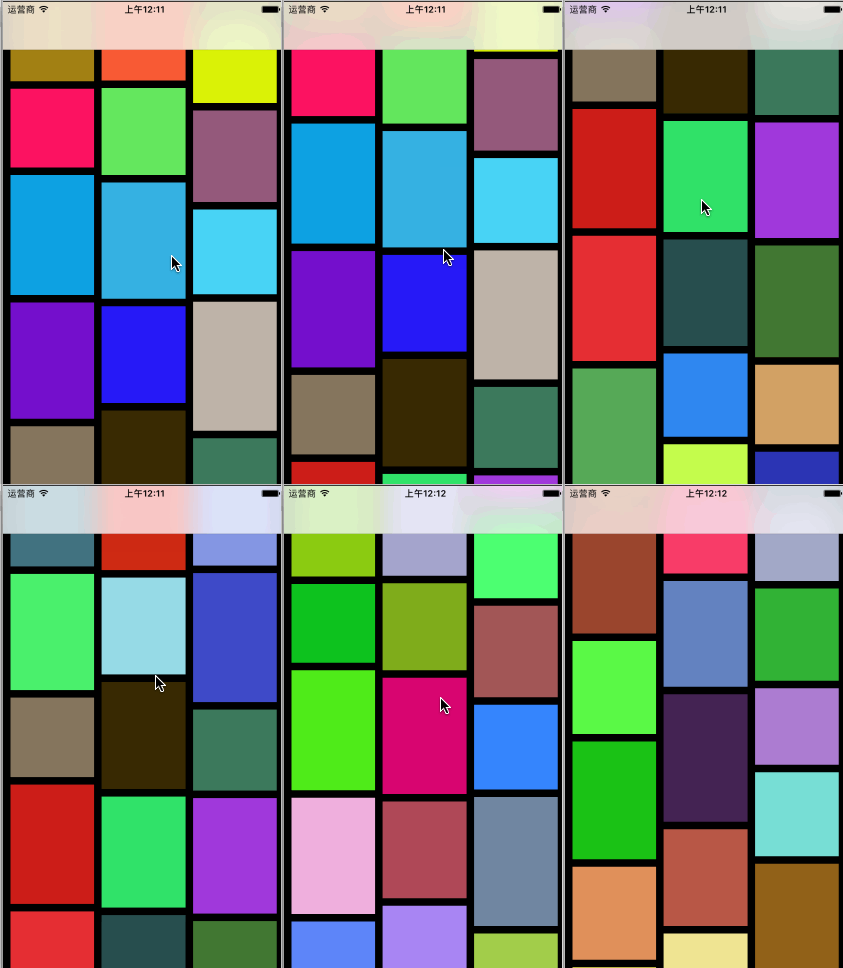
- 上一篇文章: 取得設備唯一標識的八種方法
- 下一篇文章: iOS 開發中使用 UIWebView 封鎖 alert 警告框