
點擊出現波紋動畫
編輯:iOS 開發綜合
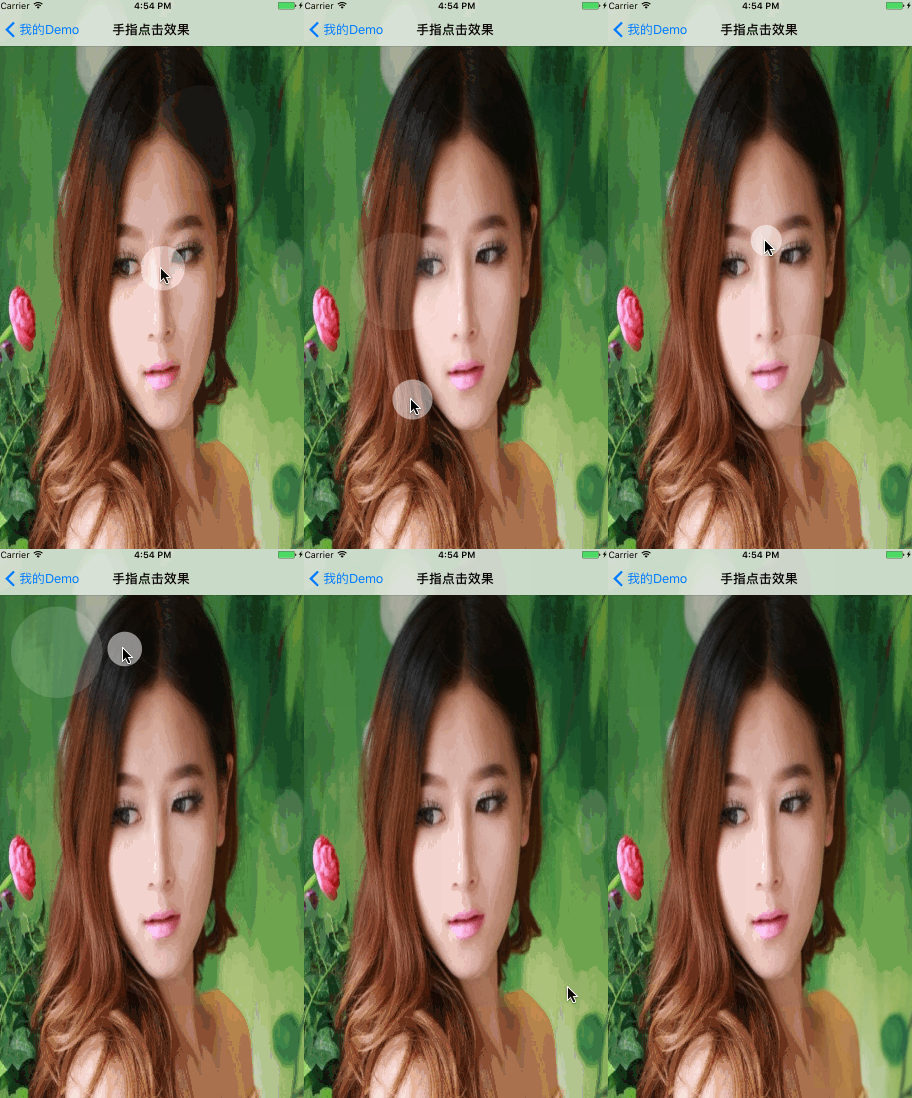
想要讓畫面更有回饋感,可以在使用者點擊時顯示一圈波紋。做法是監聽 tap 手勢,在點擊位置加入動畫 view。
監聽點擊
在控制器加入 UITapGestureRecognizer,取得點擊座標後建立 FingerWaveView。
UITapGestureRecognizer *tap = [[UITapGestureRecognizer alloc] initWithTarget:self action:@selector(onTap:)]; [self.view addGestureRecognizer:tap];
波紋動畫
FingerWaveView 使用 CAShapeLayer 畫圓,並以 CABasicAnimation 同時動畫 path 與 opacity,讓波紋向外擴散並淡出。
小結
只要調整 waveSize、duration、顏色與透明度,就能做出不同風格的點擊回饋。
- 上一篇文章: iOS 常用驗證正則表達式
- 下一篇文章: 點贊按鈕動畫實作