
用 AFNetworking 3.x 實現文件下載與斷點續傳的完整流程
編輯:iOS 開發綜合
AFNetworking 3.0 之後全面轉向 NSURLSession,下載相關的 API 也換成了基於 NSURLSessionDownloadTask 的寫法。本文完整走一遍下載、暫停、恢復以及網絡狀態監聽。
零、引入框架
1. 直接把 AFNetworking 3.x 的源碼文件拖進工程;
2. 或者用 CocoaPods 管理:pod 'AFNetworking';
3. 引入主頭文件:
#import "AFNetworking.h"
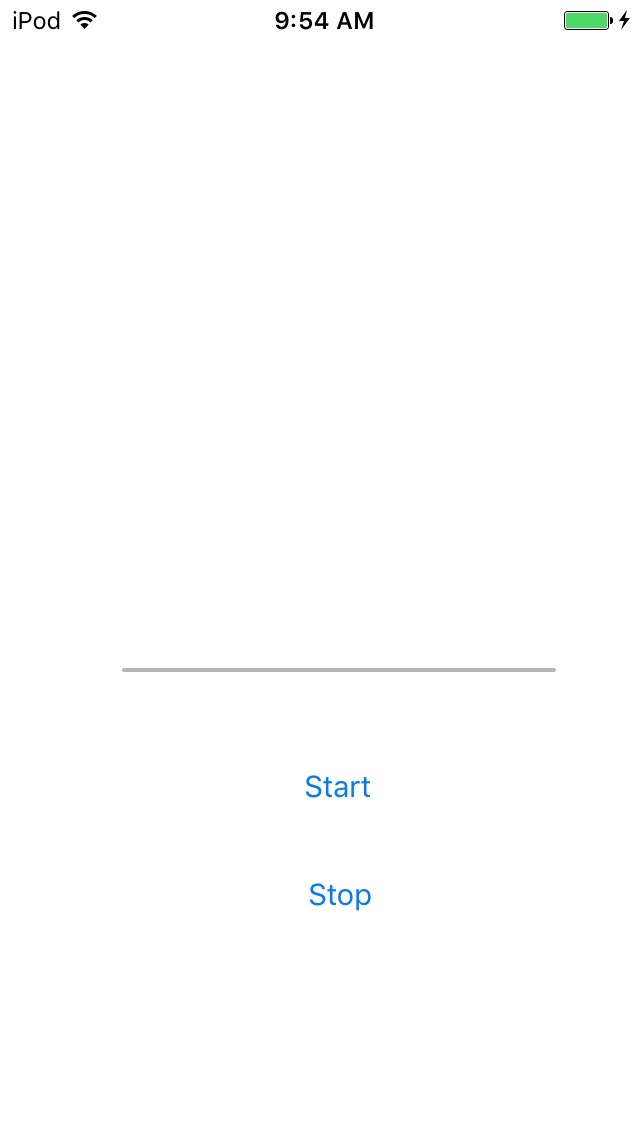
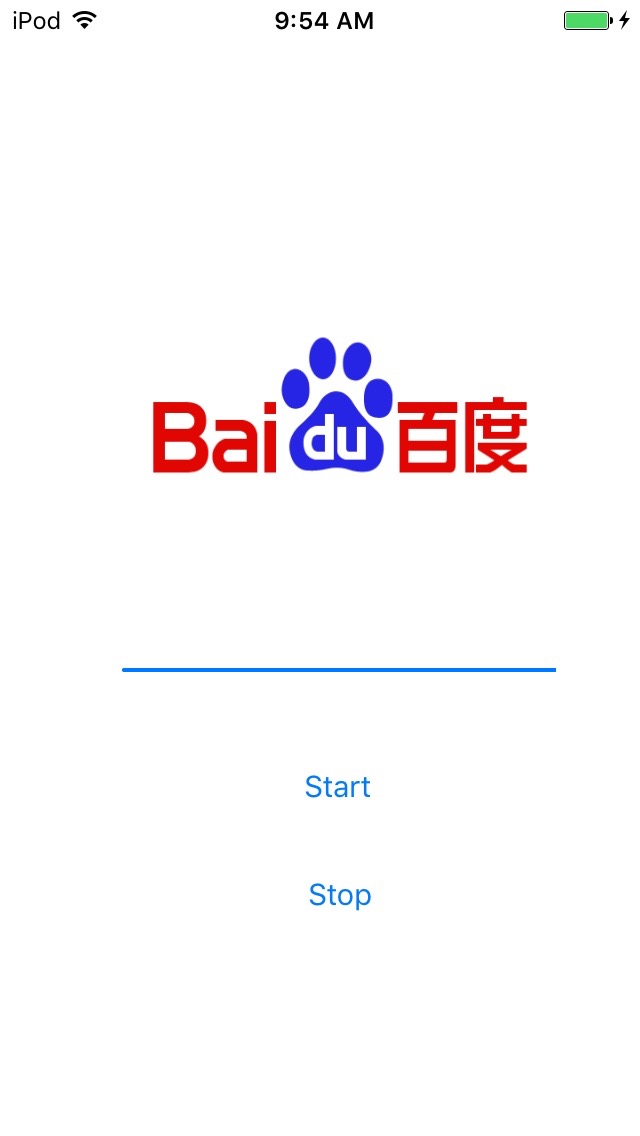
一、界面準備
先定義一個全局的 NSURLSessionDownloadTask 作為下載句柄,所有網絡請求都由它負責。
@interface ViewController () { // 下載句柄 NSURLSessionDownloadTask *_downloadTask; }
.h 文件
#import <UIKit/UIKit.h> @interface ViewController : UIViewController // 下載文件顯示 @property (weak, nonatomic) IBOutlet UIImageView *imageView; // 下載進度條顯示 @property (weak, nonatomic) IBOutlet UIProgressView *progressView; @end
.m 文件
@interface ViewController () { // 下載句柄 NSURLSessionDownloadTask *_downloadTask; }
二、下載細節
- (void)downFileFromServer{ //遠程地址 NSURL *URL = [NSURL URLWithString:@"https://www.baidu.com/img/bdlogo.png"]; //默認配置 NSURLSessionConfiguration *configuration = [NSURLSessionConfiguration defaultSessionConfiguration]; //AFN3.0+基於封住URLSession的句柄 AFURLSessionManager *manager = [[AFURLSessionManager alloc] initWithSessionConfiguration:configuration]; //請求 NSURLRequest *request = [NSURLRequest requestWithURL:URL]; //下載Task操作 _downloadTask = [manager downloadTaskWithRequest:request progress:^(NSProgress * _Nonnull downloadProgress) { // @property int64_t totalUnitCount; 需要下載文件的總大小 // @property int64_t completedUnitCount; 當前已經下載的大小 // 給Progress添加監聽 KVO NSLog(@"%f",1.0 * downloadProgress.completedUnitCount / downloadProgress.totalUnitCount); // 回到主隊列刷新UI dispatch_async(dispatch_get_main_queue(), ^{ // 設置進度條的百分比 self.progressView.progress = 1.0 * downloadProgress.completedUnitCount / downloadProgress.totalUnitCount; }); } destination:^NSURL * _Nonnull(NSURL * _Nonnull targetPath, NSURLResponse * _Nonnull response) { //- block的返回值, 要求返回一個URL, 返回的這個URL就是文件的位置的路徑 NSString *cachesPath = [NSSearchPathForDirectoriesInDomains(NSCachesDirectory, NSUserDomainMask, YES) lastObject]; NSString *path = [cachesPath stringByAppendingPathComponent:response.suggestedFilename]; return [NSURL fileURLWithPath:path]; } completionHandler:^(NSURLResponse * _Nonnull response, NSURL * _Nullable filePath, NSError * _Nullable error) { //設置下載完成操作 // filePath就是你下載文件的位置,你可以解壓,也可以直接拿來使用 NSString *imgFilePath = [filePath path];// 將NSURL轉成NSString UIImage *img = [UIImage imageWithContentsOfFile:imgFilePath]; self.imageView.image = img; }]; }
這裡有三個關鍵 block:progress 回報已下載與總字節數,注意更新 UI 要切回主線程;destination 決定文件落盤位置,通常放在 Caches 目錄並沿用服務端建議的文件名;completionHandler 則在下載結束後拿到本地路徑做後續處理。
三、暫停與繼續
- (IBAction)stopDownloadBtnClick:(id)sender { //暫停下載 [_downloadTask suspend]; } - (IBAction)startDownloadBtnClick:(id)sender { //開始下載 [_downloadTask resume]; }
四、監聽網絡狀態,改善用戶體驗
- (void)viewDidLoad { [super viewDidLoad]; //網絡監控句柄 AFNetworkReachabilityManager *manager = [AFNetworkReachabilityManager sharedManager]; //要監控網絡連接狀態,必須要先調用單例的startMonitoring方法 [manager startMonitoring]; [manager setReachabilityStatusChangeBlock:^(AFNetworkReachabilityStatus status) { //status: //AFNetworkReachabilityStatusUnknown = -1, 未知 //AFNetworkReachabilityStatusNotReachable = 0, 未連接 //AFNetworkReachabilityStatusReachableViaWWAN = 1, 3G //AFNetworkReachabilityStatusReachableViaWiFi = 2, 無線連接 NSLog(@"%d", status); }]; //准備從遠程下載文件. -> 請點擊下面開始按鈕啟動下載任務 [self downFileFromServer]; }
結合 reachability 判斷,可以在無網絡時提前提示、在切換到 Wi-Fi 時自動續傳,避免用戶盯著一個一動不動的進度條。
源碼:https://xiazai.jb51.net/201701/yuanma/AFNetworking3.0_jb51.rar
以上就是基於 AFNetworking 實現文件下載的完整示範。
- 上一篇文章: iOS 圖片壓縮兩大思路與上傳場景實踐(含 Swift 版本)
- 下一篇文章: iOS 圖片壓縮示例代碼:質量壓縮與尺寸壓縮的取捨