
iPhone 開發:替換地圖上代表使用者位置的藍色圖示
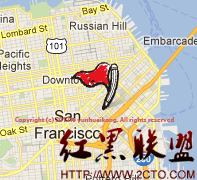
在 MKMapView 中,使用者目前位置預設會顯示為一個藍色圓點。若想把它換成自訂的 UI,可以透過 viewForAnnotation 委派方法來處理。效果如下圖所示:
相關程式碼如下:
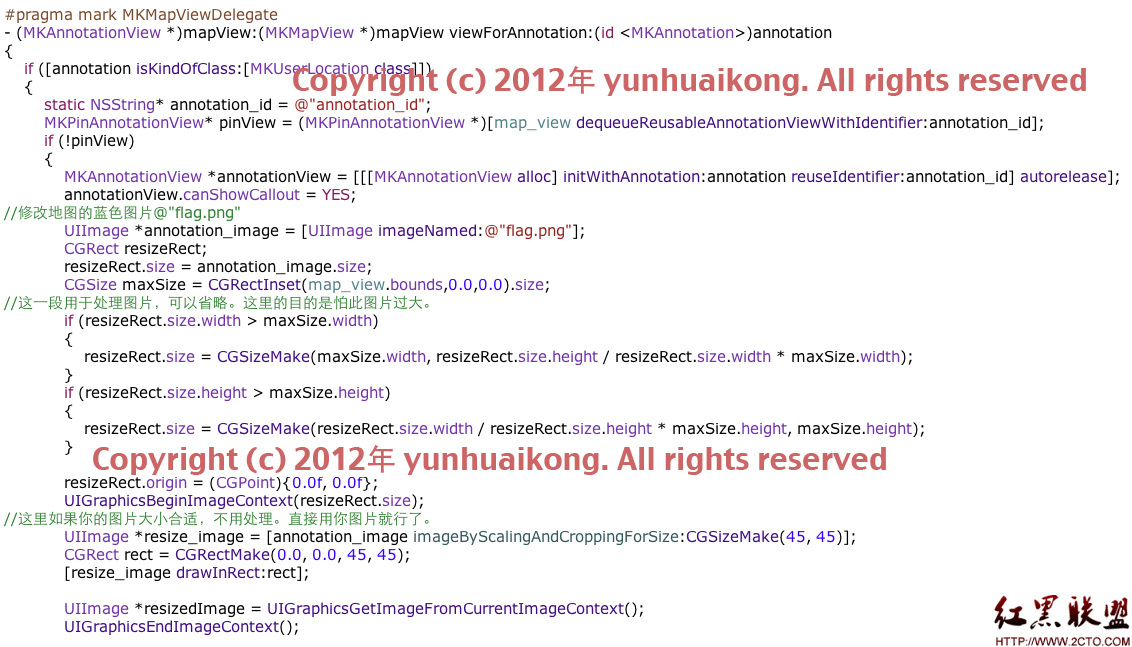
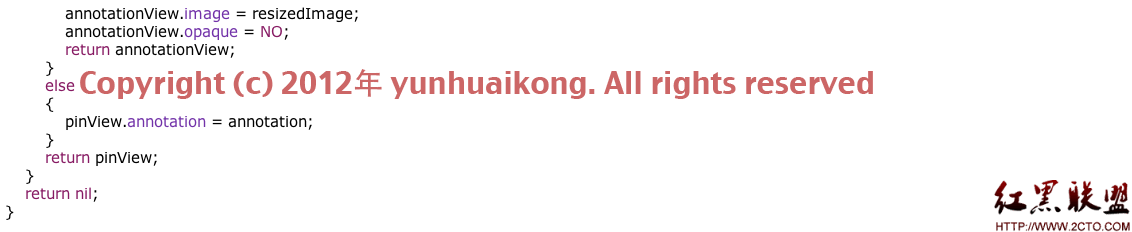
以下為完整程式碼,可直接複製使用(若缺少處理圖片的函式,可自行補上):
- (MKAnnotationView *)mapView:(MKMapView *)mapView viewForAnnotation:(id <MKAnnotation>) annotation
{
    if ([annotation isKindOfClass:[MKUserLocation class]])
    {
        static NSString* annotation_id = @"annotation_id";
        MKPinAnnotationView* pinView = (MKPinAnnotationView *)[map_view dequeueReusableAnnotationViewWithIdentifier:annotation_id];
        if (!pinView)
        {
            MKAnnotationView *annotationView = [[[MKAnnotationView alloc] initWithAnnotation:annotation reuseIdentifier:annotation_id] autorelease];
            annotationView.canShowCallout = YES;
            // 替換地圖的藍色圖示為 "flag.png"
            UIImage *annotation_image = [UIImage imageNamed:@"flag.png"];
            CGRect resizeRect;
            resizeRect.size = annotation_image.size;
            CGSize maxSize = CGRectInset(map_view.bounds,0.0,0.0).size;
            // 處理圖片避免過大(可省略)
            if (resizeRect.size.width > maxSize.width)
            { resizeRect.size = CGSizeMake(maxSize.width, resizeRect.size.height / resizeRect.size.width * maxSize.width); }
            if (resizeRect.size.height > maxSize.height)
            { resizeRect.size = CGSizeMake(resizeRect.size.width / resizeRect.size.height * maxSize.height, maxSize.height); }
            resizeRect.origin = (CGPoint){0.0f, 0.0f};
            UIGraphicsBeginImageContext(resizeRect.size);
            UIImage *resize_image = [annotation_image imageByScalingAndCroppingForSize:CGSizeMake(45, 45)];
            CGRect rect = CGRectMake(0.0, 0.0, 45, 45);
            [resize_image drawInRect:rect];
            UIImage *resizedImage = UIGraphicsGetImageFromCurrentImageContext();
            UIGraphicsEndImageContext();
            annotationView.image = resizedImage;
            annotationView.opaque = NO;
            return annotationView;
        }
        else
        { pinView.annotation = annotation; }
        return pinView;
    }
    return nil;
}
重點在於先判斷 annotation 是否為 MKUserLocation 類別,若是,就建立自訂的 MKAnnotationView 並指定自訂圖片,同時透過 imageByScalingAndCroppingForSize 把圖片縮放裁剪到合適尺寸(這裡為 45×45),即可把預設的藍點替換成自己想要的樣式。