
iOS 項目實戰:使用 TableView 控件構建列表(二)
編輯:iOS 開發綜合
用 TableView 控件建立列表
除了直接使用 TableViewController,也可以在一般 ViewController 中拖入 TableView。這種做法更自由,適合需要與其他控件共存的畫面。
設定數據源
在 Storyboard 中設定 Prototype Cells,並在 cell 內加入 Label。可透過 tag 取得 Label,例如在 cellForRowAtIndexPath 中設定文字。記得把 TableView 的 dataSource 綁定到 ViewController,否則列表不會顯示資料。
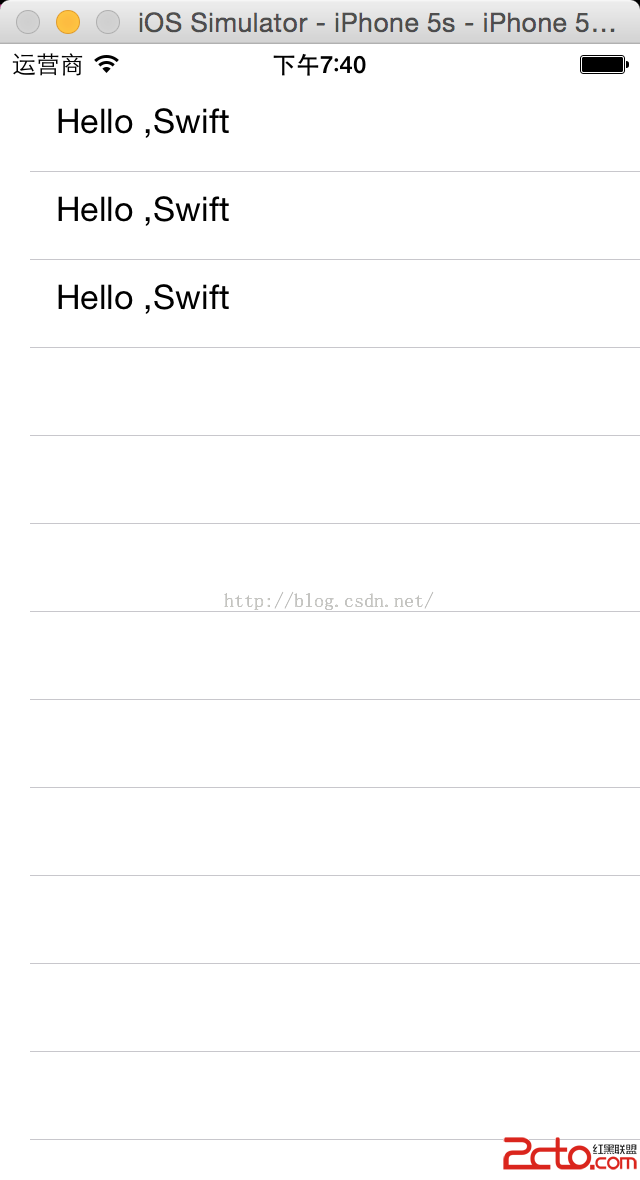
動態文字
若希望每一列顯示不同內容,可宣告字串陣列,並在 cellForRowAtIndexPath 中依 indexPath.row 取值。這樣就能讓同一個 prototype cell 呈現多筆資料。
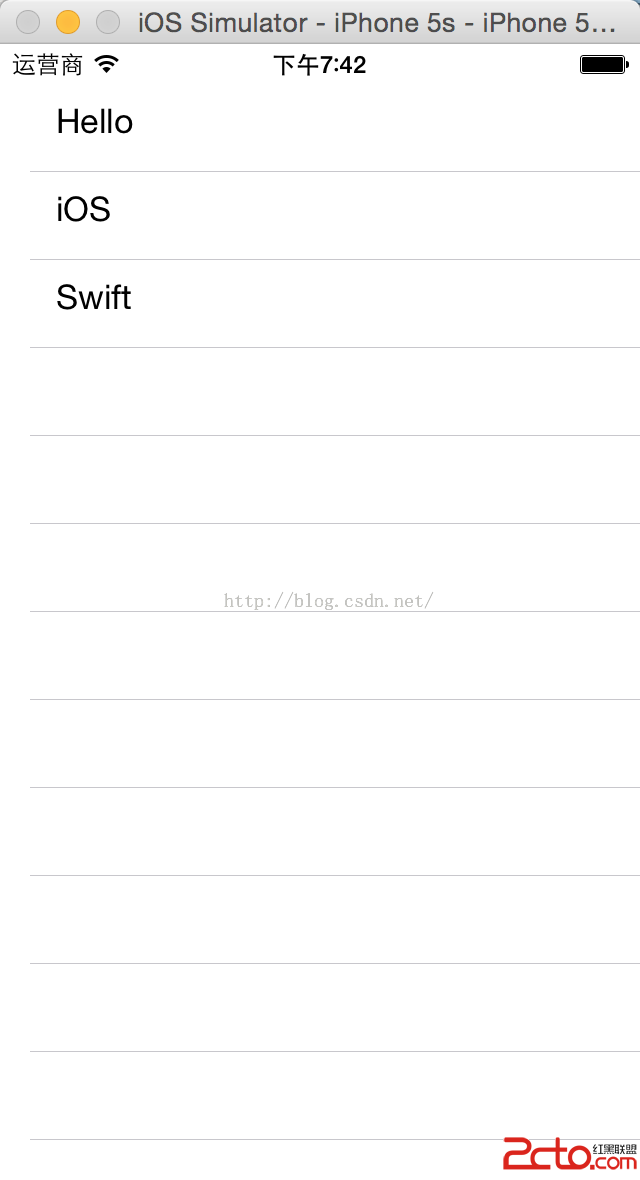
這種做法能清楚呈現 TableView 的基本流程:建立介面、綁定數據源、實作 numberOfRowsInSection 與 cellForRowAtIndexPath,最後讓畫面依資料動態更新。