實用 iOS 元件精選(12.14B):無限輪播器、日食載入動畫、KeyboardToolBar 第二版
編輯:iOS 開發基礎
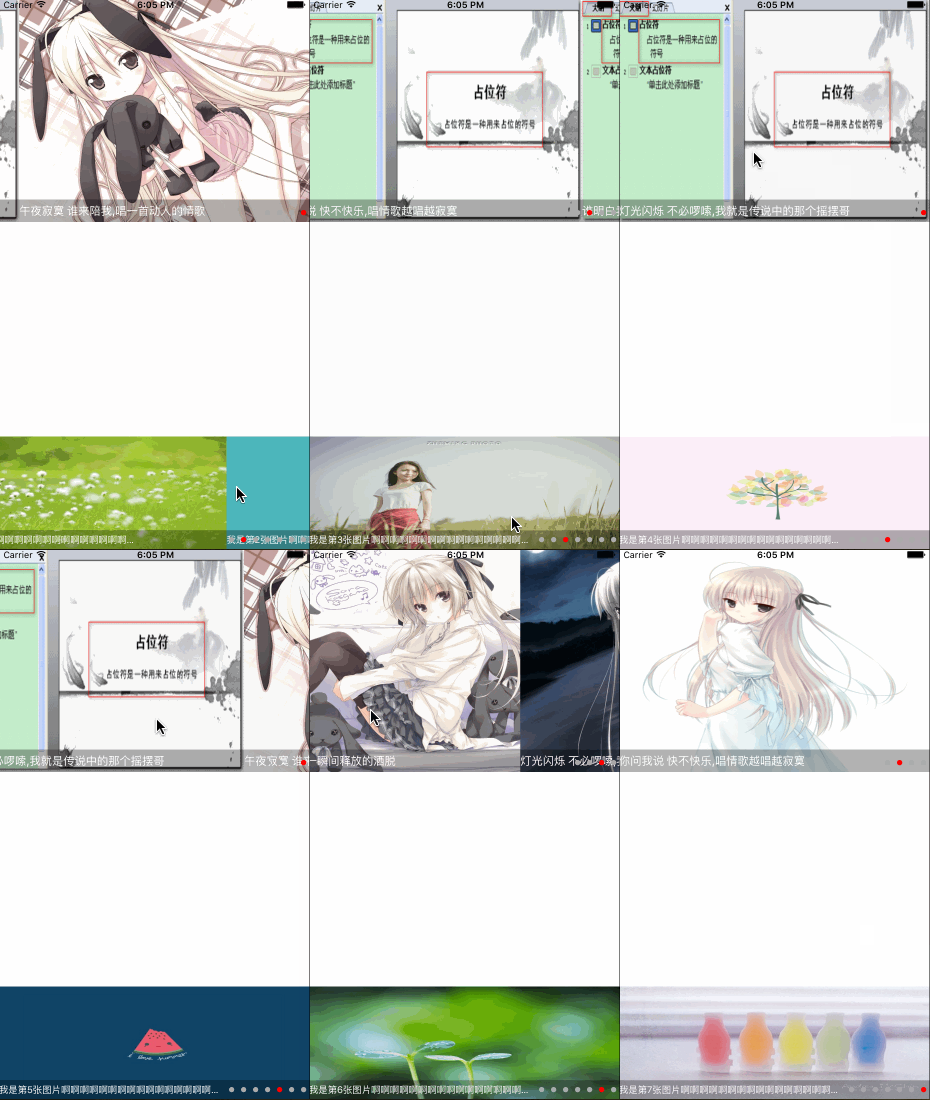
無限圖片輪播器(上傳者:dengchen111)
三個 view 輪替複用,同時支援網路載入(含沙盒記憶體快取)與本地圖片,接入方式相當簡單。
@interface DCPicScrollView : UIView
@property (nonatomic, strong) UIImage *placeImage;      // 佔位圖
@property (nonatomic, assign) NSTimeInterval AutoScrollDelay; // 預設 2.0f,小於 0.5 不自動播放
@property (nonatomic, assign) PageControlStyle style;   // 預設置中
@property (nonatomic, strong) NSArray *titleData;       // 設定後顯示 label,並自動改為靠右
@property (nonatomic, copy) void (^imageViewDidTapAtIndex)(NSInteger index); // index 從 0 起
@property (nonatomic, copy) void (^downLoadImageError)(NSError *error, NSString *imageUrl);

// imageUrlString 或 imageName
- (instancetype)initWithFrame:(CGRect)frame WithImageNames:(NSArray *)ImageName;
// 網路載入時 url 必須以 https:// 開頭;本地載入只需傳圖片名稱陣列
@end
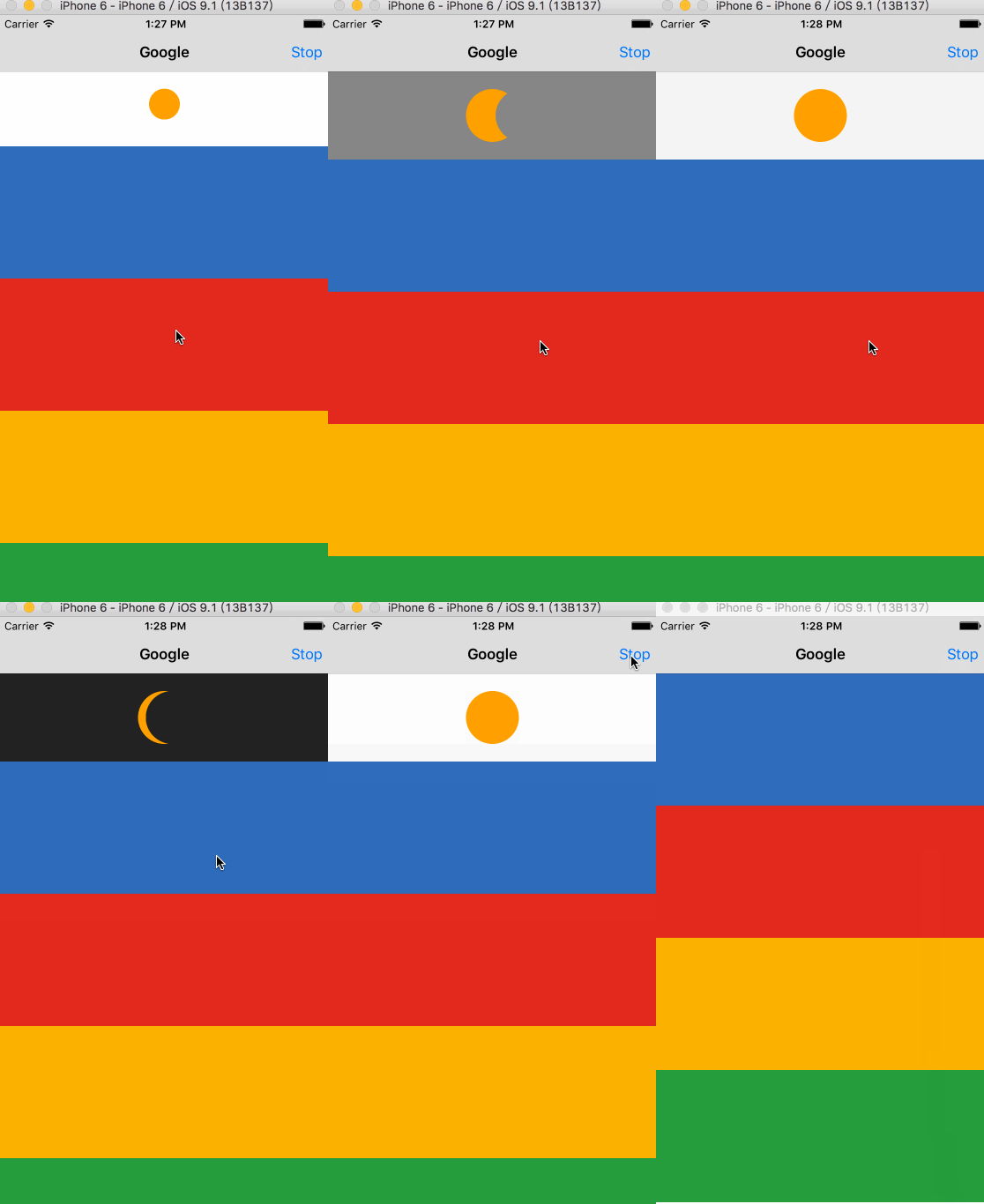
載入時的日食效果(上傳者:xueseason)
以日食漸變作為 loading 動畫,比常見的轉圈更有辨識度,替換掉系統菊苣之後畫面質感明顯不同。
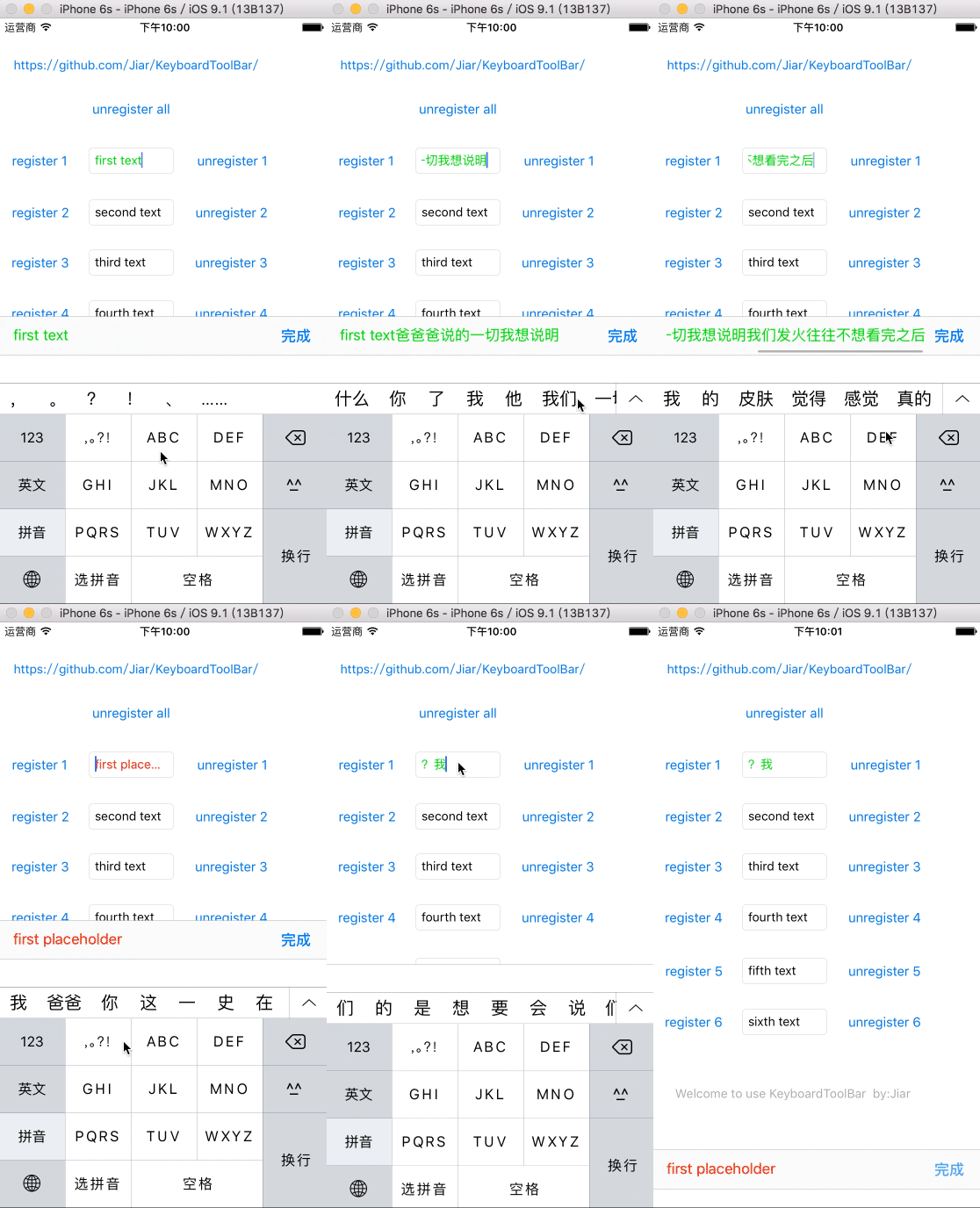
KeyboardToolBar 第二版(上傳者:jiarily)
新版針對「鍵盤遮住輸入框」這個老問題做了處理,讓工具列能正確貼合鍵盤高度變化。作者的說明文章:https://www.jianshu.com/p/f33fd3f927f6