
iOS 10 上 Masonry 自適應失效?兩個關鍵修正
iOS 10 正式版發布後,我陸續做了一些適配工作(權限、UILabel 尺寸、導航欄 tintColor 等),很快推了一個基礎適配版本。直到前一晚做新版本測試時,才發現自動布局突然不作用了。專案裡大量使用了自適應 cell,在 iOS 10 之前一直運行良好;此時若要全部改回手動計算高度,工作量實在太大。折騰了一晚,總算找到 iOS 10 下讓 Masonry 自適應恢復正常的解法。
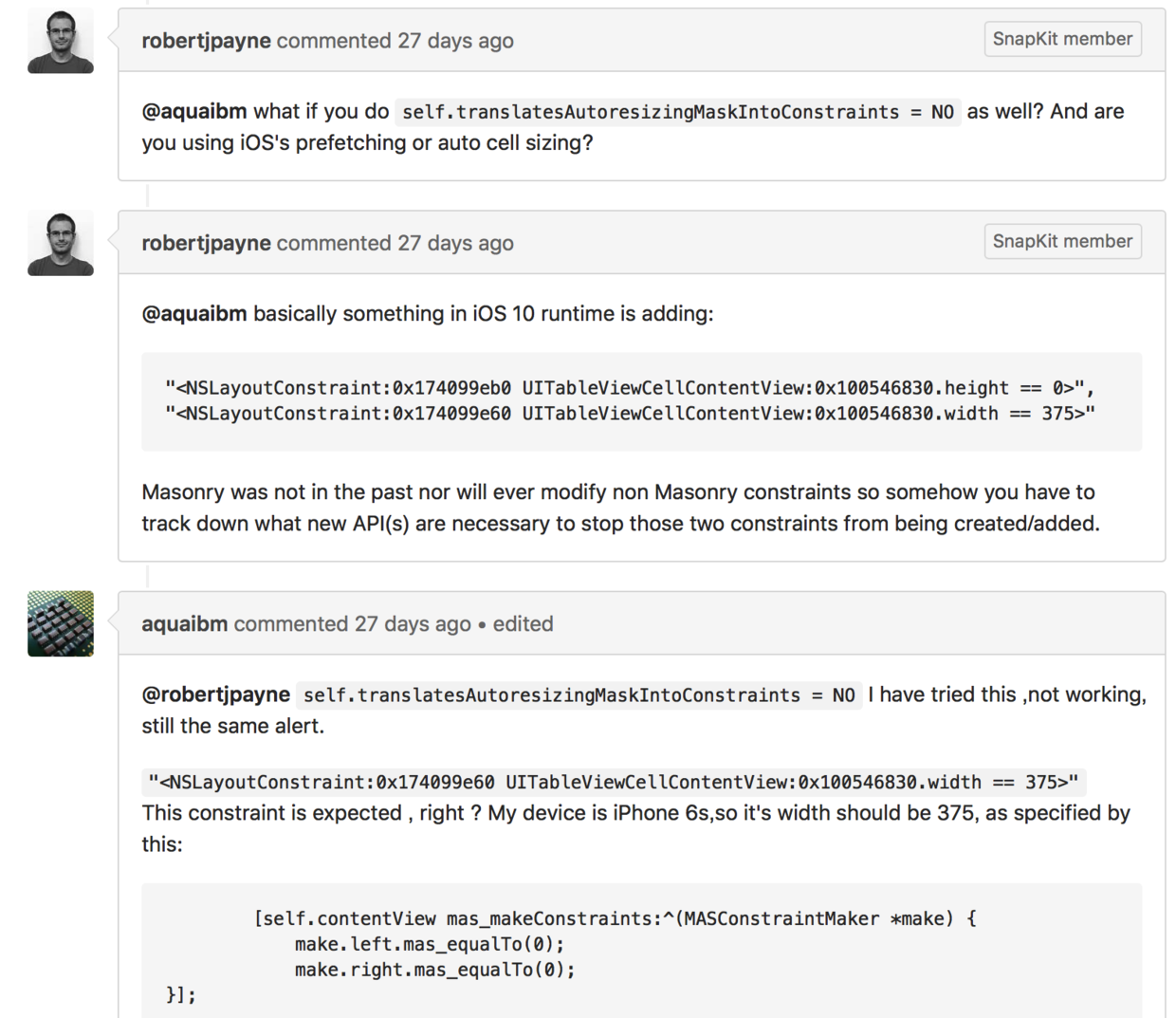
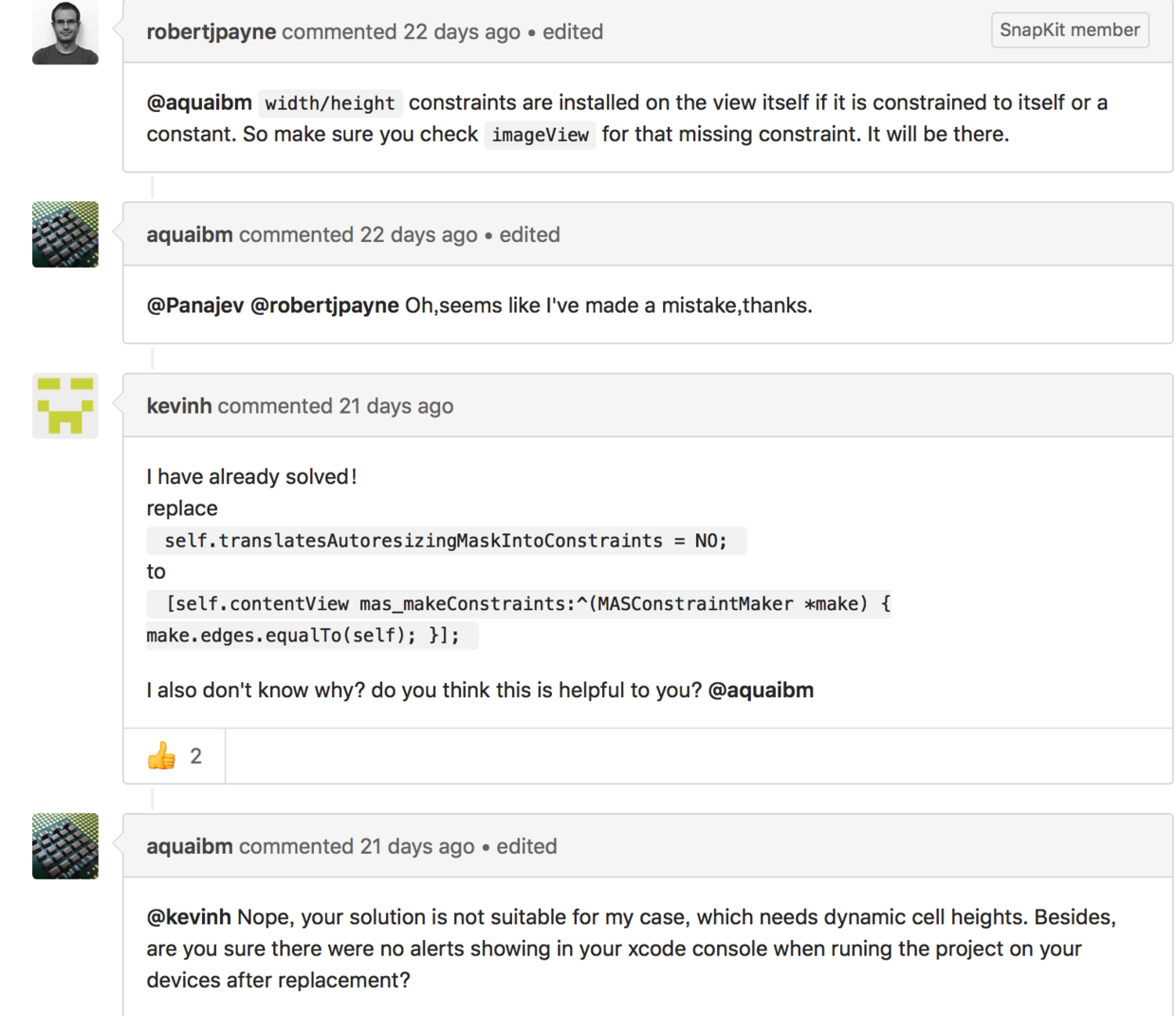
Stack Overflow 上沒有找到完整說明,於是直接去 GitHub 翻 Masonry 作者的 issue,果然有相關討論。
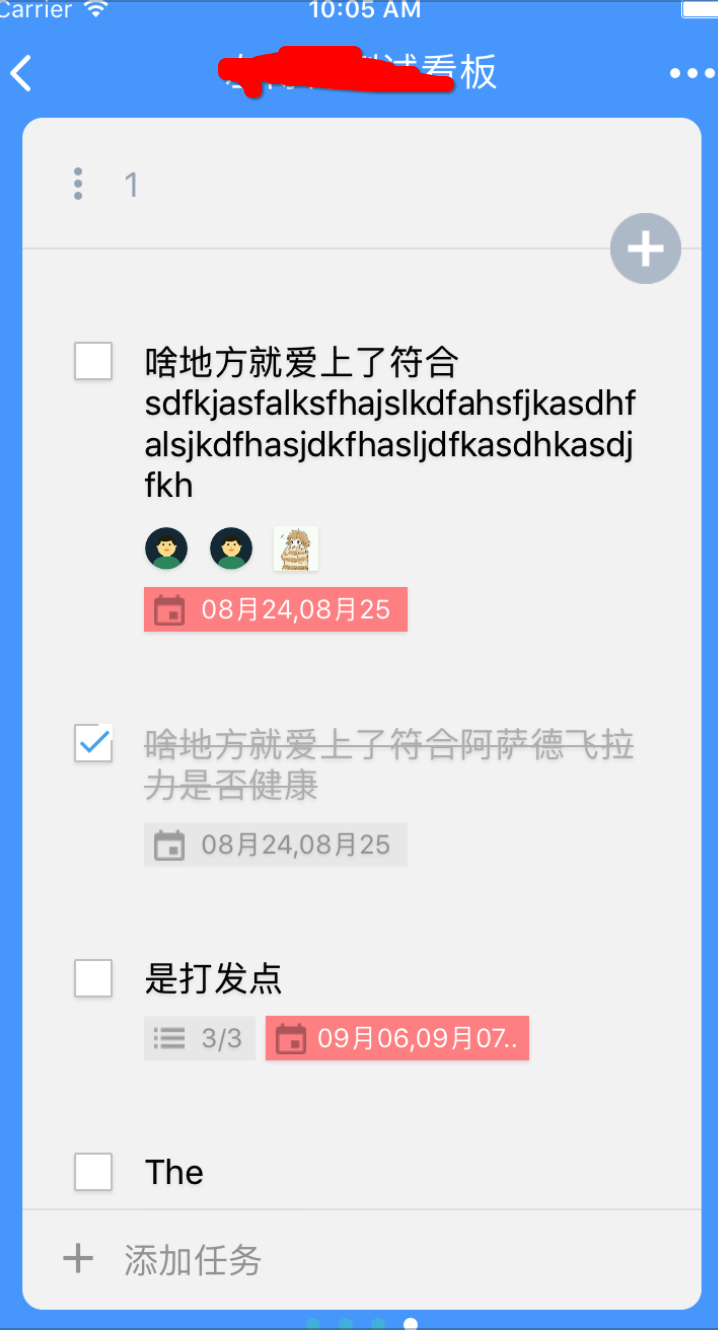
以下是我的專案在 iOS 10 下版面錯亂的情況:

這是原本在 iOS 10 之前正常、之後出問題的寫法:
[viewBG mas_makeConstraints:^(MASConstraintMaker *make) {
    make.left.equalTo(self.contentView).offset(10 * ScaleScreenH);
    make.right.equalTo(self.contentView).offset(-10 * ScaleScreenH);
    make.top.equalTo(self.contentView);
    make.height.equalTo(@(viewBG.height));
}];

[self.contentView mas_makeConstraints:^(MASConstraintMaker *make) {
    make.left.equalTo(self);
    make.right.equalTo(self);
    make.top.equalTo(self);
    make.bottom.equalTo(viewBG).offset(15 * ScaleScreenH);
}];
修正方式只有一個:viewBG 的底部約束不能寫在 contentView 的約束區塊裡,要挪到 viewBG 自己的約束中。至於底層原因,牽涉到 UIView 的布局機制,這裡就不深入了。
改完之後:
[viewBG mas_makeConstraints:^(MASConstraintMaker *make) {
    make.left.equalTo(self.contentView).offset(10 * ScaleScreenH);
    make.right.equalTo(self.contentView).offset(-10 * ScaleScreenH);
    make.top.equalTo(self.contentView);
    make.height.equalTo(@(viewBG.height));
    make.bottom.equalTo(self.contentView).offset(-15 * ScaleScreenH);
}];

[self.contentView mas_makeConstraints:^(MASConstraintMaker *make) {
    make.edges.equalTo(self);
}];
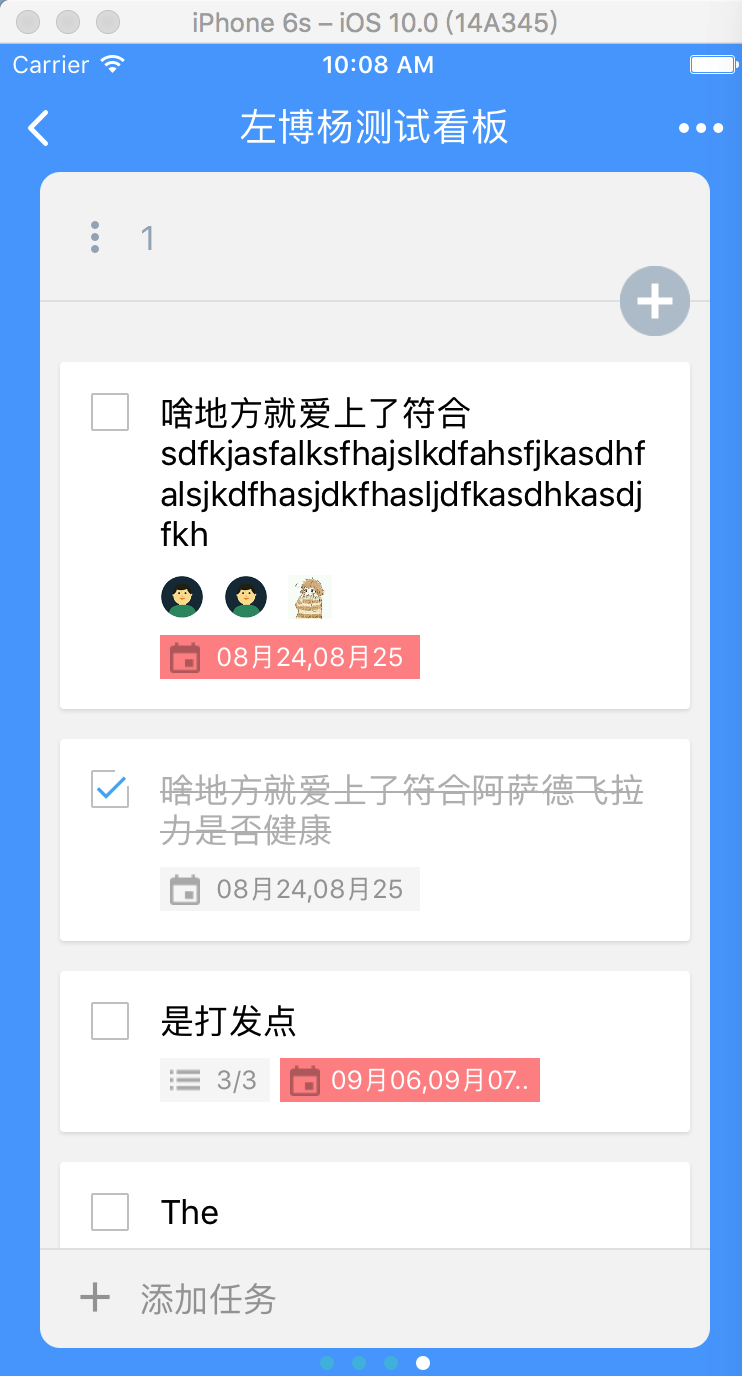
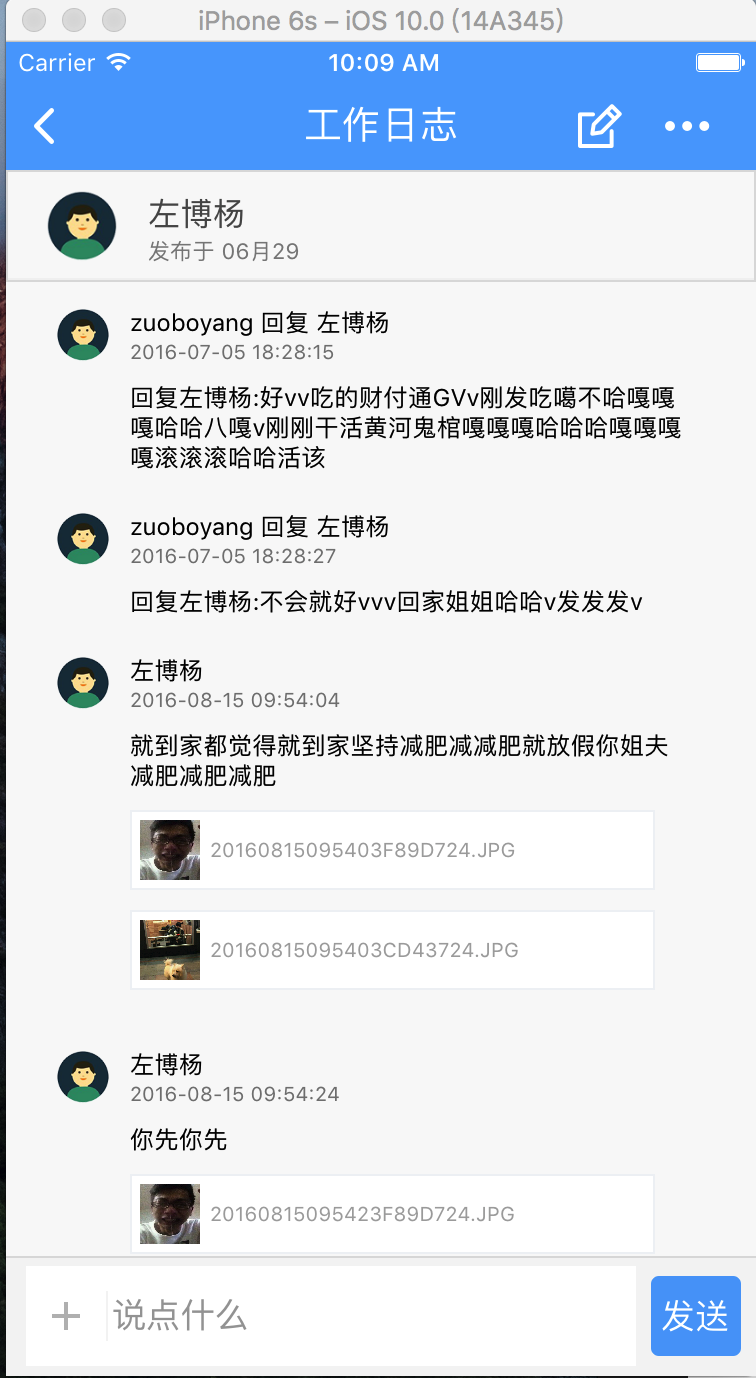
修正後的運行結果:
另外還有一個問題:如果專案中同時用了 UICollectionView 與 UIPageControl,在 iOS 10 下也可能出狀況。中斷調試後發現 indexPath.item 的值會跳動(印出來的 0 可能直接變 2,或 3 變成 0),這是因為 iOS 10 也調整了 UICollectionView 的渲染行為。
當你以 iOS 10 SDK 編譯 App 時,Pre-Fetching 預設是開啟的。若某些原因讓你必須沿用 iOS 10 之前的生命週期行為,只需要設定 collectionView 的 prefetchingEnabled 屬性;不想用 Pre-Fetching 就把它關掉即可。
這裡需要將 prefetchingEnabled 設為 NO(預設是 YES):
self.contentCollectionView.prefetchingEnabled = NO;
希望這些能幫上遇到相同問題的人。
文章轉自 flightlessBirdT 的簡書