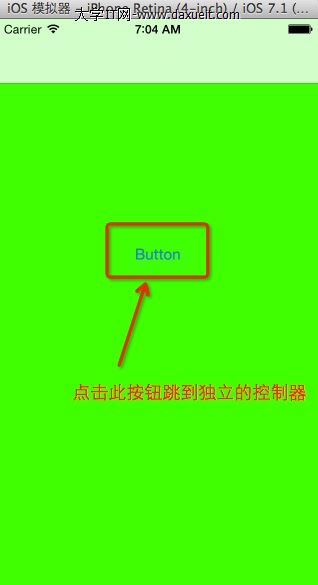
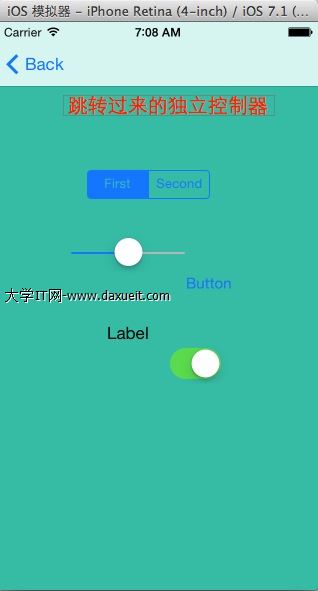
如何在 Storyboard 中取得單獨的 View Controller
編輯:iOS 技巧大全
在 Storyboard 中,有時會有一個沒有連線的單獨控制器。若希望在程式碼中取得它,可以透過 Storyboard ID 來實作。
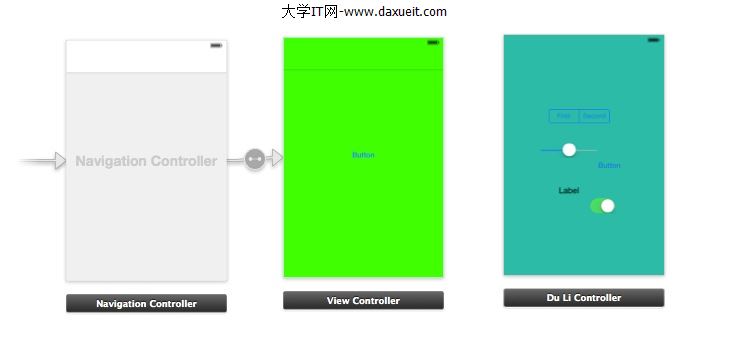
常見 Storyboard 方法
storyboardWithName:bundle: 可依名稱取得 Storyboard。instantiateInitialViewController 可取得初始控制器。instantiateViewControllerWithIdentifier: 則可依 identifier 取得指定控制器。
設定 Storyboard ID
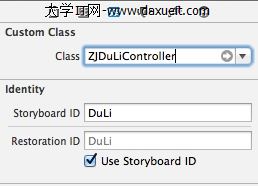
在 Storyboard 中選取該控制器,於 Identity Inspector 設定 Storyboard ID。這個 ID 會作為程式碼中搜尋控制器的依據。
取得並顯示控制器
ZJDuLiController *vc = [self.storyboard instantiateViewControllerWithIdentifier:@"DuLi"];
[self.navigationController pushViewController:vc animated:YES];
若目前畫面不在 NavigationController 中,也可以改用 modal 呈現。
最終,這個單獨控制器就能顯示 Storyboard 中設定好的介面。