
UITableView 搜尋功能:SearchBar 與 UISearchController
編輯:iOS 技巧大全
在列表頁中,搜尋功能常用來過濾資料。早期可使用 UISearchBar 與 UISearchDisplayController,iOS 8 之後更推薦使用 UISearchController。
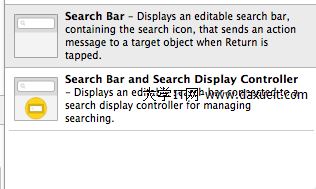
SearchBar 做法
將 searchBar 加入 tableView 上方,並實作 UISearchBarDelegate 與 UISearchDisplayDelegate。可透過 NSPredicate 過濾原始資料。
NSPredicate *predicate = [NSPredicate predicateWithFormat:@"SELF CONTAINS[c] %@", searchText];
self.resultArray = [self.dataArray filteredArrayUsingPredicate:predicate];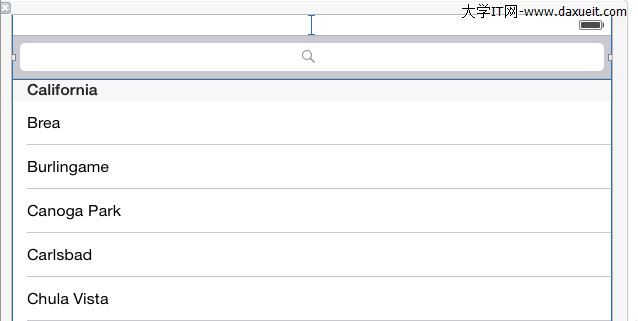
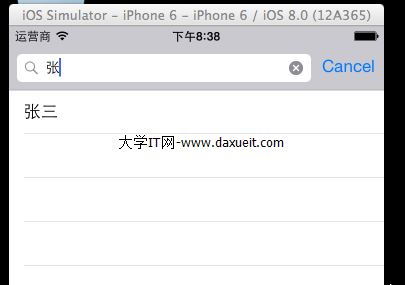
UISearchController 做法
建立 UISearchController,將 searchBar 放入 tableHeaderView,並實作 UISearchResultsUpdating。當搜尋文字改變時,更新結果並 reloadData。
self.searchController = [[UISearchController alloc] initWithSearchResultsController:nil];
self.searchController.searchResultsUpdater = self;
self.tableView.tableHeaderView = self.searchController.searchBar;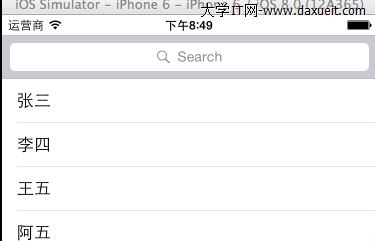
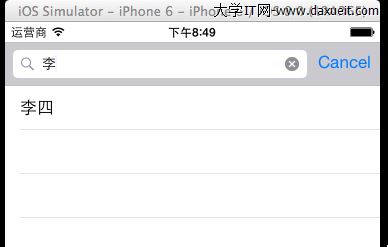
兩種方式都能完成列表搜尋,差別在於 API 的新舊與整合方式。新專案建議直接使用 UISearchController。
- 上一篇文章: Swift 基本類型與流程控制
- 下一篇文章: iOS 本地與 APNS 遠程推送實作