
React Native TextInput 文本輸入框屬性大全
編輯:iOS 技巧大全
前言
學習本系列內容需要具備一定的 HTML 開發基礎。筆者接觸 React Native 時間並不算長,若內容有誤會隨時修正,也歡迎朋友們批評指正。
TextInput 文本輸入框
React Native 中的文本輸入框用法與 iOS 較為相近,這對 iOS 開發者來說是個好消息。TextInput 同樣繼承自 View,因此 View 的屬性它都能使用。
先創建一個基本的文本輸入框:
var textInputTest = React.createClass({ render(){ return( <View style={styles.container}> <TextInput style={styles.textInputStyle}></TextInput> </View> ); } }); 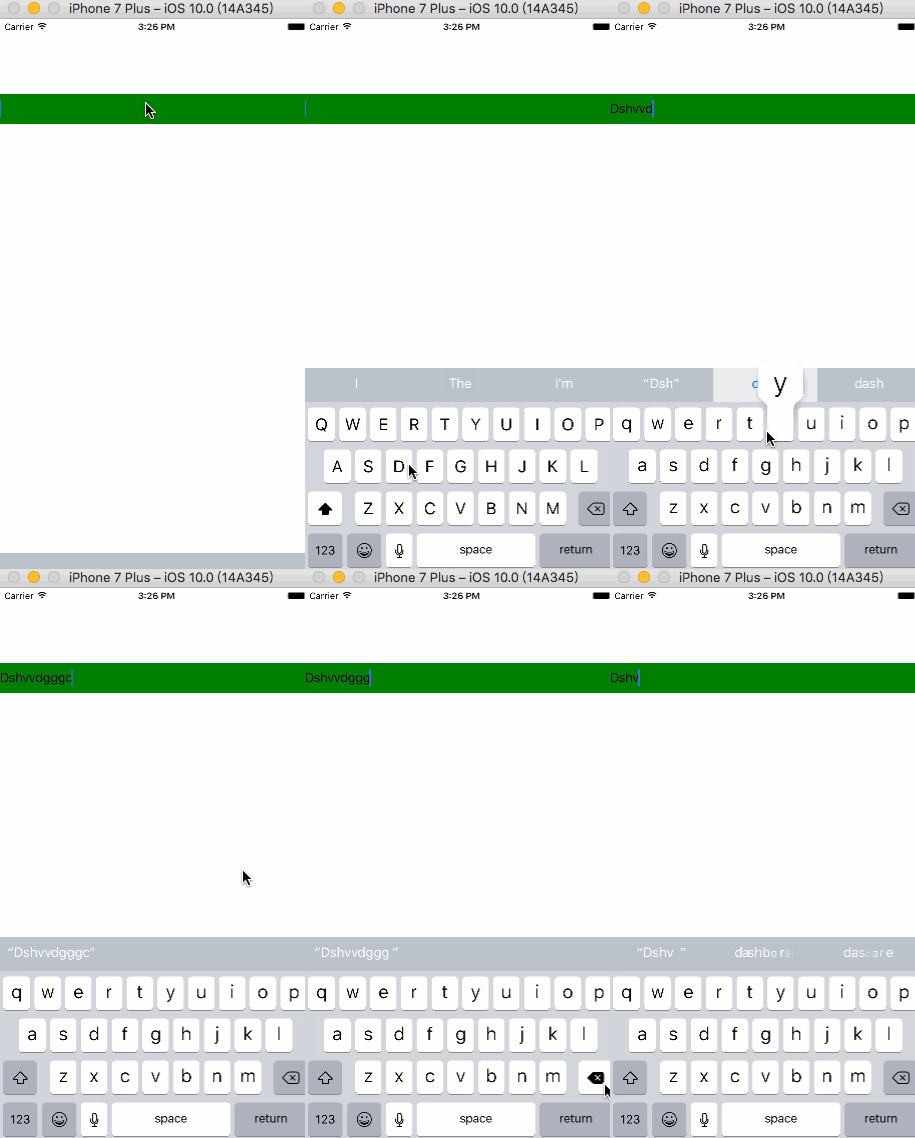
常用屬性
value:文本輸入的默認值(若設置此屬性會造成無法輸入,一般搭配 JS 動態設置)。keyboardType:設置鍵盤類型,決定彈出哪種鍵盤。multiline:為真時可輸入多行文本,默認為假。password:為真時輸入框成為密碼區域,默認為假。placeholder:占位文字,提示用戶輸入框功能。placeholderTextColor:占位字符串的文本顏色。autoCapitalize:控制是否自動切換大寫,可選 none、sentences(默認)、words、characters。autoCorrect:為 false 時關閉拼寫自動修正,默認為 true。autoFocus:為 true 時在 componentDidMount 後獲得焦點,默認為 false。clearButtonMode:清除按鈕出現的時機,可選 never、while-editing、unless-editing、always。clearTextOnFocus:為 true 時每次開始輸入都會清除文本框內容。editable:為假時文本不可編輯,默認為真。enablesReturnKeyAutomatically:為 true 時,文本框無文字時禁用確認按鈕,默認為 false。returnKeyType:決定返回鍵樣式,如 go、join、next、search、send、done 等。secureTextEntry:為真時輸入的文本會變模糊,類似 password,默認為假。
keyboardType 示例:
<TextInput style={styles.textInputStyle} keyboardType="number-pad" ></TextInput> 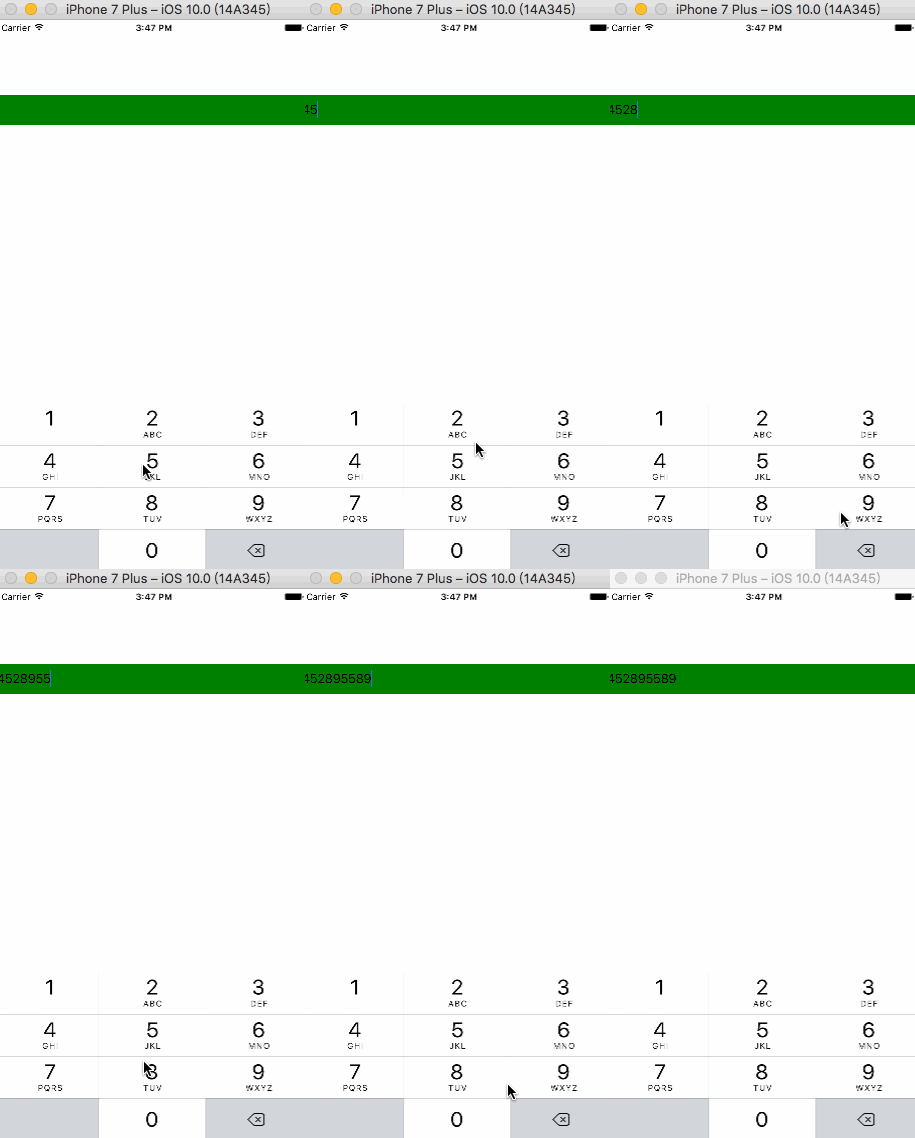
placeholder 示例:
<TextInput style={styles.textInputStyle} placeholder="請輸入賬號" placeholderTextColor="red" ></TextInput> 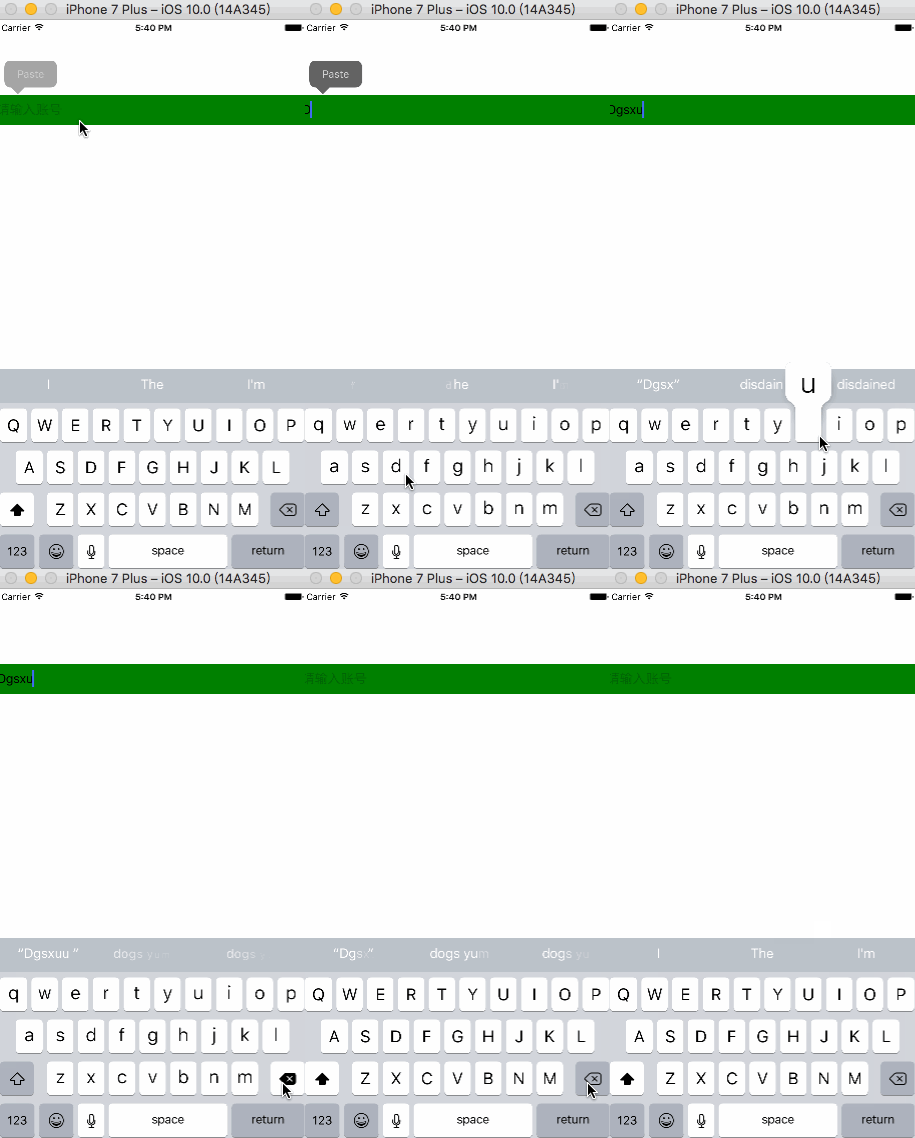
常用回調函數
onChange:文本框內容變化時調用。onChangeText:內容變化時調用,改變後的文字會作為參數傳遞。onFocus:文本框獲得焦點時調用。onBlur:文本框失去焦點時調用。onEndEditing:結束編輯時調用。
onChangeText 示例:
<TextInput style={styles.textInputStyle} onChangeText={(Text) => {alert('文字改變')}} ></TextInput> 
onEndEditing 示例:
<TextInput style={styles.textInputStyle} onEndEditing={() => {alert('結束文本編輯')}} ></TextInput> 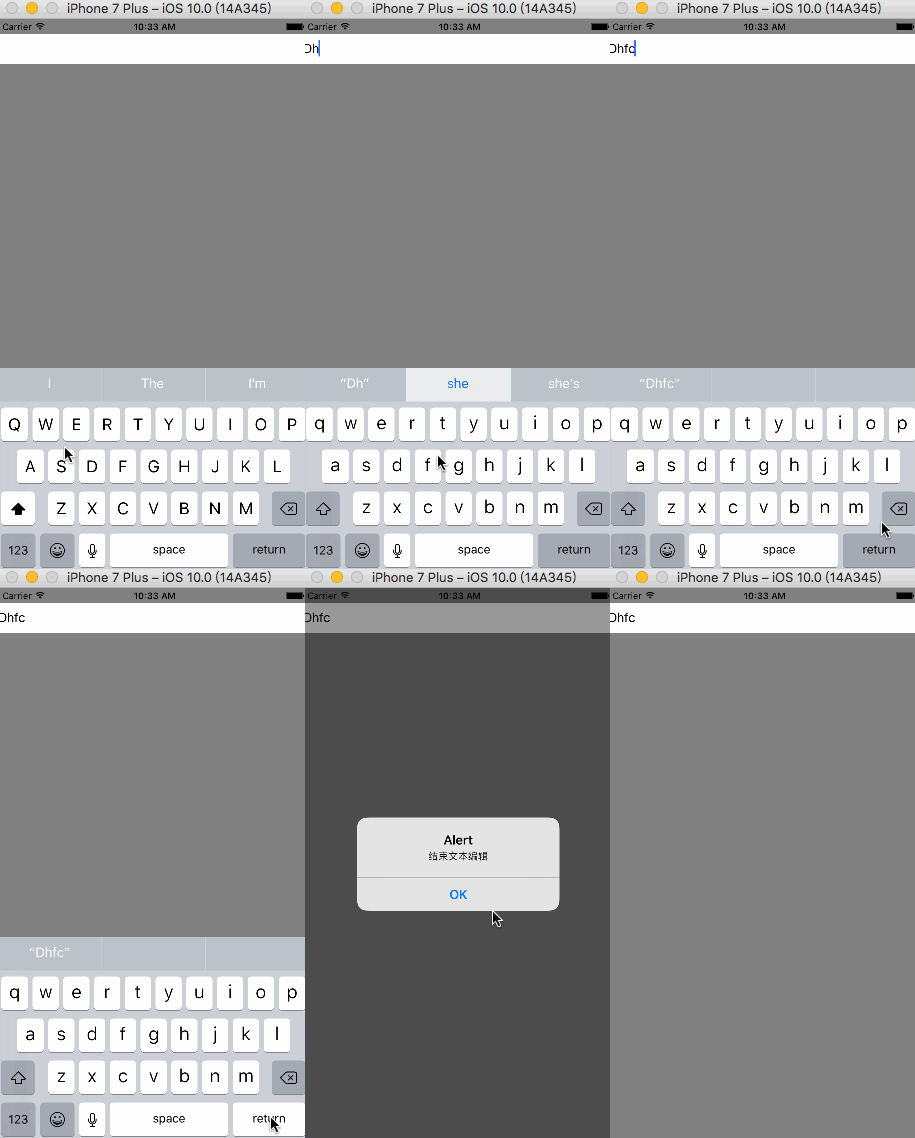
掌握這些屬性與回調,你就能應對絕大多數文本輸入的開發場景。