
iOS CALayer 核心屬性與自定義圖層繪製
iOS CALayer 核心屬性與自定義圖層繪製
CALayer 是 iOS 介面呈現的基礎。本文將說明 position、anchorPoint、隱式動畫,以及如何透過自定義 layer 或 delegate 方式進行繪圖。
一、position 與 anchorPoint
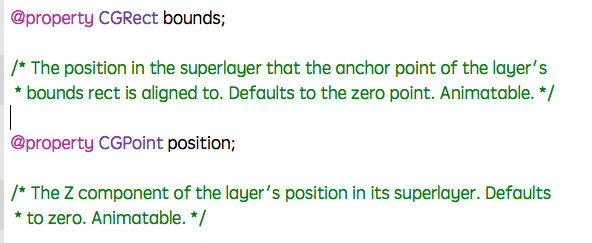
position 用來設定 CALayer 在父圖層中的位置,座標原點通常來自父圖層左上角。anchorPoint 則決定圖層的哪一個點會對齊到 position 指定的位置。
anchorPoint 的 x 與 y 值範圍為 0 到 1,預設值為 0.5, 0.5,也就是圖層中心點。
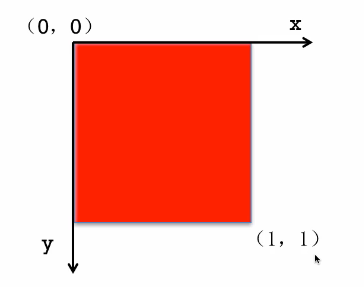
當 anchorPoint 為 0, 0 時,圖層左上角會對齊 position。
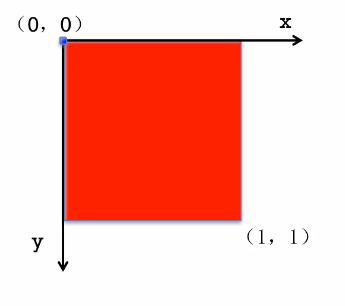
當 anchorPoint 為 0.5, 0.5 時,圖層中心點會對齊 position。
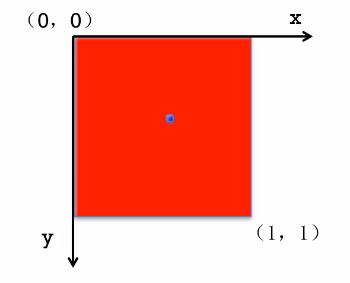
當 anchorPoint 為 1, 1 時,圖層右下角會對齊 position。
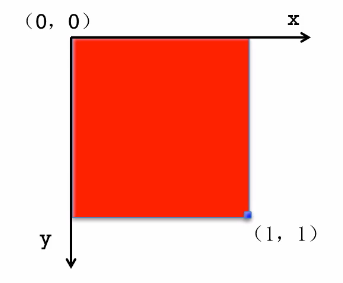
當 anchorPoint 為 0.5, 0 時,圖層上方中心點會對齊 position。
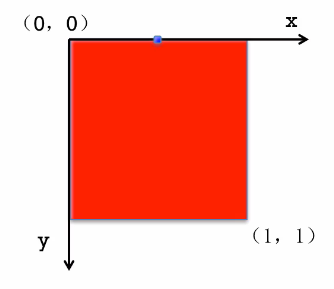
以下示範將紅色圖層加入綠色父圖層,並透過 position 與 anchorPoint 控制位置。
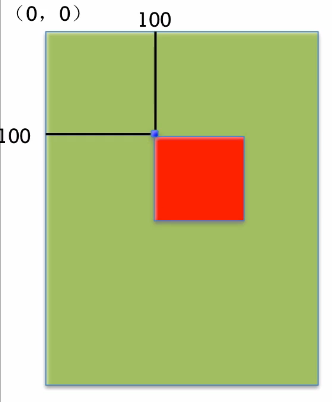
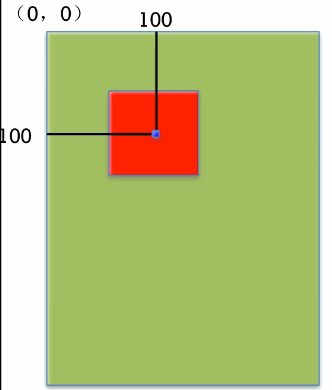
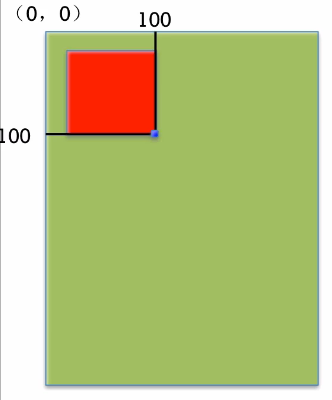
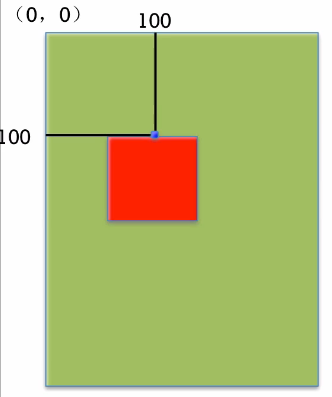
程式範例
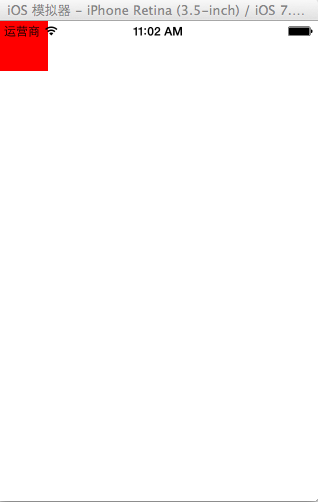
未設定錨點時,預設為中心點。
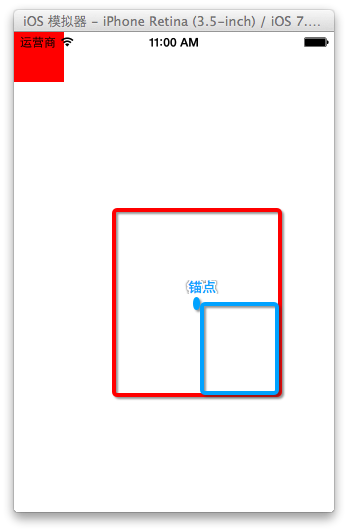
若設定 anchorPoint 為 CGPointZero,圖層左上角會對齊 position。
layer.anchorPoint = CGPointZero;
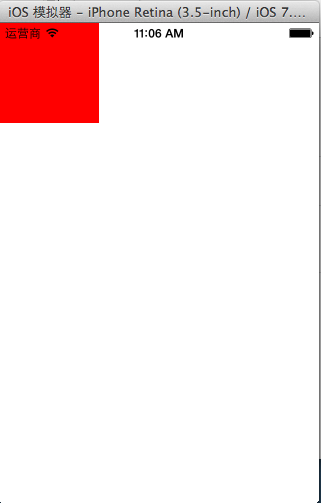
二、隱式動畫
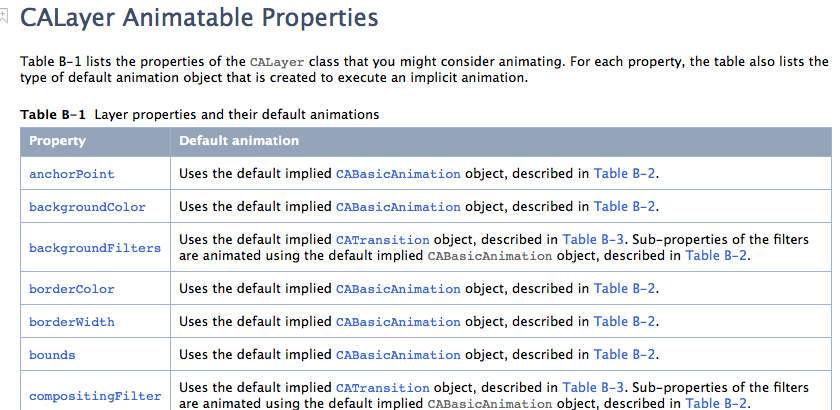
手動建立的 CALayer 通常具有隱式動畫。當修改 bounds、backgroundColor、position 等屬性時,系統會自動產生過渡效果。
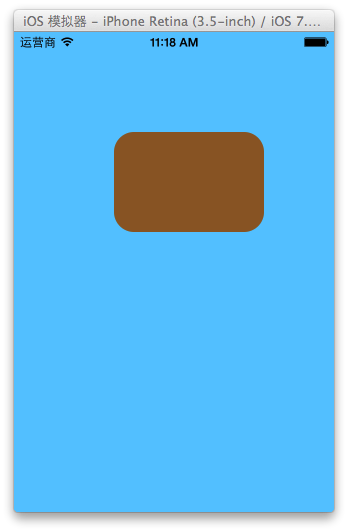
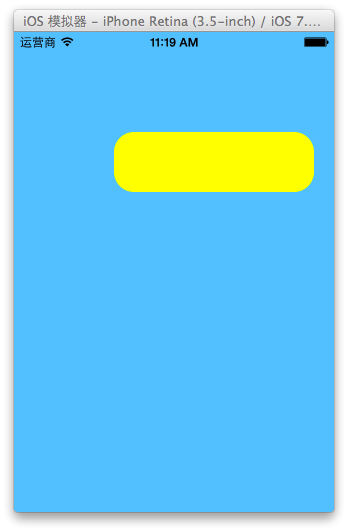
若要關閉隱式動畫,可以使用 CATransaction:
[CATransaction begin];
[CATransaction setDisableActions:YES];
self.layer.bounds = CGRectMake(0, 0, 200, 60);
self.layer.backgroundColor = [UIColor yellowColor].CGColor;
[CATransaction commit];
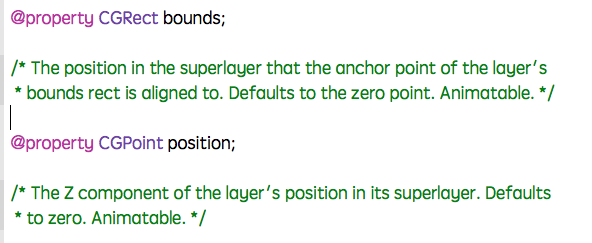
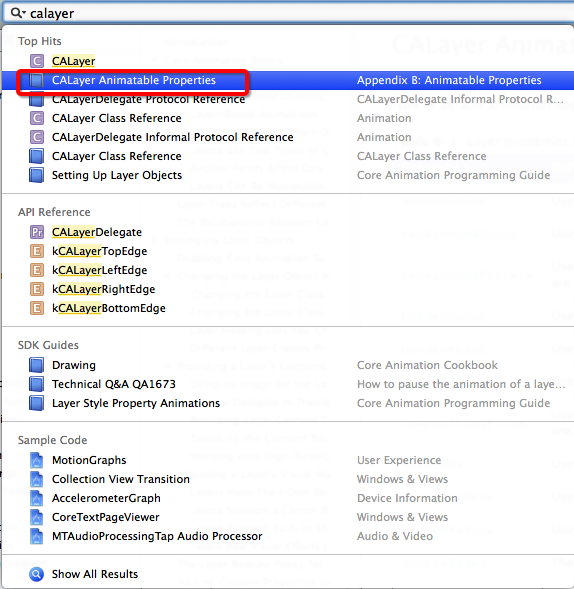
若要確認某個屬性是否支援隱式動畫,可查看頭文件或官方文件。
三、自定義 layer 的第一種方式
可以建立一個繼承自 CALayer 的類別,並重寫 drawInContext: 方法。
- (void)drawInContext:(CGContextRef)ctx {
    CGContextAddEllipseInRect(ctx, CGRectMake(50, 50, 100, 100));
    CGContextSetRGBFillColor(ctx, 0, 0, 1, 1);
    CGContextFillPath(ctx);
}
在控制器中建立自定義 layer,並呼叫 setNeedsDisplay。
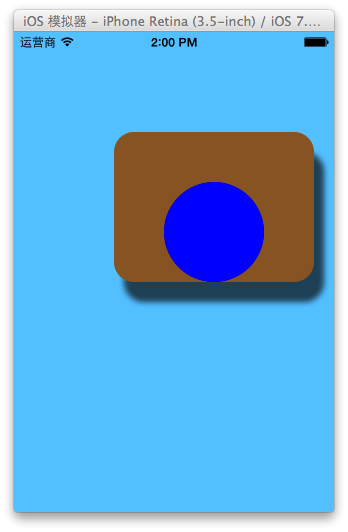
注意:自定義 layer 的 drawInContext: 不會自動呼叫,必須透過 setNeedsDisplay 觸發。此外,繪圖時若要顯示顏色,需自行設定,不能直接依賴 UIKit 的 set 方法。
四、自定義 layer 的第二種方式
也可以將 layer 的 delegate 設定為某個物件,並在該物件中實作 drawLayer:inContext:。
layer.delegate = self;
[layer setNeedsDisplay];

- (void)drawLayer:(CALayer *)layer inContext:(CGContextRef)ctx {
    CGContextAddEllipseInRect(ctx, CGRectMake(50, 50, 100, 100));
    CGContextSetRGBFillColor(ctx, 0, 0, 1, 1);
    CGContextFillPath(ctx);
}
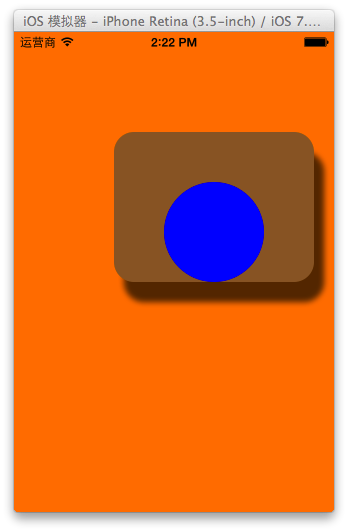
注意:不要把 UIView 設定為其他 CALayer 的 delegate,因為 UIView 本身已是其根圖層的 delegate。
無論使用哪一種自定義方式,都需要呼叫 setNeedsDisplay,才能觸發繪圖流程。
- 上一篇文章: iOS 記憶體管理:引用計數、循環引用與 ARC 橋接
- 下一篇文章: iOS Quartz2D 圓形縮放與刷幀動畫