
更新 iTunes 出錯的解決方法
編輯:iOS 相關教學
當 iTunes 更新失敗,且 iPhone 無法被電腦辨識時,問題多半來自舊版元件殘留。
請先到控制面板移除 iTunes,並一併移除 Apple Mobile Device Support、Apple Software Update、Apple Application Support 與 Bonjour。
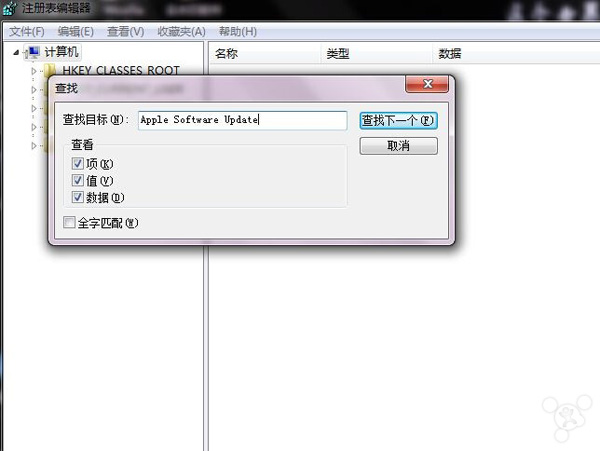
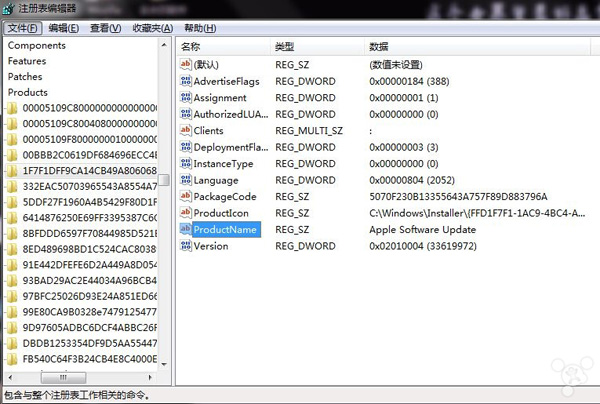
若 Apple Software Update 無法移除,可開啟登錄檔編輯器,搜尋並刪除相關機碼。
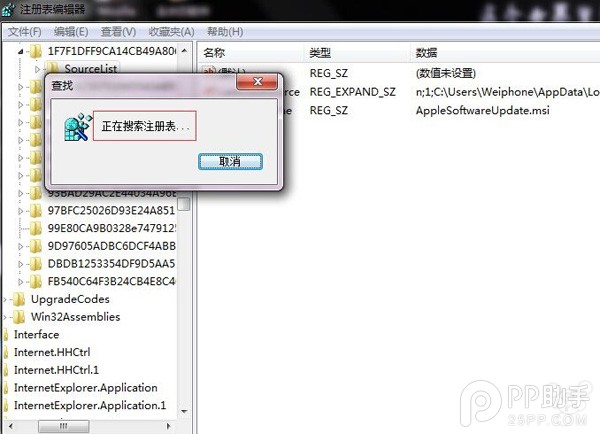
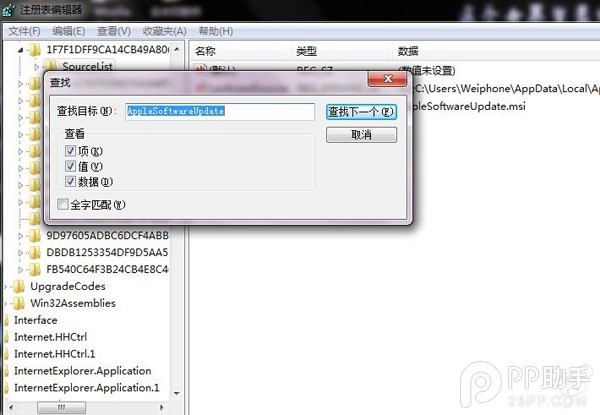
分別搜尋 Apple Software Update 與 AppleSoftwareUpdate,刪除殘留項目後重新開機,再安裝最新 iTunes。
- 上一篇文章: iOS 9.2.1 beta 怎麼樣
- 下一篇文章: iPhone 6s 黑屏沒反應怎麼辦